
Sales meeting follow-up workflow
Demo recordings를 Account Notes, Objection Log, Follow-Up Email, Next Steps로 바꿉니다.
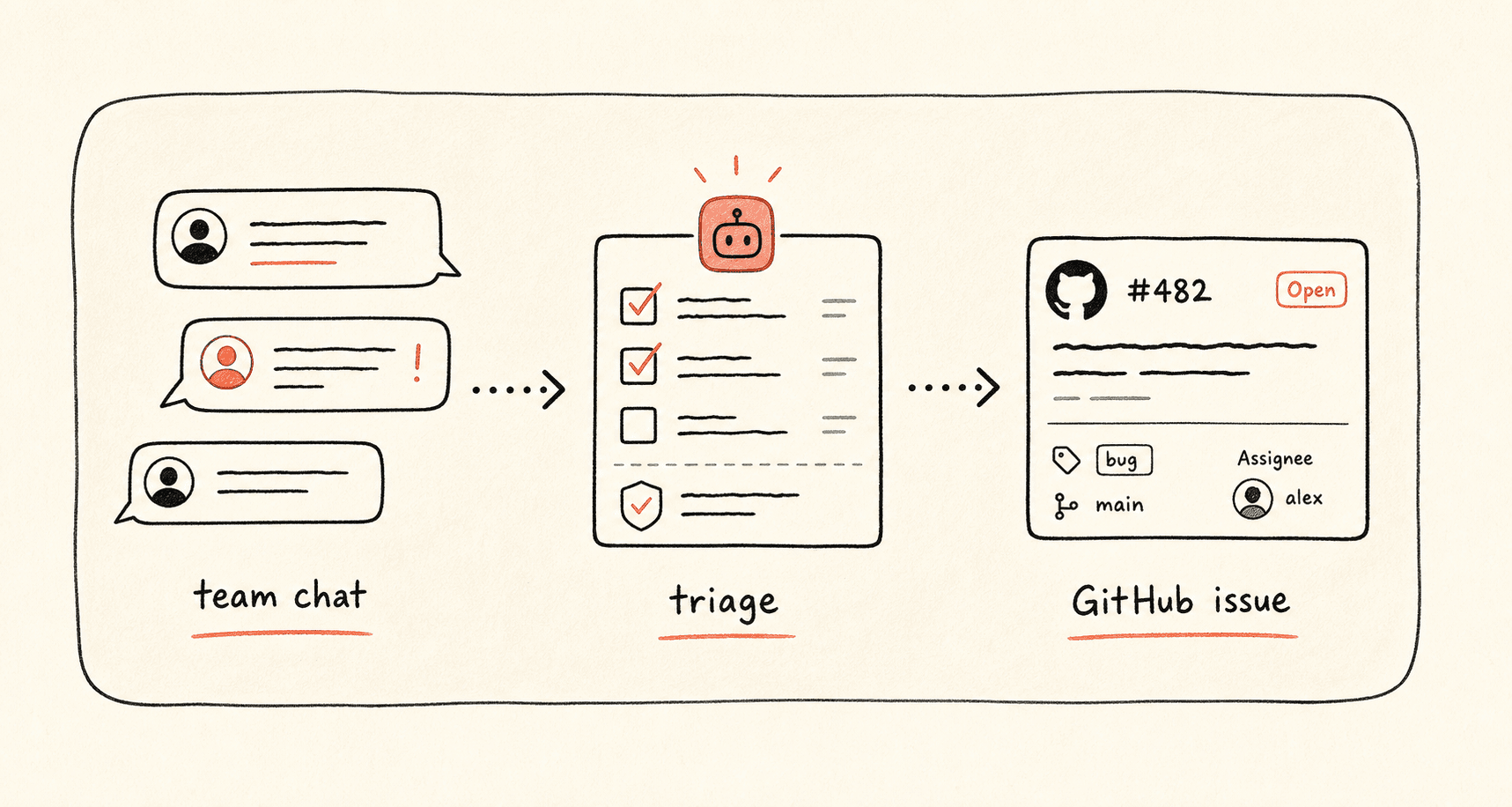
Kollab turns sales meeting audio into Transcript, account updates, buyer pain, objections, Next Step, and review-ready follow-up drafts.
워크플로가 진행되는 방식
먼저 이 워크플로 흐름을 훑어본 뒤 역할, 입력원, 결과물을 실제 팀 프로세스에 맞게 바꿔 넣으세요.
- 01
Transcribe the call
Attach Transcript to the account record.
- 02
Extract selling context
Capture Pain Points, Objections, Timeline, and Decision Criteria.
- 03
Draft the follow-up
Write a specific Follow-Up Email and Internal Account Brief.
- 04
Update the pipeline
Update Next Step, Owner, Risk, and Objection Log.
시작 프롬프트
Create a sales follow-up workflow from this meeting recording. Extract Pain Points, Objections, Decision Criteria, Next Step, Follow-Up Email, Internal Account Brief, Owner, and Deal Risk.
관련 링크 더 살펴보기
관련 기능 페이지에서 이 유스케이스를 팀이 반복해서 실행하려면 어떤 제품 레이어와 도구가 필요한지 확인하세요.
자주 묻는 질문
Sales meeting follow-up workflow 유스케이스는 무엇을 하나요?
Demo recordings를 Account Notes, Objection Log, Follow-Up Email, Next Steps로 바꿉니다.
이 워크플로를 Kollab에서 어떻게 실행하나요?
설정 프롬프트를 Kollab에 복사하고, 플레이스홀더를 팀 맥락으로 바꾼 뒤 워크스페이스에서 검토 가능한 작업으로 실행합니다.
이 워크플로는 무엇을 만들어 주나요?
An Account Record with Transcript, Pain Points, Objections, Follow-Up Email, Internal Brief, Next Step, and Deal Risk.
이 워크플로가 외부 도구에 자동 게시하거나 자동 변경하나요?
아니요. 먼저 검토 가능한 초안, brief, Artifact 또는 데이터베이스 업데이트를 만들고, 팀이 승인한 뒤 게시나 외부 시스템 반영 여부를 결정하도록 설계되어 있습니다.
Follow up while the meeting is still fresh
Turn sales recordings into Account Notes and next-step Ownership.
실행 →