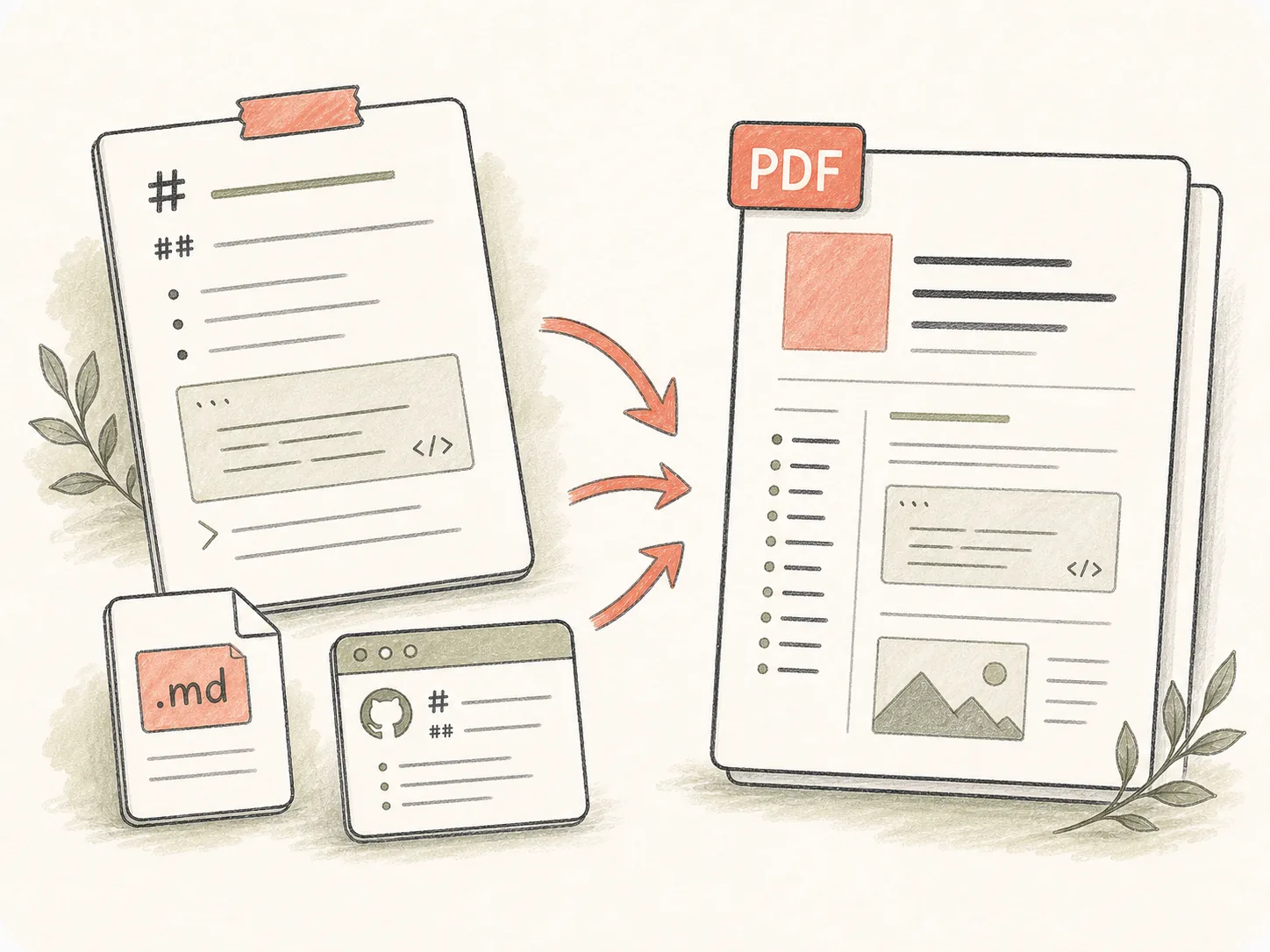
실제 Markdown 소스로 시작
초안을 붙여넣거나, .md 파일을 업로드하거나, README / Obsidian 스타일 Markdown을 붙여넣어 구체적인 콘텐츠에서 작업을 시작합니다.
Markdown 텍스트를 붙여넣거나 .md / .markdown 파일을 업로드하세요. Kollab이 GitHub README, Obsidian 노트, 기술 문서, 보고서, 코드 블록, 표, 목차를 처리하는 온라인 MD to PDF 작업을 시작하고 다운로드 가능한 PDF를 만듭니다.
원시 Markdown, MD 파일, README, Obsidian 노트, 기술 사양에서 소스 컨텍스트가 유지된 검토 가능하고 수정 가능한 PDF로 이동합니다.
초안을 붙여넣거나, .md 파일을 업로드하거나, README / Obsidian 스타일 Markdown을 붙여넣어 구체적인 콘텐츠에서 작업을 시작합니다.
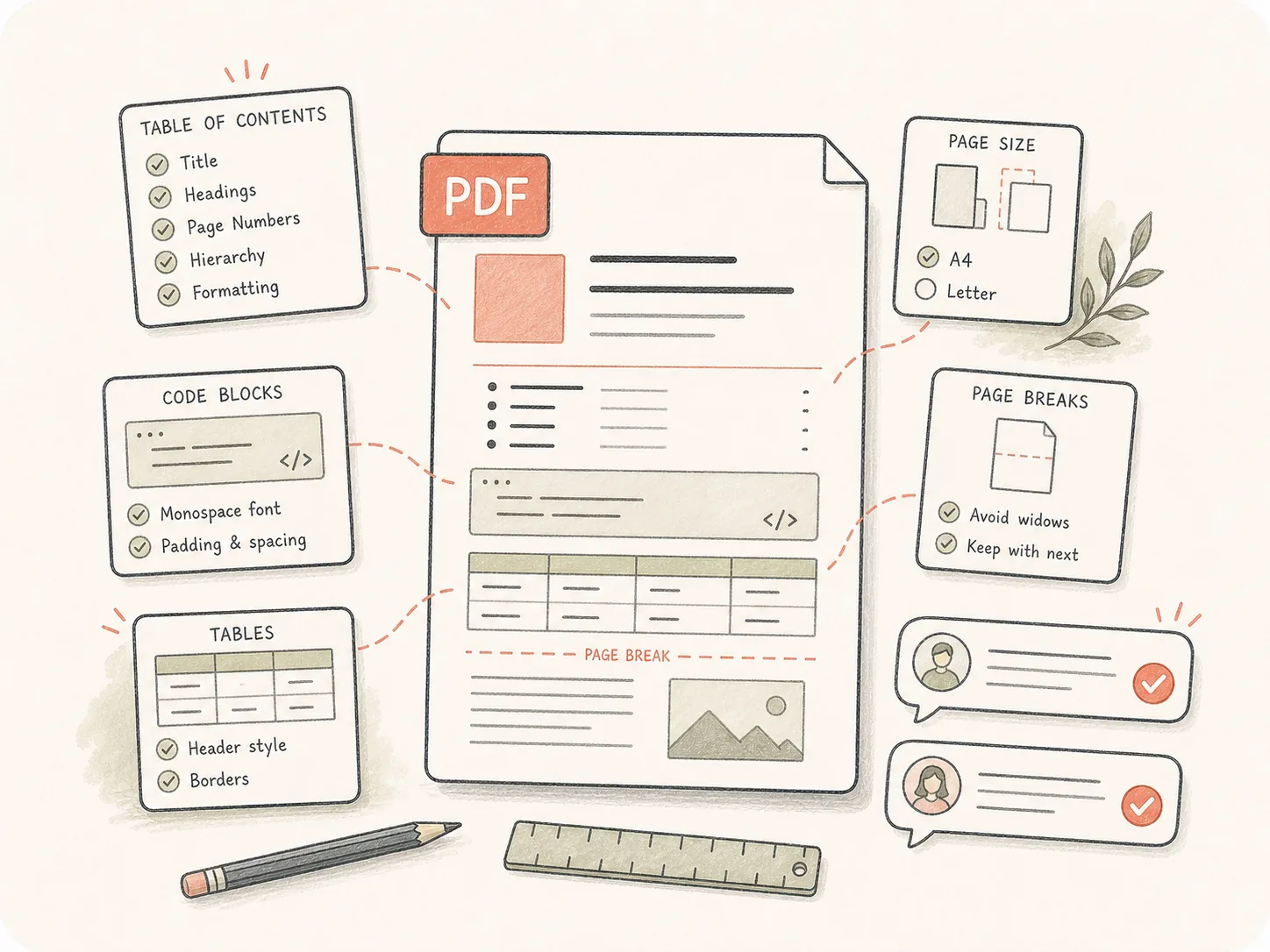
문서 생성 전에 페이지 크기, 표지, 목차, 머리글, 바닥글, 코드 스타일, 표 레이아웃, 인용, 언어 요구 사항을 지정합니다.
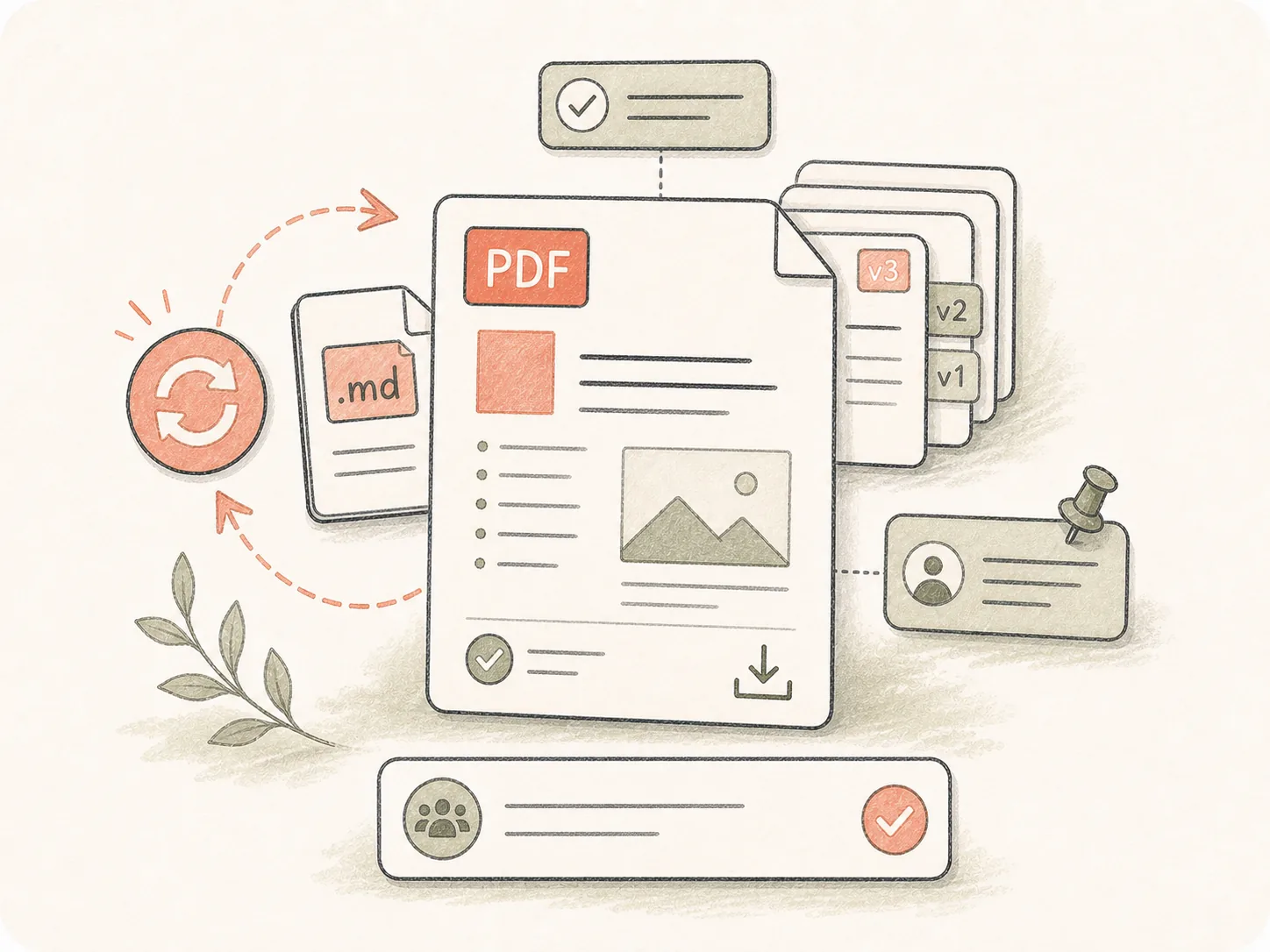
내보낸 PDF는 원본 요구 사항과 함께 Kollab 작업에 남습니다. 팀원은 맥락을 잃지 않고 레이아웃 수정, 문구 수정, 다시 내보내기를 요청할 수 있습니다.
Markdown 초안, MD 파일, README 콘텐츠, 구조화된 노트를 동일한 작업 안에서 서식 요구 사항과 함께 세련된 PDF로 변환합니다.
Markdown 텍스트를 붙여넣거나 .md / .markdown 파일을 업로드하세요.
레이아웃, 페이지 나누기, PDF 마감 요구 사항을 추가합니다.
Kollab가 열리고 변환 작업이 준비됩니다.
PDF를 검토하고 필요한 경우 레이아웃 변경을 요청하세요.
소스는 가벼운 Markdown이지만 최종 결과물이 안정적이고 서식이 깔끔하며 검색과 공유가 쉬워야 할 때 사용하세요.
Markdown 연구를 고객이 바로 사용할 수 있는 PDF 보고서로 전환하세요.
GitHub README, 사양, 기술 문서를 읽기 쉬운 코드 블록과 표가 포함된 PDF로 내보냅니다.
연결된 노트, 개요, 내부 지식 문서를 리뷰나 공유에 적합한 깔끔한 PDF로 변환합니다.
제목 구조, 표 레이아웃, 링크, 코드 펜스, 목차 구조를 유지하도록 Kollab에 요청할 수 있습니다.
붙여넣은 Markdown 텍스트나 업로드한 MD 파일을 다운로드 가능한 PDF로 바꾸는 Kollab 도구 페이지입니다. 변환 전에 레이아웃 요구사항도 함께 지정할 수 있습니다.
이 무료 도구 페이지에서 Markdown-to-PDF 변환을 Kollab으로 보낼 수 있습니다. 사용량 제한과 고급 워크스페이스 기능은 Kollab 플랜에 따라 달라집니다.
위에 Markdown 텍스트를 붙여넣거나 Markdown 파일 업로드로 전환해 .md / .markdown 파일을 선택한 뒤 변환을 제출하세요. Kollab이 작업을 열고 변환을 시작해 다운로드 가능한 PDF를 만듭니다.
네. .md 또는 .markdown 파일을 업로드하고 페이지 크기, 표지, 목차, 머리글, 바닥글, 코드 스타일 같은 PDF 요구사항을 추가하세요.
네. 붙여넣기 탭은 Markdown 텍스트, 짧은 문서, README 섹션, 노트에 적합합니다. Kollab은 붙여넣은 내용을 임시 Markdown 파일로 처리해 긴 URL 제한을 피하면서 PDF artifact를 만듭니다.
네. Markdown 텍스트를 붙여넣거나 파일을 업로드하세요. 코드 펜스, 표, 링크, 이미지, 제목, 페이지 나누기를 보존해야 한다면 요구사항에 적어 주세요.
네. Kollab은 fenced code block, 표 레이아웃, 제목, 링크, 이미지를 변환 brief에 포함할 수 있습니다. 기술 문서라면 코드 언어, 표 너비, 페이지 크기, 긴 표의 가로 페이지 여부를 적어 주세요.
Pandoc과 에디터 내보내기는 이미 로컬 템플릿을 관리할 때 좋습니다. Kollab은 PDF 검토, 레이아웃 지시, 파일 artifact, 후속 수정을 같은 공유 작업 안에 남겨야 할 때 더 적합합니다.
네. 작업 시작 전에 요구사항으로 추가하거나 검토 중에 조정을 요청할 수 있습니다. Kollab은 형식 요구사항과 생성된 artifact를 함께 보관합니다.
네. PDF artifact가 작업에 첨부되므로 팀원이 파일을 확인하고 brief에 댓글을 남기며 같은 맥락에서 다시 내보내기를 요청할 수 있습니다.

서식 요구 사항이 미리 담긴 무료 온라인 Markdown에서 PDF로 변환 작업을 시작하세요.