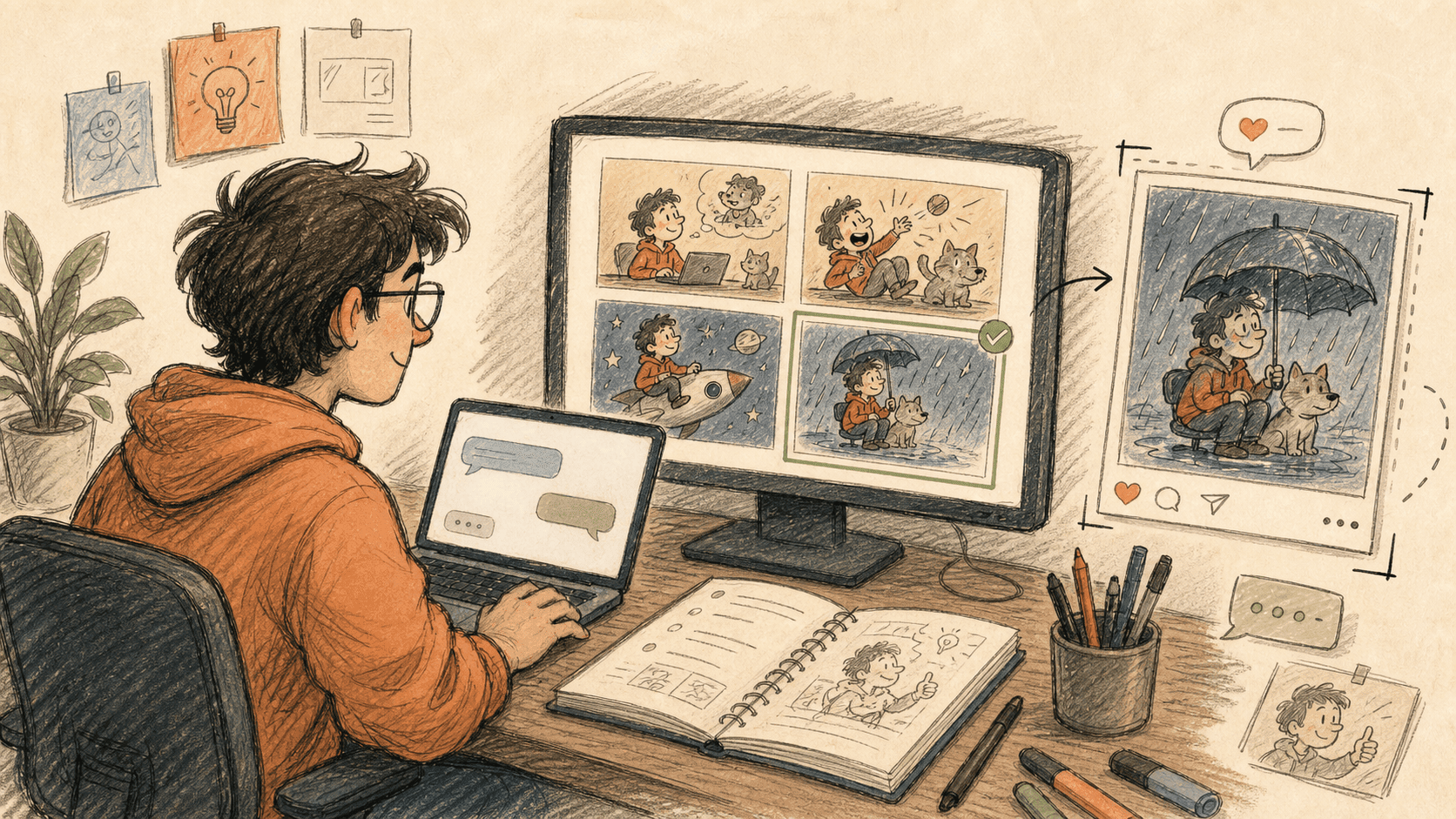
Pick a direction
Kollab starts by turning your idea into a few different visual directions so you can choose the best one.
Describe the idea in words and let Kollab turn it into an image you can post on X.
Sometimes you already know the joke or the visual angle. The hard part is drawing it well enough to publish.
In Kollab, you describe the scene, the style, and the feeling you want. It can suggest a few directions, generate several image options, and keep revising them by chat until one is ready to post.

Copy this into Kollab and replace the bracketed placeholders with your own business details.
I want to create a funny social image for X.
Core idea: [for example Monday morning and coffee is still not enough]
What I want to express: [for example the body is at work but the mind is still in bed]
Visual setup: [describe the scene, character, or props]
Style: [for example loose comic, editorial illustration, meme-like line art]
Please:
1. Propose 3 different visual directions first.
2. After I choose one, generate 4 image variations.
3. I will revise them by chat until one feels right.
4. Export one final high resolution image I can post on X.Read through the workflow once, then swap in your own roles, sources, and outputs.
Kollab starts by turning your idea into a few different visual directions so you can choose the best one.
After you pick a direction, Kollab creates four image variations with different details and emphasis.
You can change expression, composition, and tone by chat until the image feels right.
When the image is ready, export the final version and post it to X.
You do not need to draw to make a strong social image.
Start the image workflow