
Recurring meeting memory
Weekly meeting recordings를 Decisions, repeated blockers, open questions, follow-up history로 만듭니다.
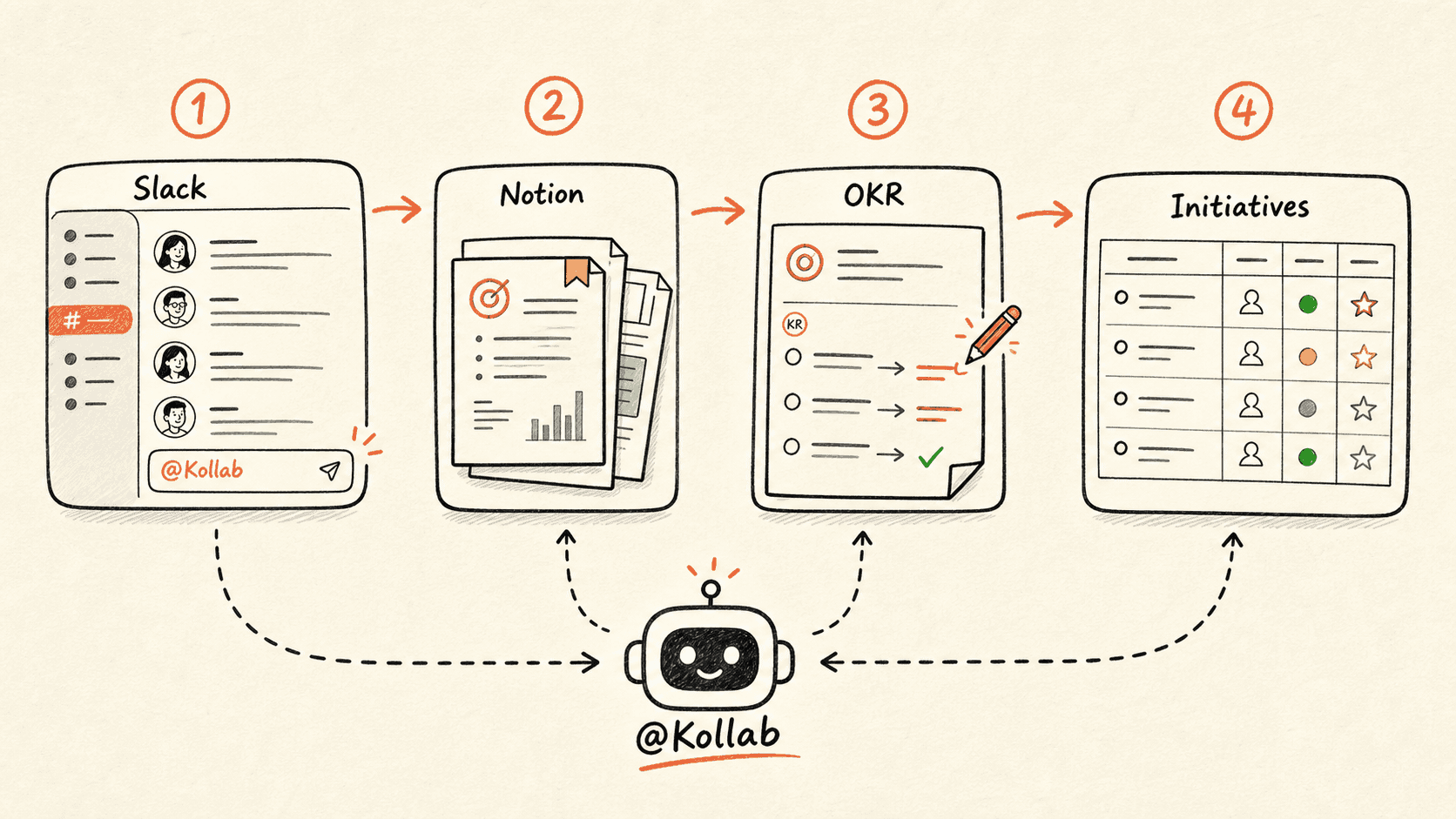
Kollab compares the latest recording with previous meeting records so recurring meetings keep context instead of restarting every week.
워크플로가 진행되는 방식
먼저 이 워크플로 흐름을 훑어본 뒤 역할, 입력원, 결과물을 실제 팀 프로세스에 맞게 바꿔 넣으세요.
- 01
Read the series history
Read latest recording and previous meeting records.
- 02
Compare across weeks
Identify new, repeated, resolved, carried over, or missing items.
- 03
Update live records
Update existing blockers and actions instead of duplicating them.
- 04
Prepare the next meeting
Create a prep page for overdue and repeated issues.
시작 프롬프트
Update the memory for this recurring meeting series. Compare latest recording with previous records, update Decisions, repeated blockers, carried-over Action Items, Status changes, and next-meeting prep.
관련 링크 더 살펴보기
관련 기능 페이지에서 이 유스케이스를 팀이 반복해서 실행하려면 어떤 제품 레이어와 도구가 필요한지 확인하세요.
자주 묻는 질문
Recurring meeting memory 유스케이스는 무엇을 하나요?
Weekly meeting recordings를 Decisions, repeated blockers, open questions, follow-up history로 만듭니다.
이 워크플로를 Kollab에서 어떻게 실행하나요?
설정 프롬프트를 Kollab에 복사하고, 플레이스홀더를 팀 맥락으로 바꾼 뒤 워크스페이스에서 검토 가능한 작업으로 실행합니다.
이 워크플로는 무엇을 만들어 주나요?
A recurring meeting database with Decisions, repeated blockers, carried-over items, escalation flags, and next-meeting prep.
이 워크플로가 외부 도구에 자동 게시하거나 자동 변경하나요?
아니요. 먼저 검토 가능한 초안, brief, Artifact 또는 데이터베이스 업데이트를 만들고, 팀이 승인한 뒤 게시나 외부 시스템 반영 여부를 결정하도록 설계되어 있습니다.
Stop restarting the same meeting every week
Let each recording update long-running meeting memory.
실행 →