The 10 Best Workflow Automation Tools in 2026
Discover the 10 best workflow automation tools in 2026 — kollab, Zapier, Make, n8n & more, compared on AI capability, integrations, and price.
The 10 Best Workflow Automation Tools in 2026
Manual, repetitive work is quietly eating your time: copying and pasting data between a dozen apps, syncing spreadsheets by hand, sending the same follow-up emails over and over. Workflow automation tools exist to hand that repetitive labor off to machines, so you can focus on the work that actually requires a human.
The automation market in 2026 looks very different from a few years ago. AI is no longer a nice-to-have feature — it's the core of every workflow. Tools don't just move data anymore; they need to understand content, make judgments, and generate results. We evaluated dozens of products across five dimensions — ease of use, integration breadth, AI capability, pricing model, and use-case fit — and picked the 10 most worth using.
1. kollab
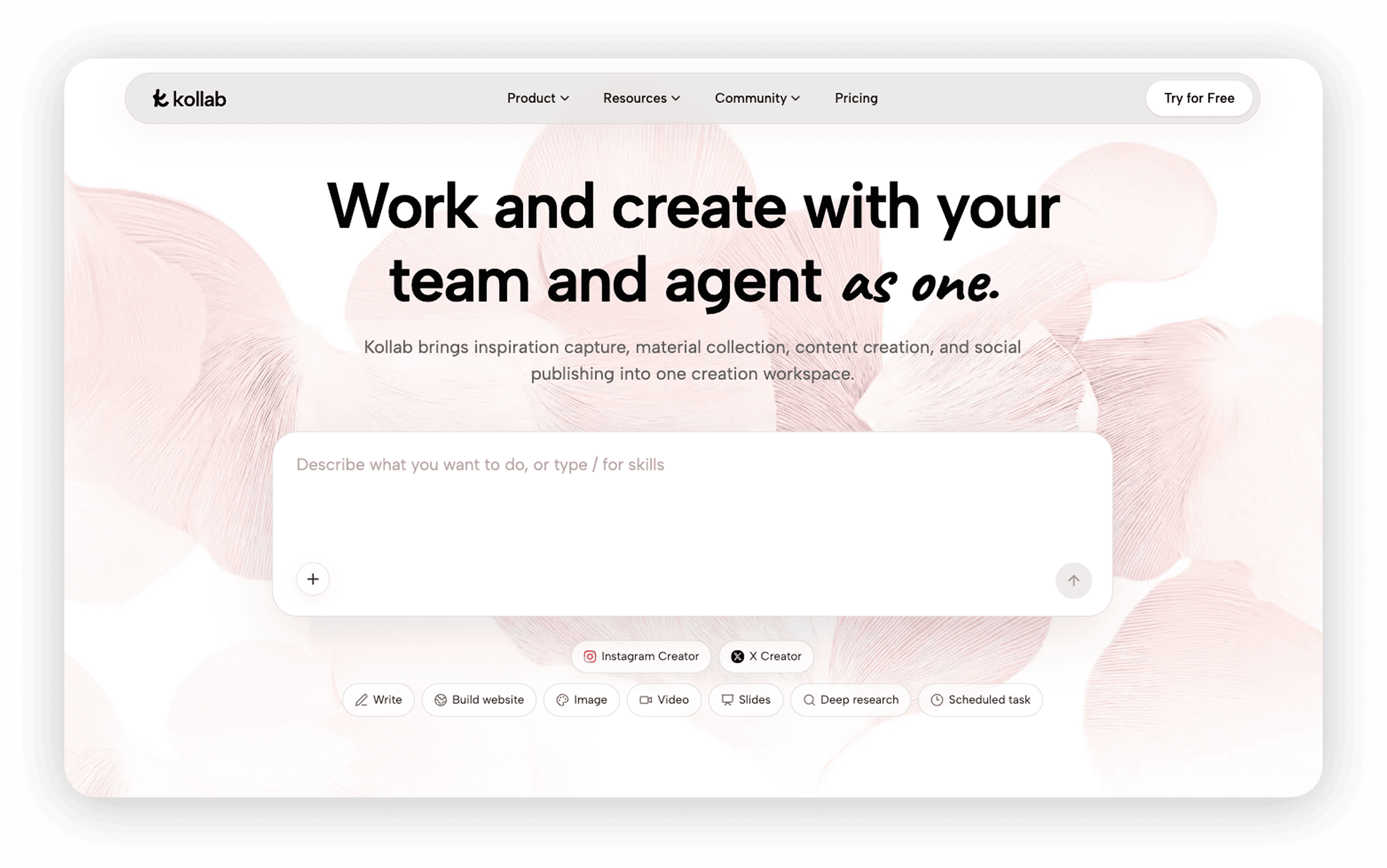
kollab represents where workflow automation is heading in 2026: you don't need to learn drag-and-drop nodes, configure triggers, or understand APIs. Just tell the AI what kind of workflow you want in natural language, and it handles the rest.
Traditional automation tools follow the logic of "a human builds the workflow, the machine executes it." kollab flips this: "a human states the goal, the AI builds and runs the workflow." In kollab, an automated workflow is a conversation: you can simply say "every morning, pull the new articles from this RSS feed, summarize them into notes, and save them to my knowledge base," and kollab will break down the task, invoke the right Skills, chain together search, scraping, transcription, and summarization steps, run it on schedule, and deliver the results. It also brings the three key stages of workflow automation — building (generated from natural language), scheduling (triggered automatically by timers), and retention (output saved to a knowledge base, preferences remembered across conversations) — into a single workspace, with no stitching across multiple tools required.
Highlights:
- Build workflows in natural language: no flowcharts, no trigger configuration — describe what you need in one sentence and the AI generates and runs the complete workflow
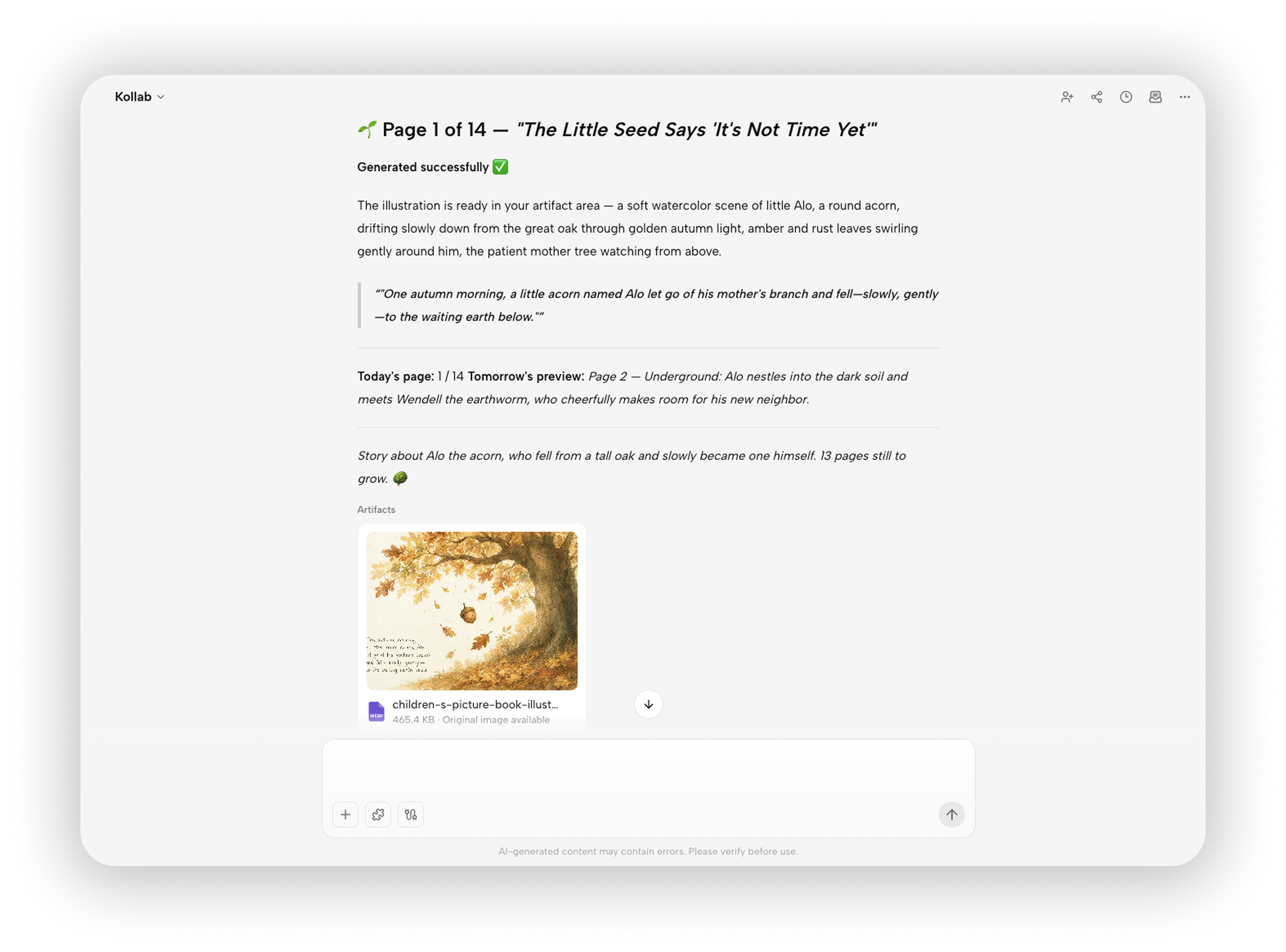
Scheduled tasks: set "every morning at 9am" or "a summary every Monday" once, and the workflow runs on cadence automatically — like giving your AI a cron that never sleeps
Bot ecosystem: wrap a workflow into a bot for Telegram, Discord, and other platforms, then trigger automations with an @-mention in group chat — drop a link in your ops channel and the bot transcribes, summarizes, and replies automatically, extending your workflows from a personal backend into your team's daily communication
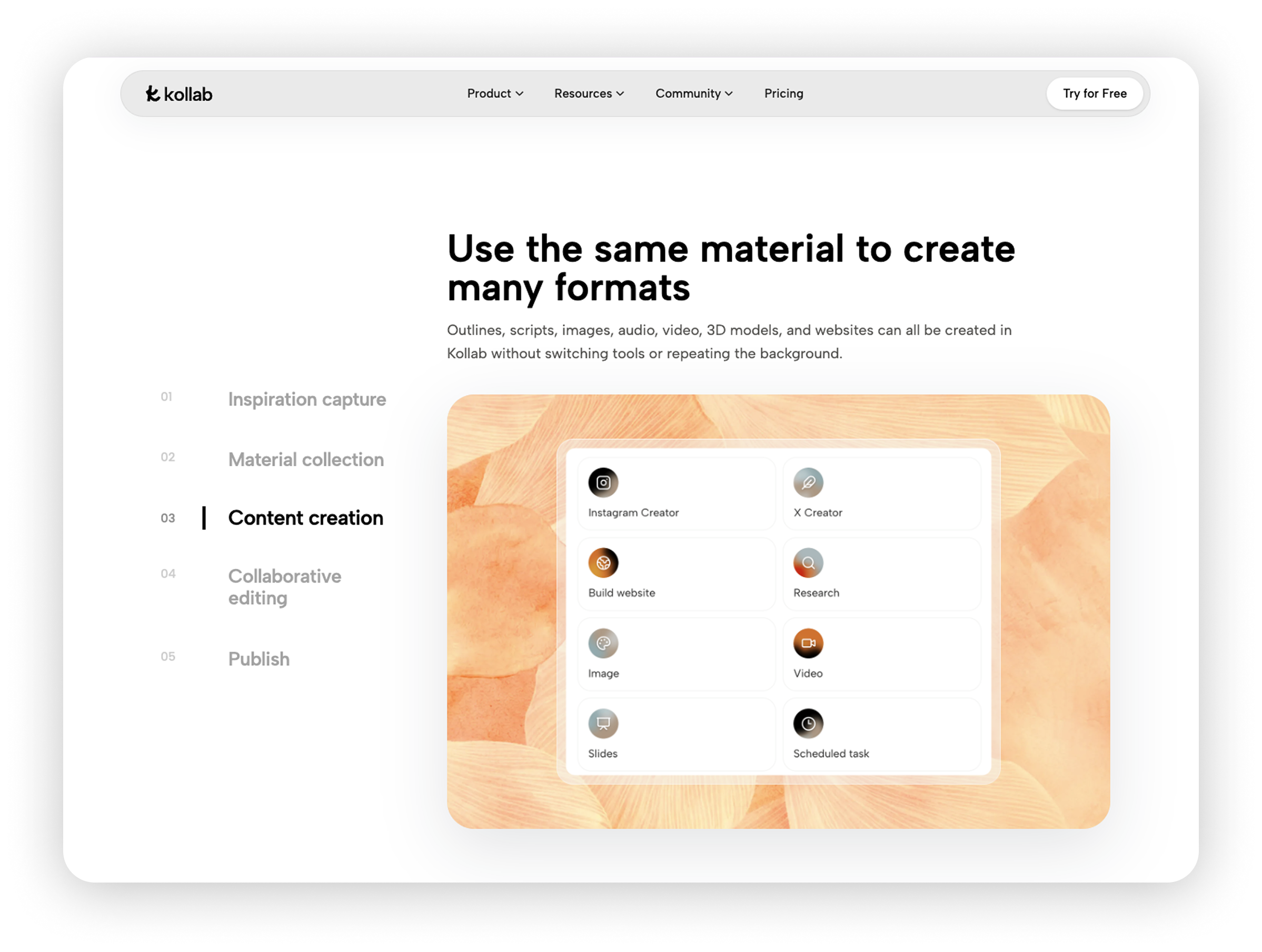
Rich built-in skills: web search, podcast/video transcription (YouTube, Spotify, Apple Podcasts, and more), document generation, image and video generation, browser automation — all ready-made nodes your workflows can call directly, out of the box
Knowledge base integration + long-term memory: every workflow run's output lands in your project knowledge base for the whole team to share; the AI remembers your preferences and project context across conversations, so your workflows understand you better the longer they run
Deeply optimized for content workflows: from collecting material, transcribing, and writing to illustrations, SEO, and publishing plans — a complete content workflow runs end-to-end on one platform, with no exporting and importing
Pricing: Free tier available; Pro $20/mo; Max $200/mo. All plans use a credit system with 200 credits refreshing daily.
Best for: Content creators, marketing teams, independent professionals, and anyone who doesn't want to spend time learning a complex automation tool but still wants the automation dividend. Especially strong for content-related workflows (collect material → transcribe → write → illustrate → publish).
2. Zapier
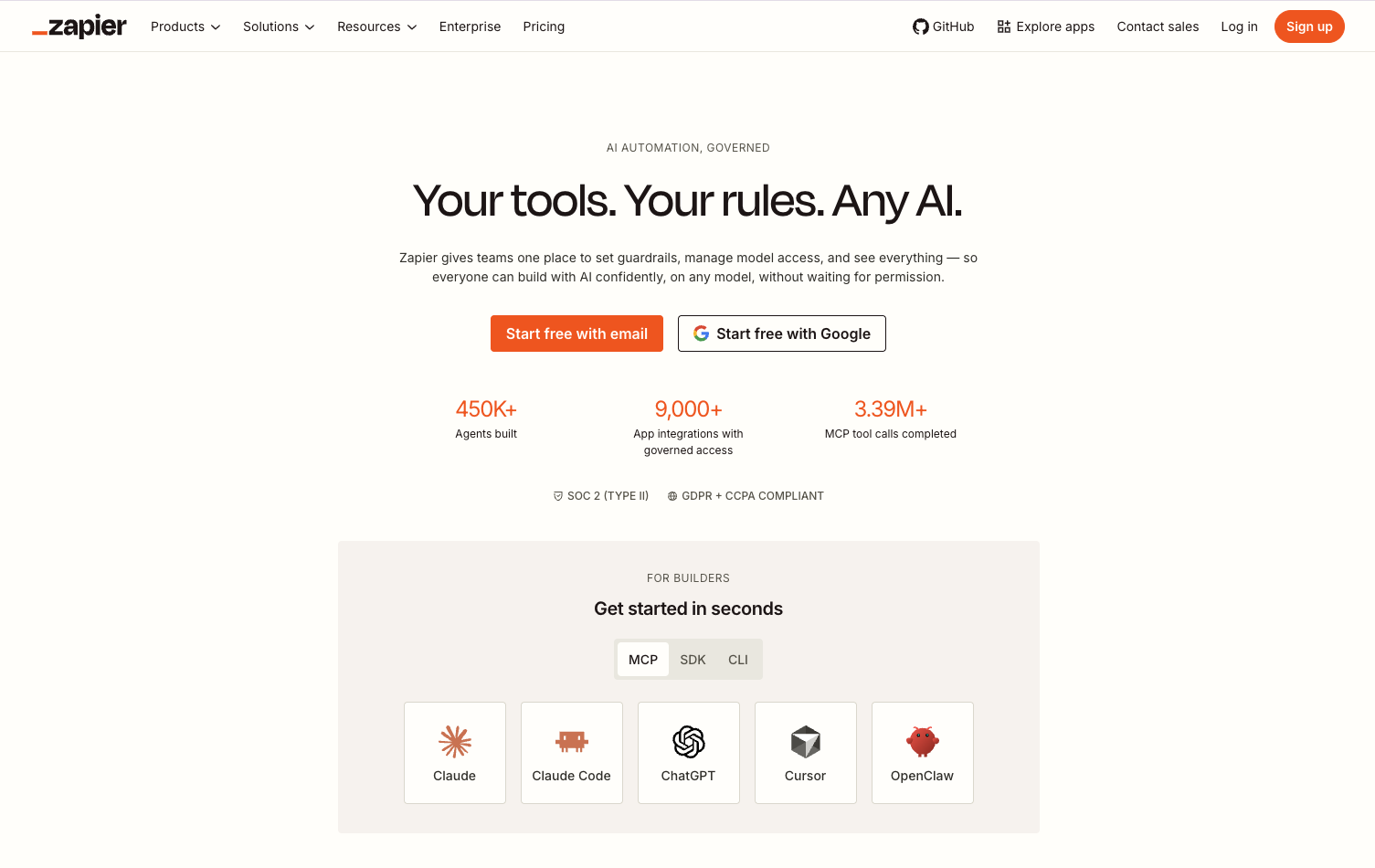
Zapier is synonymous with the workflow automation category and remains the first choice for most non-technical teams building their first workflow. Its core model hasn't changed in decades — "when X happens in app A, automatically do Y in app B" — but with 9,000+ app integrations, nearly every SaaS you can think of can be chained into the same workflow: form submission → write to spreadsheet → notify Slack → create CRM lead. This kind of cross-system data relay is Zapier's most classic scenario. In 2026, Zapier is no longer just "Zaps" (trigger → action); it has expanded into Tables (a database), Interfaces (forms/UIs), Chatbots, and AI Agents, aiming to evolve from "the glue of workflows" into an all-in-one automation platform.
Highlights:
9,000+ app integrations, the industry's largest — even obscure tools very likely have a ready-made connector
Copilot AI assistant: describe what you need in natural language and the AI drafts your Zap
Multi-step workflows + conditional Paths, capable of fairly complex logic
AI Agents: let AI judge and handle tasks autonomously inside a workflow
Pricing: Free plan includes 100 tasks/month; paid plans start around $29.99/month ($19.99/month billed annually). Note that Zapier bills by "task steps" — a 5-step workflow counts as 5 tasks every time it runs, so complex workflows get expensive fast.
Best for: Non-technical teams, companies that need to connect a large number of different SaaS tools, and users who want "an automation live in 5 minutes."
3. Make
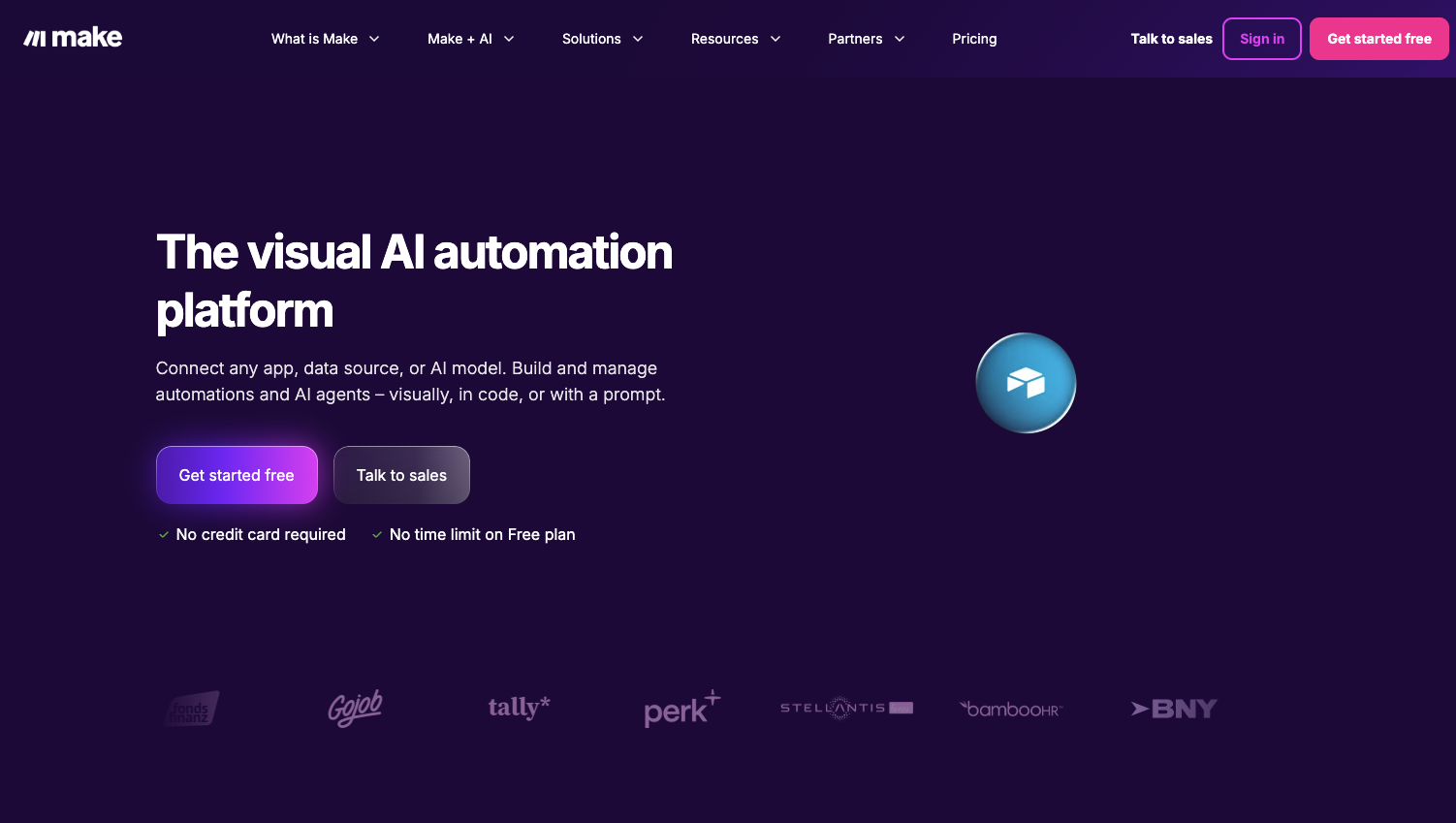
Make answers a different question: what happens when a workflow is no longer a simple "A to B," but involves multiple branches, data cleaning, and batch processing? Its visual canvas is the best in the industry — the entire workflow spreads out like a map, with the data flow between every module visible at a glance. Complex logic like iteration, aggregation, error handling, and data transformation can all be built by dragging modules, clearly outpacing Zapier's linear flows, at a fraction of the price. If your workflow needs to "fetch data → split into an array → process item by item → aggregate and write," Make is the best choice for non-programmers on this list.
Highlights:
Infinite-canvas visual editor — even complex workflows stay legible
Powerful data handling: array operations, text parsing, JSON transformation, error retries — approaching low-code platform territory
1,800+ app integrations, covering mainstream tools
AI modules: built-in connectors to major LLMs, so workflows can call AI to summarize, classify, and generate content
Pricing: Free plan includes 1,000 credits/month; paid plans start at $12/month (10,000 credits). For the same workload, Make typically costs one-third to one-sixth of Zapier.
Best for: Teams that need complex branching logic and data transformation, budget-conscious users with high workflow volume, and ops and growth teams.
4. n8n
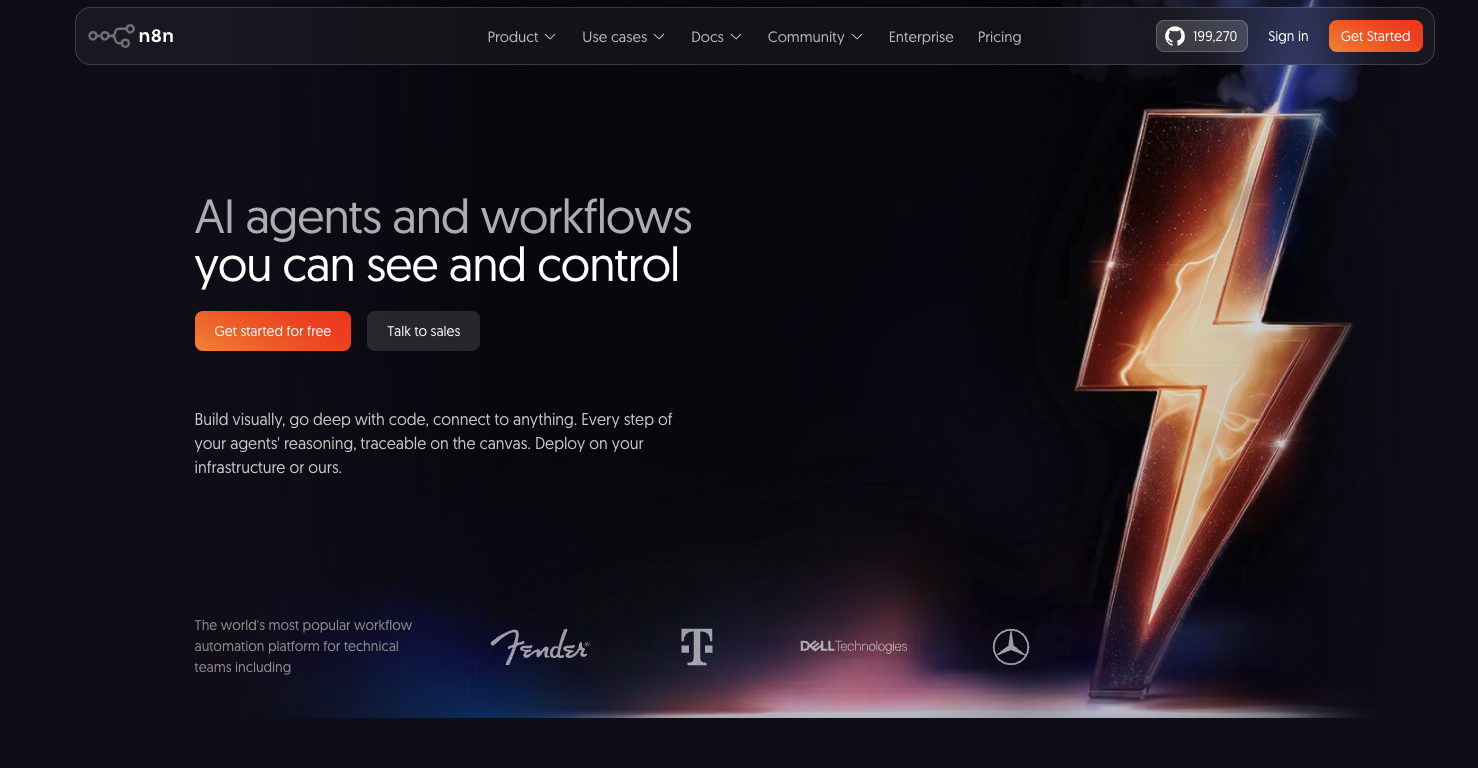
n8n is the only workflow automation tool on this list that can be genuinely self-hosted: open source, with a free community edition that has no execution limits, keeping every workflow and all the data flowing through it on your own servers. That makes it the top pick for technical teams and companies with data compliance requirements — and it also suits high-frequency, high-volume workflows, since while others bill by steps or credits, a self-hosted n8n runs a million times for nothing but your server costs. n8n has also pushed aggressively into AI workflows, with built-in LangChain-based AI Agent nodes, vector stores, and tool calling — plus JavaScript/Python code nodes — making it a popular foundation for building complex AI Agent workflows.
Highlights:
Open source and self-hosted — the community edition is free with unlimited executions
Billed per execution: one complete workflow run counts once, no matter how many nodes it contains — a 50-node workflow costs the same as a 2-node one
Native AI Agent support: LangChain nodes, vector databases, RAG, and tool calling make building AI workflows very comfortable
Code-friendly: JavaScript/Python code nodes give you unlimited flexibility
Pricing: Community edition is completely free (self-hosted); Starter plan at $20/month; Pro plan at $50/month.
Best for: Developers and technical teams, enterprises whose data can't leave the internal network, high-frequency/high-volume automation scenarios, and teams building their own AI Agents.
5. Microsoft Power Automate
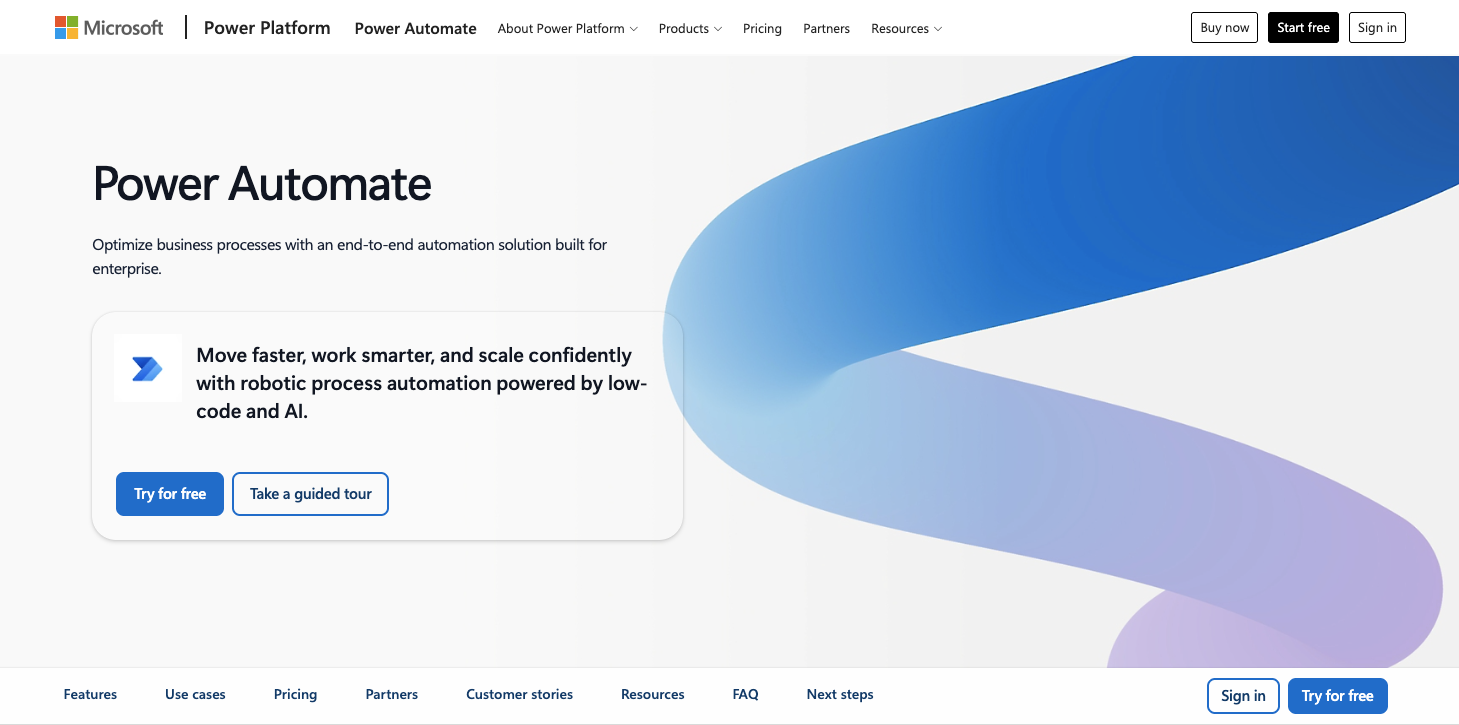
If your company runs on Microsoft 365,Power Automate is practically the default answer for workflow automation: approval flows in Teams, automatic email archiving in Outlook, file sync in SharePoint, data rollups in Excel — the most common internal workflows can be built out of the box, and many M365 subscriptions already include a baseline quota. It's also the only tool on this list offering desktop RPA (robotic process automation): for legacy desktop software with no API where work means clicking a mouse, Power Automate can record and replay human actions, pulling that "last mile" of legacy systems into your automated workflows.
Highlights:
Seamless Microsoft 365 integration — Teams approvals, Outlook mail flows, and SharePoint sync work out of the box
Desktop RPA: simulates mouse and keyboard input to tame old systems with no API
Copilot AI: describe a flow in natural language and it gets generated
Enterprise-grade compliance, meeting the requirements of regulated industries like finance and healthcare
Pricing: Base functionality is included in some M365 subscriptions; Premium is $15/user/month; RPA plans start at $150/bot/month.
Best for: Enterprises deep into Microsoft 365, companies that need RPA for legacy systems, and regulated industries.
6. Workato
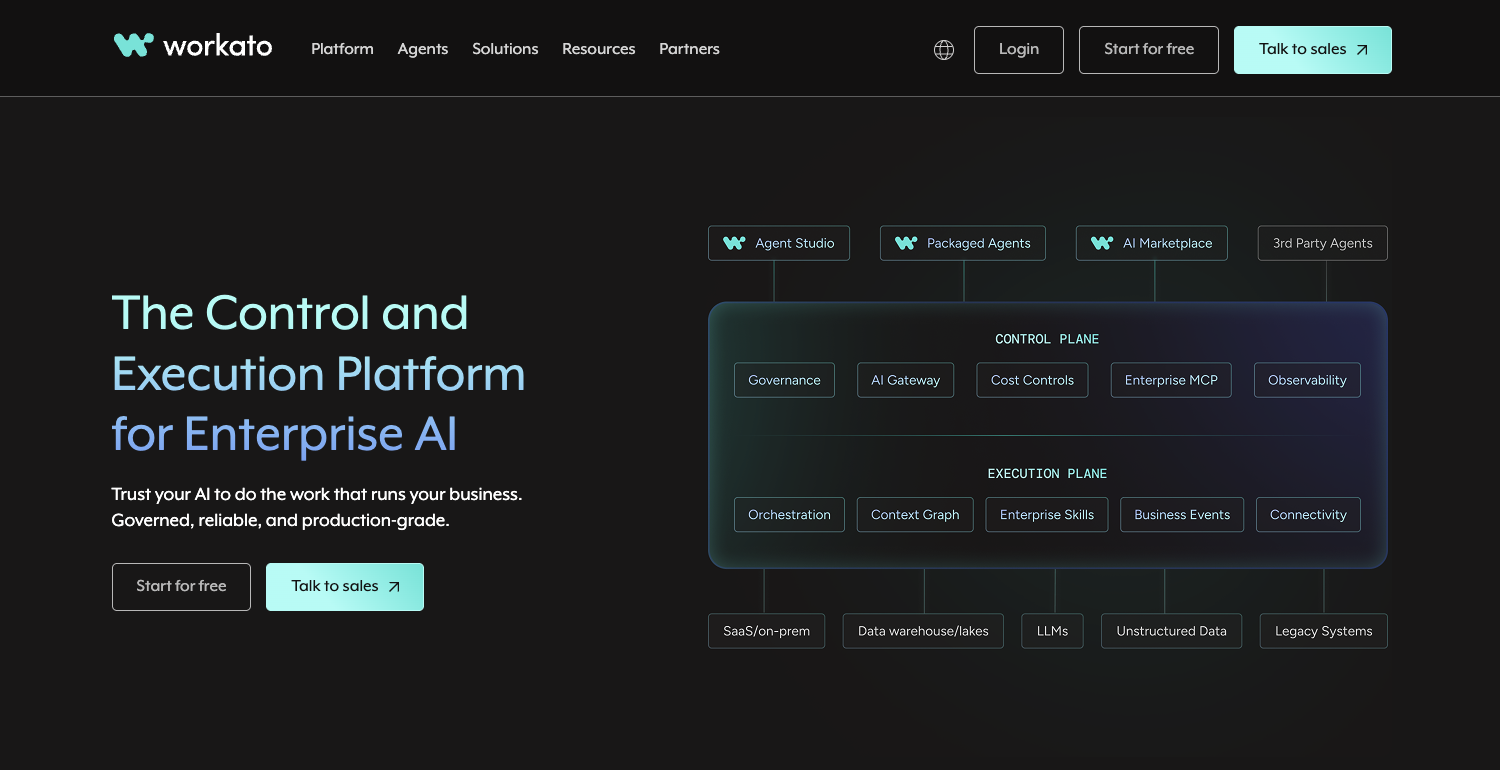
Workato is a perennial leader in Gartner's enterprise automation Magic Quadrant, positioned as an enterprise-grade integration and workflow automation platform (iPaaS). Where the previous tools solve "team-level" workflows, Workato solves "organization-level" ones: connecting CRM, ERP, HR systems, and data warehouses into one network, letting core business processes like orders, tickets, and employee onboarding flow automatically across a dozen systems — backed by strict permission management, audit logs, and governance features that keep every workflow auditable, reversible, and under control. In 2026 it has fully embraced AI as well, shipping AI Agent orchestration that gives enterprise workflows autonomous judgment.
Highlights:
Enterprise-grade architecture: high availability, audit logs, fine-grained permissions, version management
1,200+ enterprise connectors: deep support for heavyweight systems like Salesforce, SAP, Workday, and NetSuite
AI capabilities: intelligent document processing, AI Agent orchestration, natural-language workflow building
Recipe ecosystem: a large library of ready-made templates you can reuse directly
Pricing: Custom quotes; annual contracts typically start in the tens of thousands of dollars — an enterprise-level budget.
Best for: Mid-to-large enterprises, IT teams that need to connect core systems like ERP/CRM, and organizations with strict governance and compliance requirements.
7. IFTTT
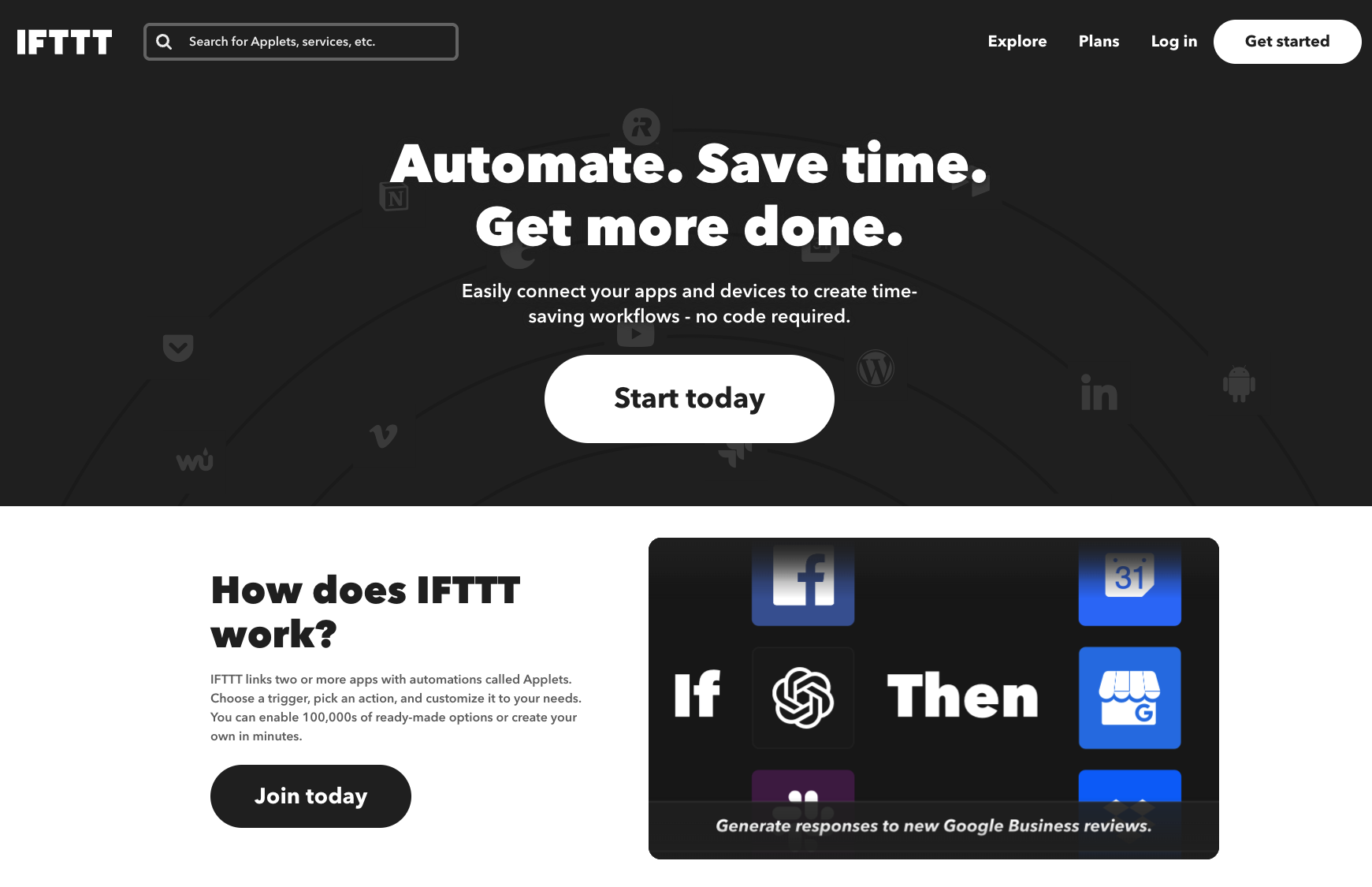
IFTTT (If This Then That) is the pioneer of consumer workflow automation — its very name is the plainest possible definition of a workflow: "if this happens, do that." It remains the lightest choice for personal users and smart-home scenarios: its Applet model is minimalist — one trigger, one action, done — compressing the barrier to an automated workflow down to 30 seconds. "Save new email attachments to Dropbox automatically" or "say goodnight to the smart speaker and the lights turn off and the door locks" — lightweight life workflows are its home turf. It doesn't chase complex logic; it chases letting anyone succeed on their very first try.
Highlights:
Minimalist Applet model — genuinely zero learning curve
Smart home / IoT ecosystem: connecting devices like Philips Hue, Alexa, and Google Home is its traditional strength
Great mobile experience, suited to personal-life automation
AI services: AI-generated content can be plugged in as one step of a flow
Pricing: Free plan allows 2 Applets; Pro starts at $2.99/month; Pro+ is $14.99/month.
Best for: Individual users, smart-home enthusiasts, and anyone who only needs simple single-step automation.
8. Monday.com
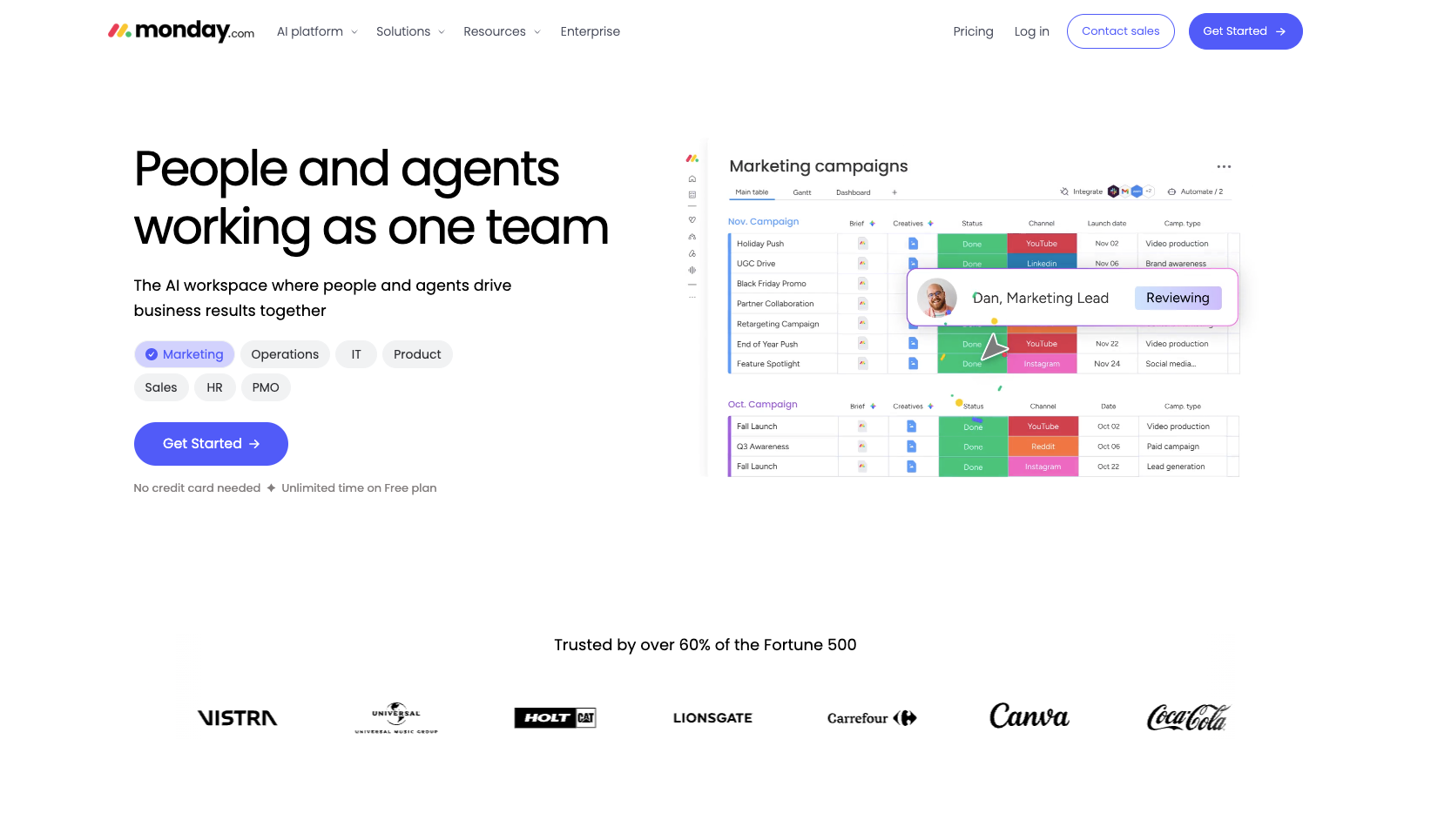
Monday.com is fundamentally a work management (Work OS) platform, with workflow automation as a built-in capability rather than the whole product — but that constitutes a distinctive approach to automation: the process and the data live in the same place. A status change on the task board, an approaching due date, or an assignee change can directly trigger an automated action — for example, "when a task is marked done, automatically notify the client and create an invoicing task" — with no data shuttling between tools. For teams already managing projects in Monday, this kind of workflow "grown on the data" costs almost nothing to set up.
Highlights:
Automation and project management in one: board data changes drive workflows directly, what you see is what you get
200+ ready-made automation recipes, covering common scenarios like notifications, status transitions, and task creation
Visual building: "when X happens, automatically do Y" sentence-style configuration — zero barrier for business users
AI features: AI-generated task summaries, automatic classification, risk prediction
Pricing: Free plan supports 2 users; paid plans start at $9/user/month, with automation quota starting from the Standard tier ($12/user/month) at 250 actions per month.
Best for: Companies already managing team work in Monday.com; teams that want project management and lightweight automation handled in one stop.
9. ClickUp
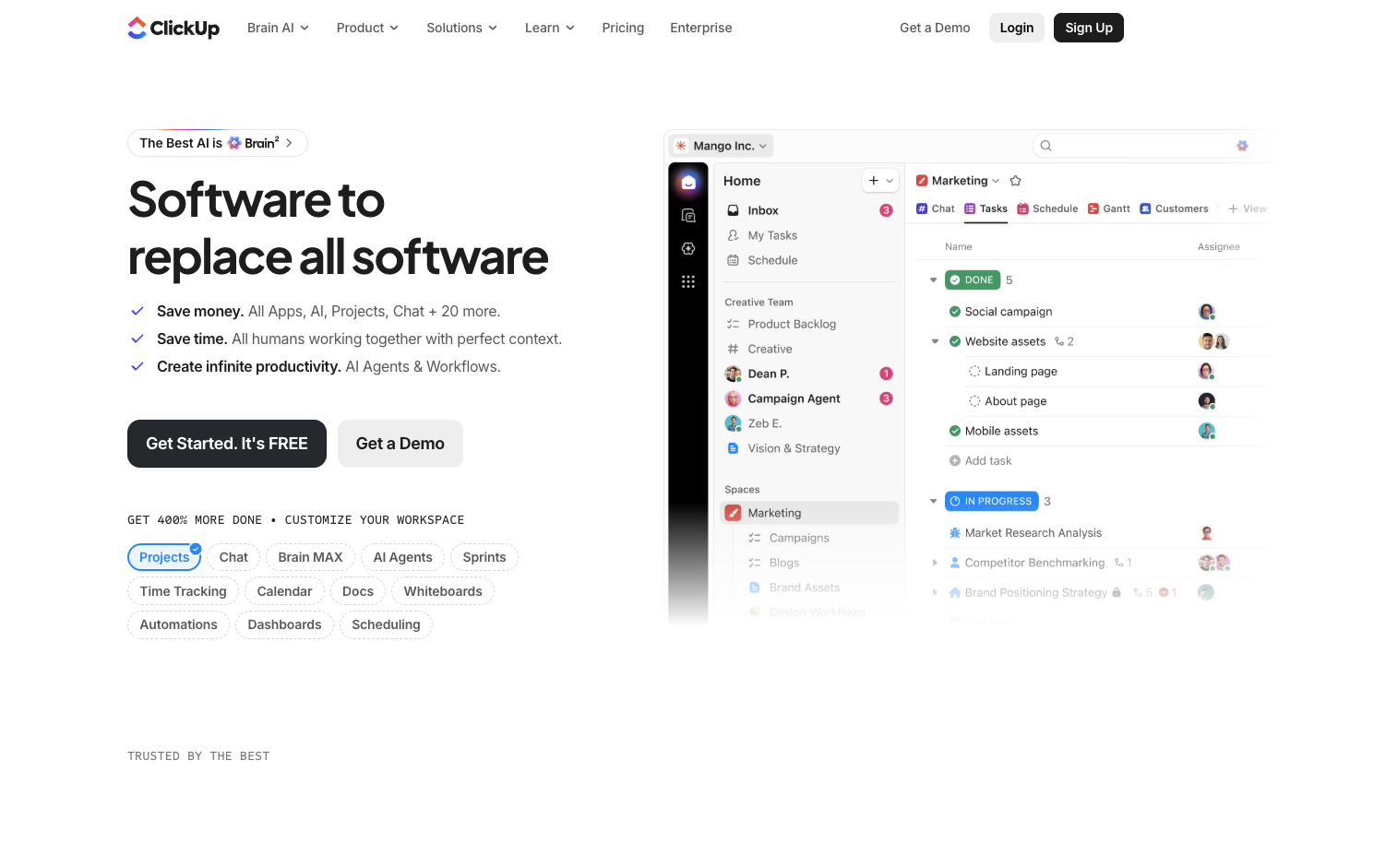
ClickUp 's slogan is "one app to replace them all" — tasks, docs, whiteboards, goals, and chat all crammed into a single product, with workflow automation naturally included. Its automation philosophy resembles Monday.com's, focusing on internal process flow — task assignment, status transitions, due-date reminders, cross-space linking — but with a richer set of trigger-condition and action combinations. Paired with ClickUp Brain (AI), intelligent actions like "auto-generate tasks and summarize progress" can be embedded into workflows, and the pricing is more aggressive than Monday's, making it a value pick for small and mid-sized teams building internal workflows on a budget.
Highlights:
100+ trigger and action combinations, supporting cross-space workflow linking
ClickUp Brain (AI): auto-generates tasks, summarizes progress, writes updates — and can be embedded directly into automations
External integrations: Slack, GitHub, Google Workspace, and other common connections are covered
A very cost-effective bundle: project management + docs + automation in one subscription
Pricing: Free plan available (100 automations/month); paid plans start at $7/user/month.
Best for: Small and mid-sized teams that want one platform for every collaboration need; existing ClickUp users.
10. Asana
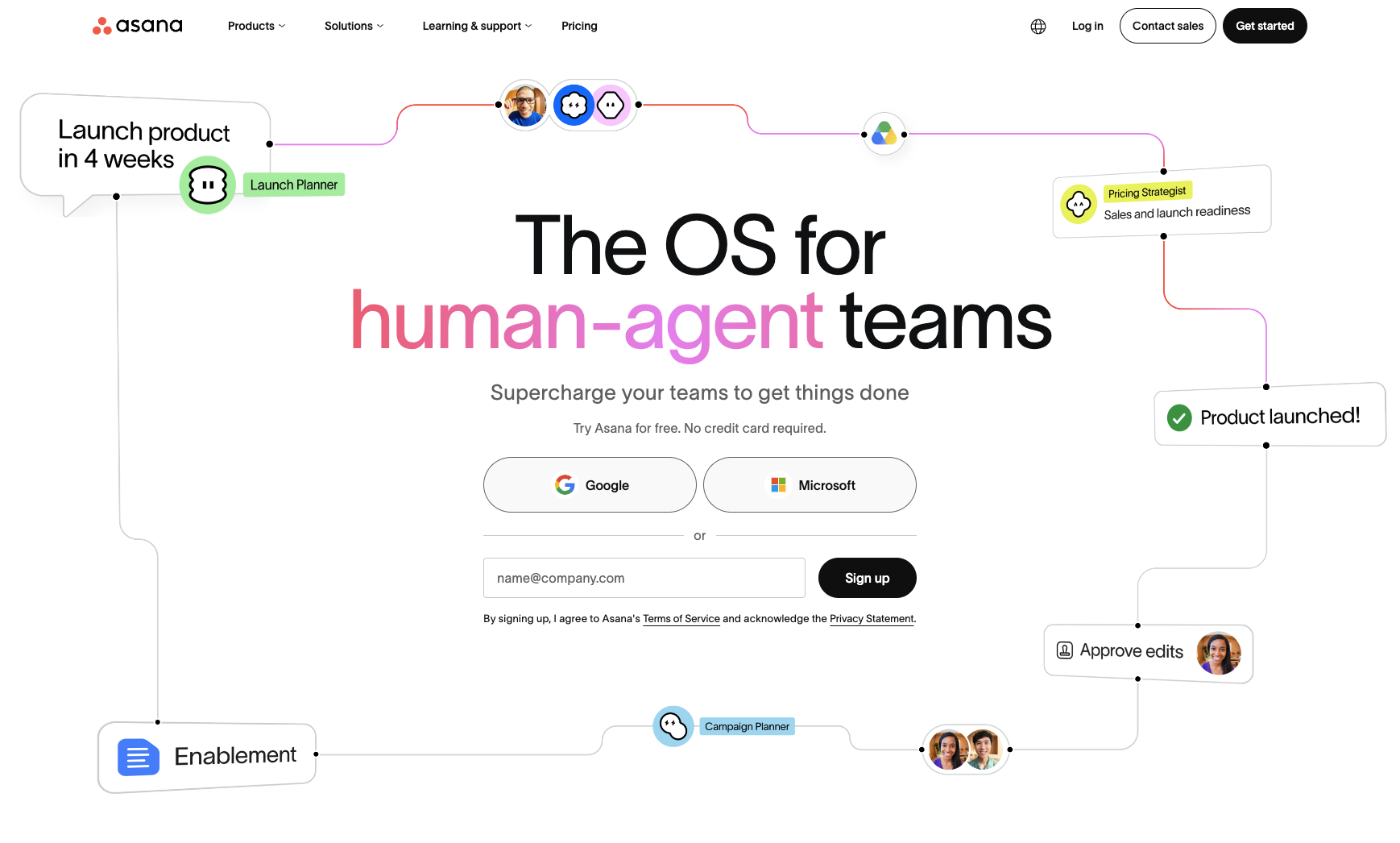
Asana's Workflow Builder shows the deepest understanding of workflow automation among project management tools: it's not a simple trigger-action setup, but draws an entire business process as a visual workflow map — starting from an intake form, through approval nodes, task assignment, and status updates, all the way to final delivery, end to end in one diagram. For business processes with fixed steps like creative approvals, campaign launches, and recruiting and onboarding, Asana's modeling capability is the strongest among project management tools, making it a fit for mid-to-large teams that want to codify "word-of-mouth collaboration habits" into standard workflows.
Highlights:
Workflow Builder: build end-to-end business processes visually, including form intake and approval nodes
Asana AI: smart status updates, auto-generated subtasks, workflow bottleneck detection
Rules engine: trigger + condition + action, with multi-condition combinations
300+ integrations: Salesforce, Slack, Adobe, Tableau, and more
Pricing: Free plan supports 2 users; automation starts at the Starter tier ($10.99/user/month), and the full Workflow Builder requires the Advanced tier ($24.99/user/month).
Best for: Business process standardization in mid-to-large teams (approvals, project intake, cross-department collaboration); operations teams that value visual process modeling.
Side-by-Side Comparison
| Tool | Core positioning | Starting price | Best for |
|---|---|---|---|
| kollab | AI-native workflow platform | Free credits + usage-based | Content creators, marketing teams, anyone who wants natural-language-driven workflows |
| Zapier | General-purpose automation platform | $19.99/mo (annual) | Non-technical teams needing to connect many different SaaS tools |
| Make | Visual workflow building | $12/mo | Teams needing complex branching + data transformation on a budget |
| n8n | Open-source self-hosting | Free (self-hosted) / Starter $20/mo | Developers and technical teams, high-volume scenarios, enterprises keeping data in-house |
| Power Automate | Microsoft ecosystem + RPA | $15/user/mo | Enterprises deep in Microsoft 365, companies needing desktop RPA |
| Workato | Enterprise iPaaS | Custom (from tens of thousands/yr) | Mid-to-large enterprises connecting core systems like ERP/CRM |
| IFTTT | Lightweight personal automation | $2.99/mo | Individuals, smart-home enthusiasts, simple one-step automation |
| Monday.com | Work management + automation | Free; Basic $9/seat/mo | Companies already managing team work in Monday |
| ClickUp | All-in-one work platform | $7/user/mo | Small/mid teams wanting collaboration + automation in one platform |
| Asana | Business process management | $10.99/user/mo | Business process standardization (approvals, intake, cross-dept collaboration) in mid-to-large teams |
How to Choose?
By role:
Individuals / freelancers: IFTTT or ClickUp's free plan for light needs; kollab if you want to experience AI-native automation
Content creators / marketing teams: kollab (end-to-end content workflows) + Make (cross-tool data shuttling) is the value combination
Non-technical business teams: Zapier (peace of mind) or Make (savings)
Developers / technical teams: n8n — self-hosted + unlimited executions + real code
Microsoft-centric enterprises: Power Automate — ecosystem lock-in makes it the smoothest choice
Large enterprises / core system integration: Workato
By scenario:
End-to-end content production (collect material → transcribe → write → illustrate → publish): kollab
Syncing data between two SaaS tools: Zapier or Make
High-frequency, high-volume backend automation: n8n (billed per execution — no matter how complex the workflow, it never charges extra)
Legacy systems with no API: Power Automate's desktop RPA
Smart home / life automation: IFTTT
Final Thoughts
Workflow automation in 2026 has split into two routes. One is the "connect everything" route represented by Zapier, Make, and n8n, competing on integration breadth and workflow orchestration. The other is the "AI-native" route represented by kollab, competing on understanding intent and autonomously breaking down tasks.
If you already have clear cross-system sync needs, starting with Zapier or Make won't steer you wrong; if your work centers on content production and knowledge processing and you want AI to run the entire workflow for you, start with kollab — after all, it's the only tool on this list that has taken "automation" to the level of "you only need to say one sentence."
The best automation tool isn't the one with the most features — it's the one you can start using today and still want to keep using tomorrow.