Compare distinct directions for the same topic
Review headline-led, presenter-led, and scene-led concepts together without deciding every detail in the first pass.
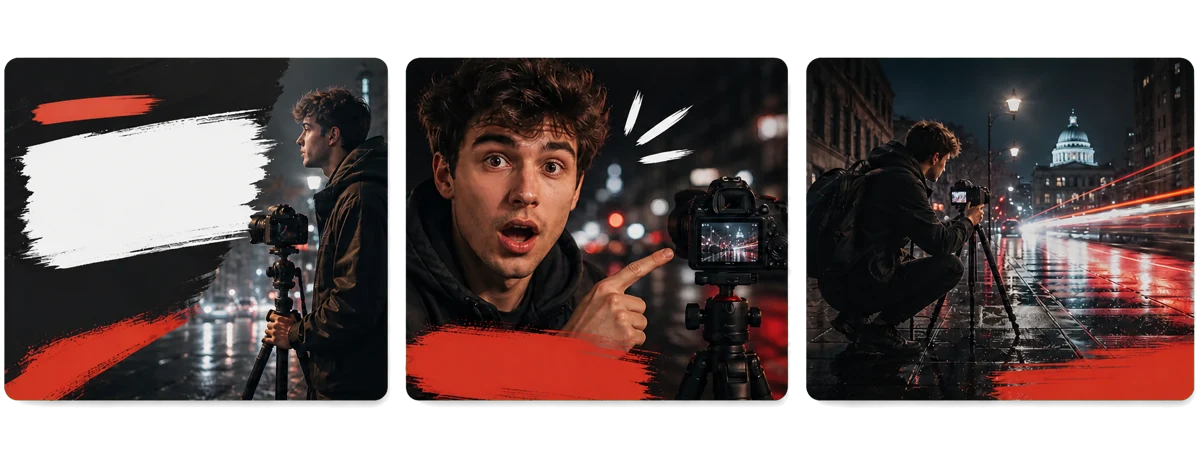
Describe your video, upload a reference image, or paste a YouTube link. Kollab opens a task where you can compare and refine distinct thumbnail directions instead of facing a blank canvas.
Tutorials promise a result, interviews surface a point of view, travel builds anticipation, and comparisons make the contrast immediate. Every thumbnail answers one question first: why click?
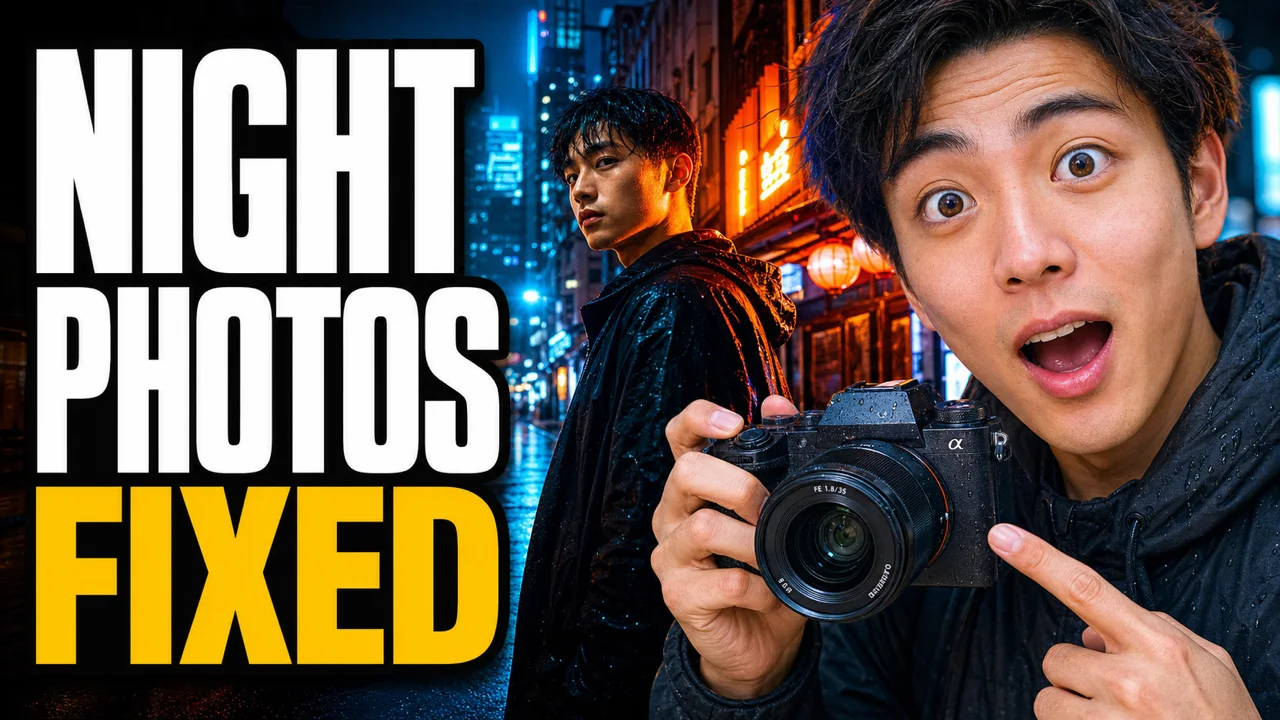
Show the result and a human reaction so the lesson is clear at a glance
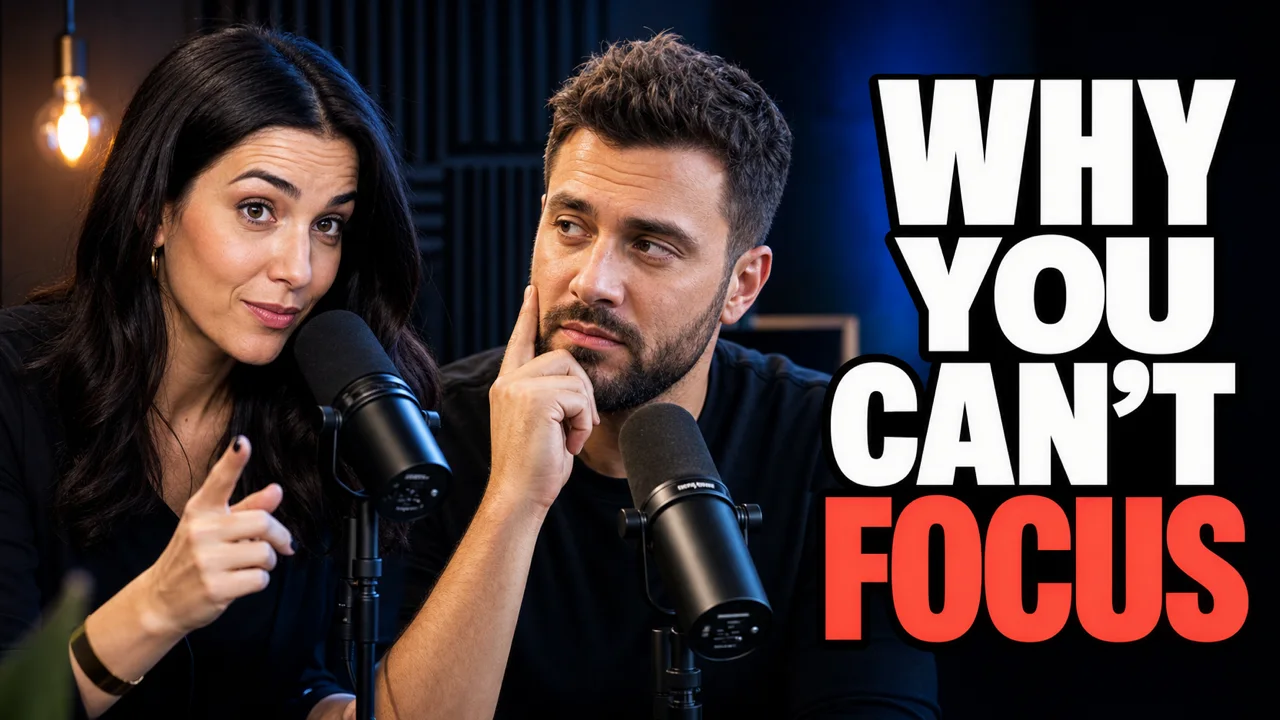
Pair two speakers with one strong idea to frame the episode

Combine a person, a landmark, and a time promise to build anticipation
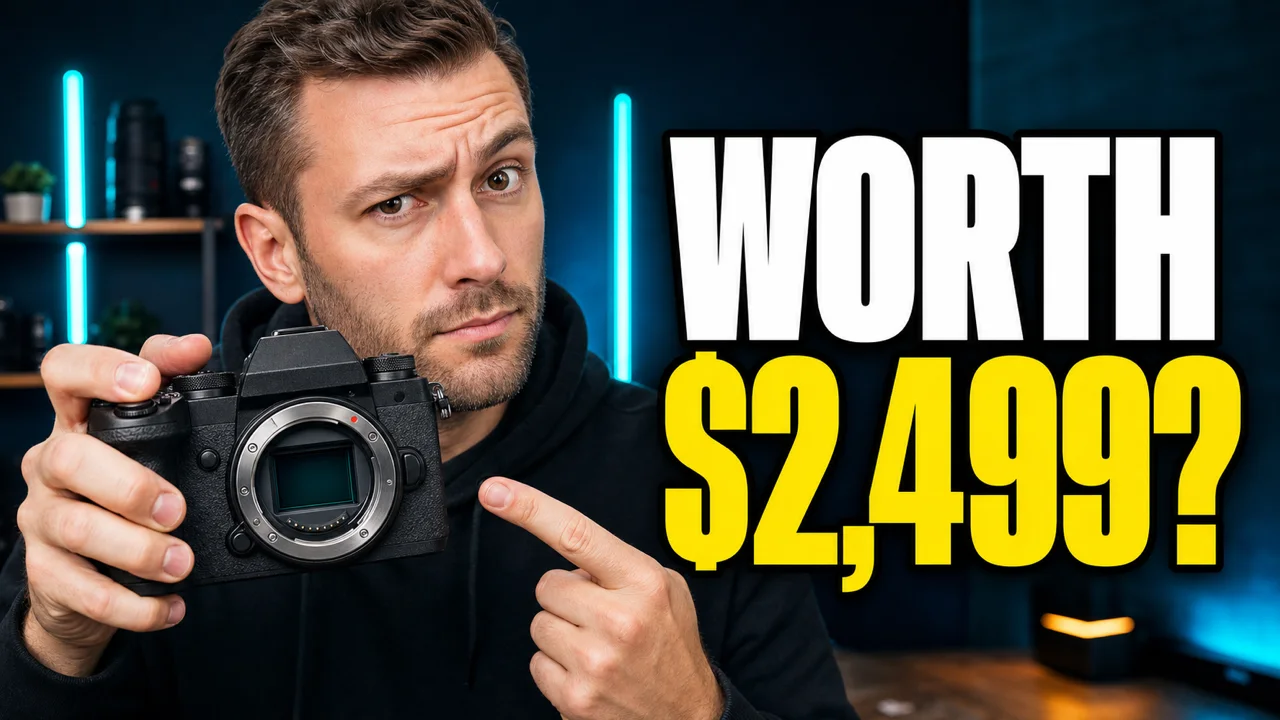
Put the product and price question at the center of the decision

Show both prices and settings side by side so the difference needs no explanation

Use natural light, everyday detail, and white serif type for a relaxed viewing promise

Combine a direct gaze, oversized type, and tech detail for a memorable hook
Compare different compositions and focal points, then adjust the headline, subject, colors, and channel style through conversation.
Review headline-led, presenter-led, and scene-led concepts together without deciding every detail in the first pass.
Ask to shorten the headline, enlarge the presenter, increase contrast, or bring the thumbnail closer to your channel style.
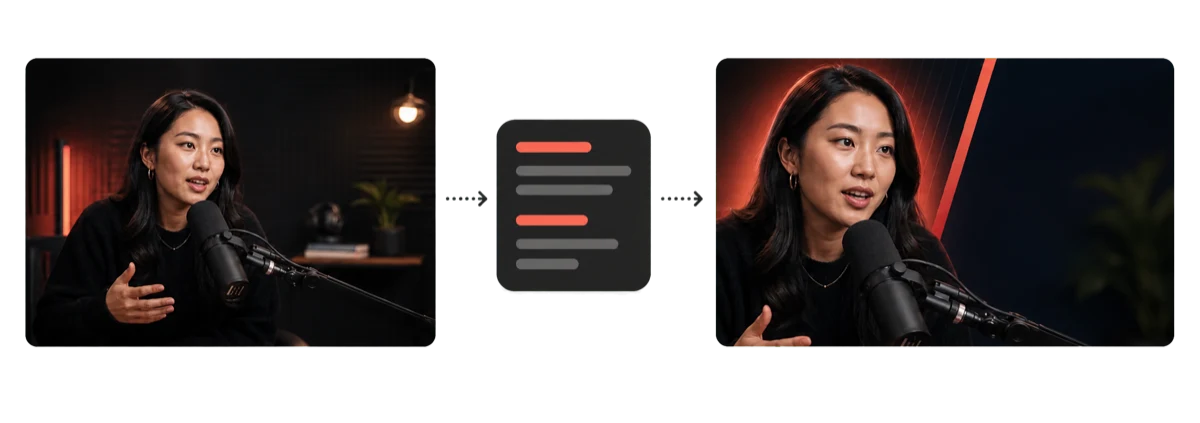
Carry approved colors, typography cues, and composition rules into the next videos on your channel.
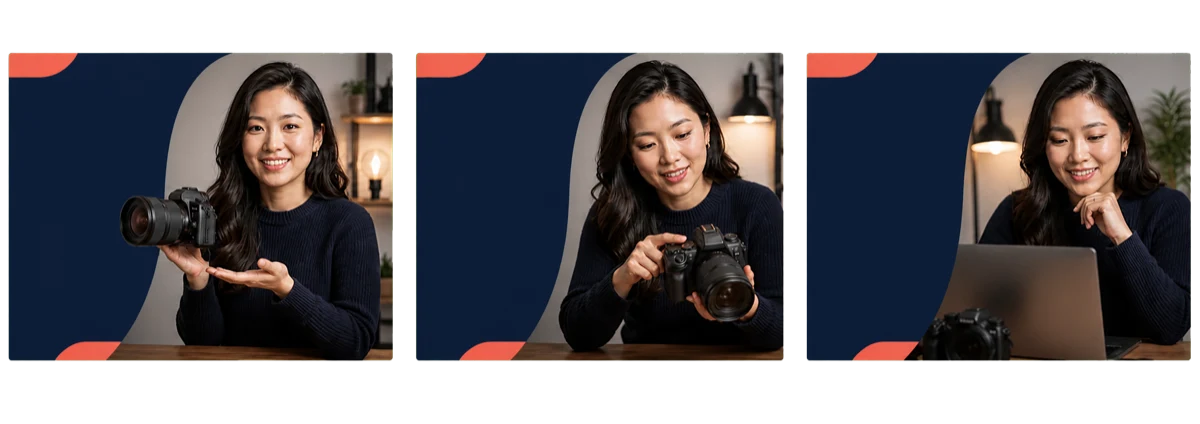
Add the video content, compare concepts, adjust the details, and confirm the final files.
Describe the video, upload a reference image, or paste a YouTube link.
Compare several concepts and select the composition and focal point.
Adjust the headline, subject, colors, layout, and channel style.
Check the 1280 × 720 result and organize the PNG or JPG.
You can start for free. The Free plan gives you 600 credits every 3 days with no carry-over, and each generation uses credits from your balance. Pro is $20 per month.
Yes. A valid YouTube URL and your thumbnail request are handed to the task together. Make sure you have permission to use the video and any related source material.
Yes. Add one JPG, PNG, or WebP reference and explain which person, product, brand color, or composition cue should be preserved.
No. You can use this thumbnail maker online in your browser. It focuses on the landscape 16:9 format used on YouTube, and you can confirm the final pixel size and file size in the task for your publishing destination.
Describe your video, upload a reference image, or paste a YouTube link on this page, then start the task in Kollab. Compare directions, refine by chat, and organize the 16:9 files.
Do not ask it to copy a specific creator. Use source material you are allowed to use and describe your channel, subject, and broad visual direction instead.
Start from an idea, image, or YouTube link and keep the task, versions, and final files together in Kollab.