Claude Opus 4.7: More Reliable Long-Running Tasks, xhigh Reasoning, and Task Budgets for Teams
Claude Opus 4.7 brings more reliable long-running tasks, stronger instruction following, self-checking output, 3x higher image resolution, xhigh reasoning, and Task Budgets. Here is how teams can turn those gains into repeatable workflows with Kollab.

Before you rush to upgrade your plan 👋
Anthropic just announced Claude Opus 4.7 on X. This is a meaningful update, especially for complex tasks that need to run for a long time without falling apart. But there is one point worth making up front:
A stronger model does not automatically make a team more productive.
The teams that benefit most from Opus 4.7 will not be the ones that connect it to their tools first. They will be the ones that turn one-off prompts into clear, reusable workflows that the whole team can follow.
This article has two parts. First, a quick look at what changed in Opus 4.7. Then, a more practical question: how do you actually use those improvements in day-to-day work, and how can Kollab help?
1. What changed in Opus 4.7?
1) The core upgrade: more stable, more accurate, and better at checking its own work ✨
Opus 4.7 is mainly an upgrade for long-running, multi-step tasks:
More stable on long tasks — it is less likely to drift or break halfway through
Better at following instructions — it sticks more closely to the brief instead of improvising
Stronger self-checking — it reviews its own output before responding, so you do not have to watch every step
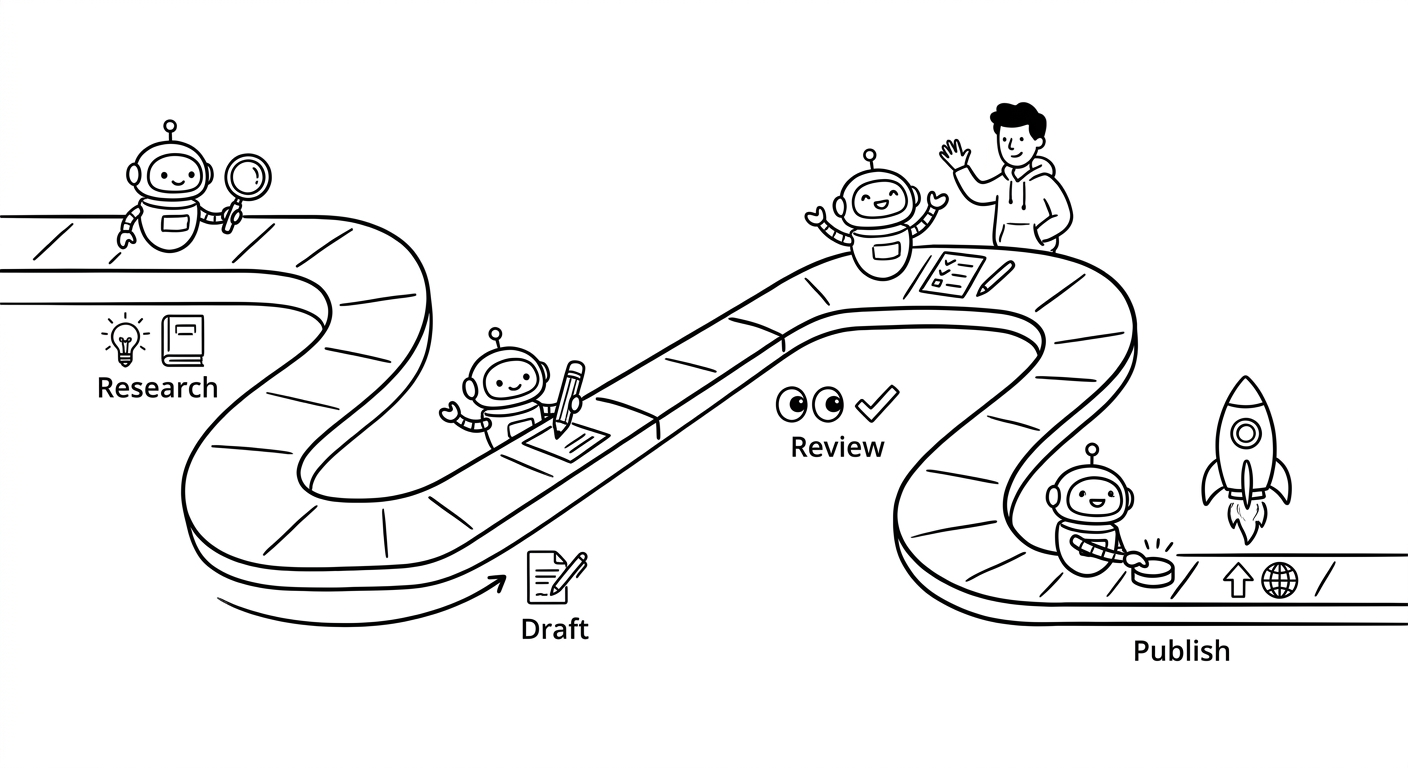
In practical terms, this means you can hand over a longer workflow — research, draft, review, revise — with more confidence, instead of supervising every stage yourself.
2) Better vision: support for 3x higher image resolution 🎨
According to the announcement, Opus 4.7 can now handle image resolution that is more than 3x higher than before.
That matters because it makes the model more useful for visual work that is actually part of real delivery, such as:
UI and component feedback
Presentation design
Document visuals, diagrams, and simple infographics
A side effect is easy to see: tools in categories like AI design and AI website generation are likely to get a lot more attention.
3) New API controls: xhigh reasoning and Task Budgets (beta) ⚙️
If you are building automated workflows, two additions stand out:
A new
xhighreasoning mode, positioned betweenhighandmax, which gives you another tradeoff point between depth and costTask Budgets (beta), which let you tell the model where to spend more effort and where to move faster
A simple way to think about this: the model is getting a bit better at handling priorities. It can spend more time on the steps that matter most and less time on the parts that do not.
4) Claude Code: /ultrareview and a more dependable Auto mode 👨💻
For engineering teams, two updates are especially relevant. We also touched on the role of Claude Code in team workflows in our earlier comparison, OpenClaw vs Claude Code vs Kollab.
/ultrareviewadds a more rigorous code review flow, closer to a careful teammate checking line by lineAuto mode is now available to Max users, and it is more reliable for longer tasks, so it is easier to let it keep running in the background
2. But Opus 4.7 still does not solve the real team problem by itself
That may sound disappointing, but it is the most important point in this whole discussion.
For most teams, the bottleneck is not that AI is not smart enough. The real problems usually look more like this:
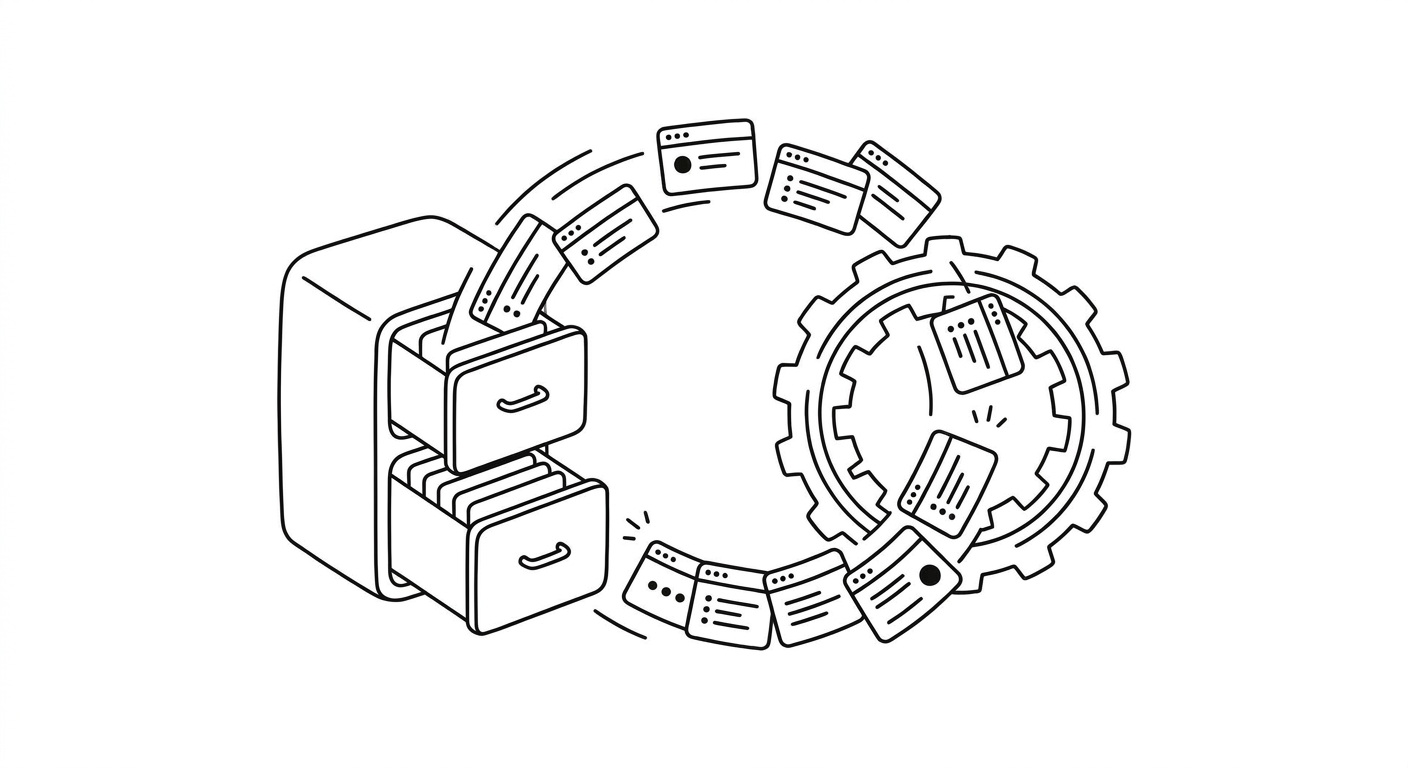
Prompts get lost — a good prompt disappears into an old chat thread, and two weeks later no one can find it
Context is missing — the background from the last discussion was never documented, so the next person has to explain the same brand rules, audience, and goals all over again
The handoff breaks — the generated content is good, but it is disconnected from the real workflow: task tracking, asset libraries, approvals, and publishing
Nothing is reusable — every run starts from scratch, and new teammates have to learn everything the hard way
A better model can raise the quality ceiling for one task. But it does not automatically build a system your team can use again and again.
That is why we built Kollab. We are not trying to make just another chat box. We want to help teams build an execution system on top of the model.
3. How to actually use Opus 4.7 well: 4 practical suggestions
1) Break long tasks into clear stages
If Opus 4.7 is better at long-running work, do not keep using it like a simple Q&A tool.
A practical structure could look like this:
Research: gather sources and judge which ones are reliable
Drafting: build the outline, write a first version, then produce alternatives if needed
Review: run a checklist-based self-review, then do a quick human spot check
Delivery: update the website, publish the blog post, and archive the assets
In Kollab, this maps naturally to a Task. The conversation, drafts, decisions, and next steps all live in one place. Anyone joining later can see the status immediately instead of asking, “Where did this leave off?” We made a similar point in Kollab vs Manus: for long tasks, retained context matters at least as much as raw model power.
2) Turn your best prompts and review criteria into reusable Skills
Opus 4.7’s gains in instruction following and self-checking matter most when they are used inside a stable process.
Do not rely on ad hoc prompts forever. A better approach is to turn the workflow into a Skill:
Inputs: keywords, reference material, target audience, brand guidance
Process: research → generate → self-review → revise
Quality checks: structure, factual accuracy, SEO basics, tone, and readiness to publish
That way, when the model improves again, you do not have to retest everything from scratch. You are upgrading a workflow, not just a prompt, and the whole team benefits immediately.
3) Use Task Budgets the way a project manager would
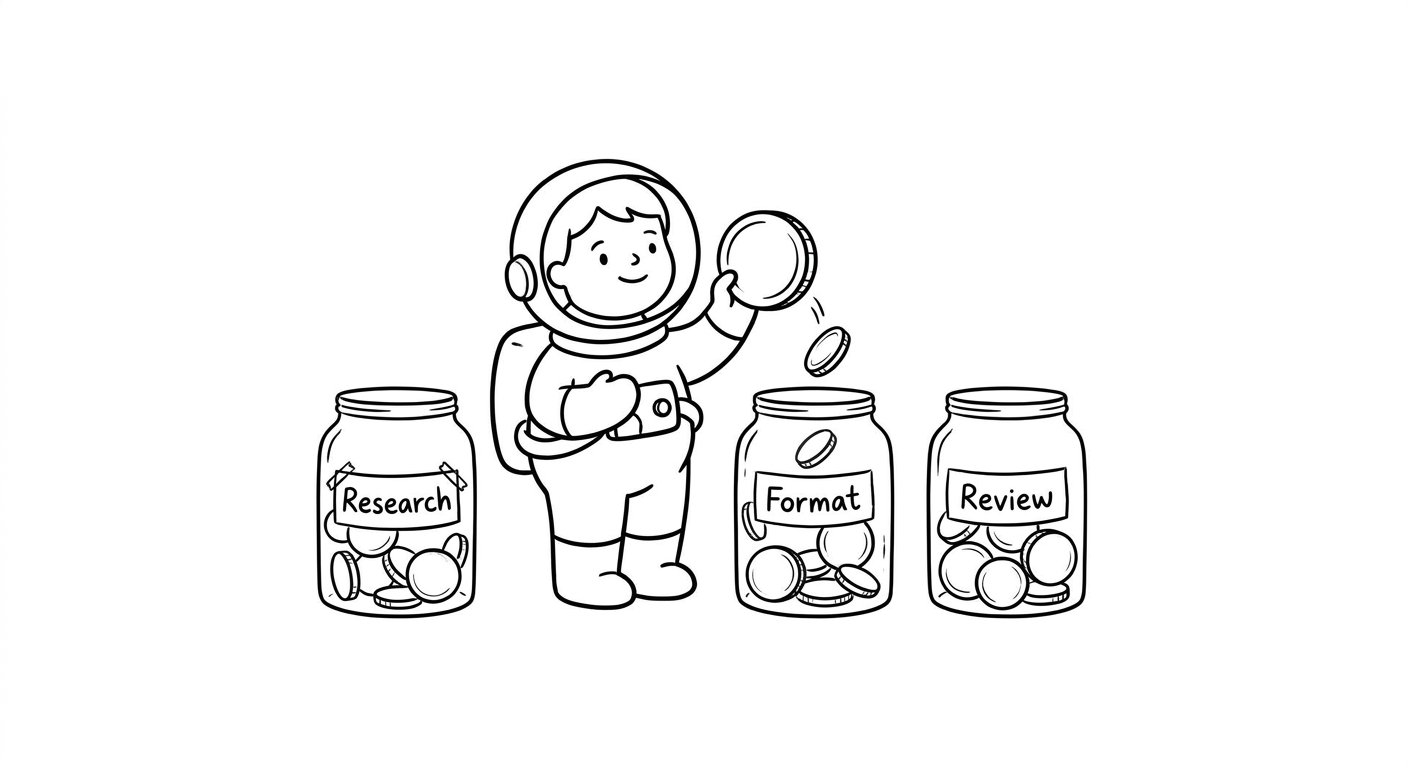
The best use of Task Budgets is not simply “save money.” It is to put more effort where it matters most.
A good default is:
🔍 Spend more budget on research, important judgment calls, and self-review
✏️ Spend less budget on formatting and light polishing
In Kollab, you can reflect this directly by splitting a Skill into two parts:
A deeper stage for analysis, source selection, evidence, and fact-checking
A lighter stage for formatting, cleanup, and tone adjustment
4) Use the improved vision features for real work, not just image generation
A lot of people are going to search for things like:
AI design tools
AI website builders
Website generation tools
But many products stop at “generate an image.” The real value comes from connecting visual output to the rest of the workflow:
Following brand rules, including tone, colors, components, and style
Reusing assets from a shared library, such as logos, screenshots, case studies, and CTAs
Managing approval and version control
Scheduling release and distribution
That is the problem Kollab is trying to solve: turning visual generation from a one-off demo into a repeatable content workflow that a team can actually use every day.
Summary
Opus 4.7 is a real improvement. It is better at long-running tasks, more accurate with instructions, stronger at checking its own work, better with visual input, and more flexible with reasoning depth and budget control.
But whether those gains turn into better output depends on something more basic: do you have a system that makes the work repeatable?
That system should let your team:
keep important context instead of losing it
reuse workflows through Skills
collaborate around the same tasks and files
review outcomes and improve the process over time
That is exactly what we are building in Kollab 💛
So the next time you try Opus 4.7, do not just ask:
“What can this model do?”
Ask the more useful question:
“Can we turn this into a process the team can reuse?”