01
Build the creator target list
Kollab researches KOLs, platform fit, audience overlap, contact paths, outreach status, and campaign risks in one structured database.

Run creator outreach, briefs, scripts, visuals, review, and launch tracking from one shared campaign workspace.
A KOL campaign breaks when the creator list, outreach notes, product claims, content brief, script drafts, visual assets, and publishing status are split across spreadsheets, DMs, and isolated chats.
Kollab turns the campaign into one workspace: research the right creators, draft outreach, generate platform-native content packs, route everything through human review, and write performance notes back into the same campaign database.
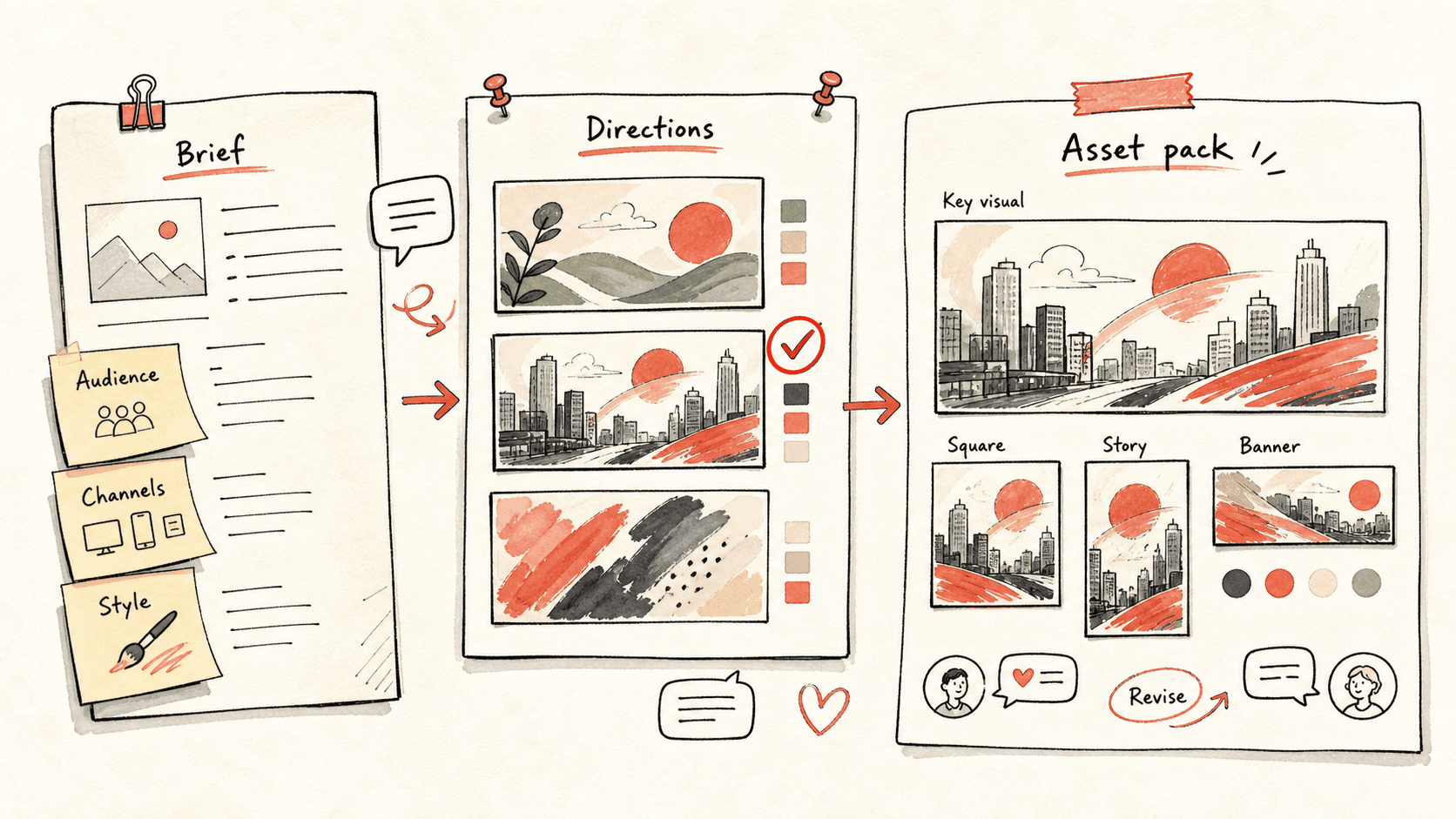
Đọc qua quy trình một lượt, sau đó thay vào vai trò, nguồn dữ liệu và kết quả đầu ra của riêng bạn.
Kollab researches KOLs, platform fit, audience overlap, contact paths, outreach status, and campaign risks in one structured database.
The campaign promise, proof points, claim guardrails, CTA, and disclosure notes become shared context for every creator and asset.
Short-video scripts, YouTube outlines, X threads, LinkedIn posts, Xiaohongshu notes, and visual prompts are drafted as reviewable records.
Humans approve outreach and publishing while Kollab keeps status, reviewer, live links, blockers, and performance notes connected.
Kollab keeps the people, story, assets, approvals, and learning loop in one place.
| Manual campaign | With Kollab | |
|---|---|---|
| Creator list | Creator candidates, DMs, notes, and fit judgments are scattered across sheets and personal inboxes. | The campaign database keeps audience fit, contact path, status, angle, and risk notes together. |
| Story control | Every creator or writer gets a slightly different version of the product story and claims. | One approved story brief supplies the promise, proof, do-not-say list, CTA, and disclosure notes. |
| Asset creation | Scripts, captions, thumbnails, and visual prompts are recreated from scratch for each platform. | Platform-native drafts are generated from the same campaign brief and saved as reviewable records. |
| Launch tracking | Approval state, live links, and performance data arrive after the fact and rarely update the next campaign. | Reviewer, publish date, live URL, blockers, and performance notes stay attached to every creator and asset. |
| Total time | Many disconnected people and drafts | One reviewable creator campaign pipeline |
A full campaign run should create reusable infrastructure, not only a few social posts.
Targets
Brief
Assets
Ops
Xem các trang tính năng liên quan để biết lớp sản phẩm và công cụ nào giúp trường hợp sử dụng này lặp lại được cho cả nhóm.
Run creator outreach, briefs, scripts, visuals, review, and launch tracking from one shared campaign workspace.
Sao chép prompt thiết lập vào Kollab, thay thế các placeholder bằng thông tin thực tế của đội nhóm bạn, sau đó chạy nó như một tác vụ có thể kiểm duyệt trong không gian làm việc của bạn.
A campaign database with 30 KOL candidates, outreach drafts, a reusable product story brief, short-video scripts, social posts, visual prompts, review checklists, publish dates, live URLs, and performance notes.
Không. Quy trình được thiết kế để tạo ra các bản nháp, bản tóm tắt, artifact hoặc bản cập nhật cơ sở dữ liệu có thể xem lại trước, để nhóm của bạn có thể phê duyệt kết quả trước khi bất cứ điều gì được xuất bản hay thay đổi.
Keep KOL research, content briefs, assets, approvals, and campaign learning in one workspace.
Chạy