01
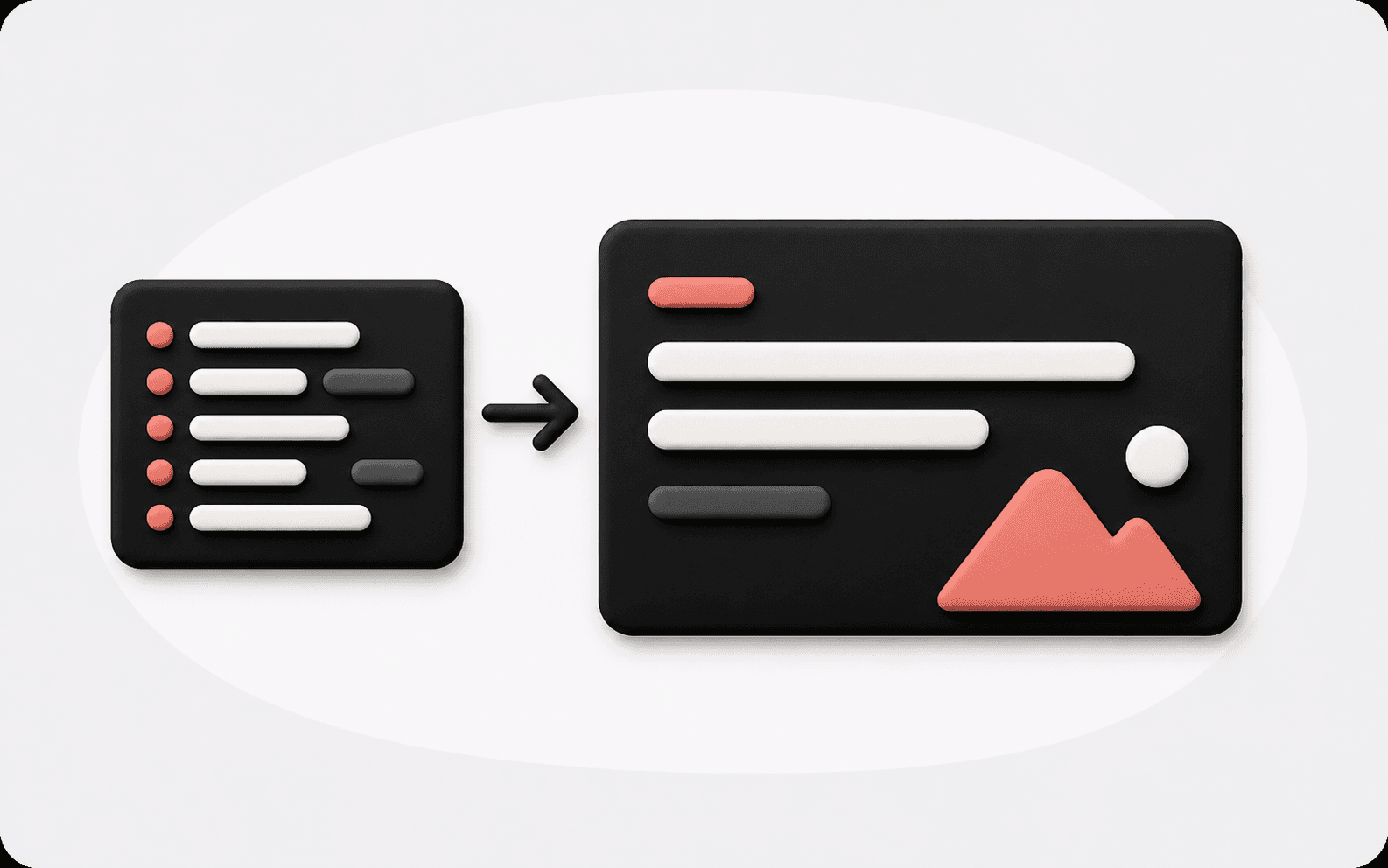
Viết lại tiêu đề sơ khai thành tiêu đề nêu bật ý chính
Biến những tiêu đề bình thường như xu hướng thị trường, phản hồi người dùng hay lộ trình sản phẩm thành tiêu đề slide cụ thể nhấn mạnh tăng trưởng, rủi ro, cơ hội hoặc hành động tiếp theo.
Dán ghi chú slide, gạch đầu dòng, tiêu đề sơ khai, dàn ý bộ slide hoặc nội dung có sẵn. Kollab sẽ tạo tiêu đề slide ngắn gọn, rõ ràng hơn, phù hợp với người nghe hơn và giữ phong cách tiêu đề nhất quán xuyên suốt bộ slide.
Yêu cầu của bạn sẽ được mở dưới dạng một tác vụ Kollab.
Dán ghi chú slide, gạch đầu dòng, tiêu đề sơ khai, dàn ý bộ slide hoặc nội dung có sẵn. Kollab sẽ tạo tiêu đề slide ngắn gọn, rõ ràng hơn, phù hợp với người nghe hơn và giữ phong cách tiêu đề nhất quán xuyên suốt bộ slide.
Dán ghi chú slide, gạch đầu dòng, tiêu đề sơ khai, dàn ý bộ slide hoặc nội dung có sẵn. Kollab sẽ tạo tiêu đề slide ngắn gọn, rõ ràng hơn, phù hợp với người nghe hơn và giữ phong cách tiêu đề nhất quán xuyên suốt bộ slide.
Dùng Công cụ tạo tiêu đề slide sau khi đã có dàn ý bộ slide. Công cụ biến các nhãn chủ đề thành tiêu đề mang tính kết luận, để người đọc hiểu ngay trang này nói gì trước khi đọc từng gạch đầu dòng.
Biến những tiêu đề bình thường như xu hướng thị trường, phản hồi người dùng hay lộ trình sản phẩm thành tiêu đề slide cụ thể nhấn mạnh tăng trưởng, rủi ro, cơ hội hoặc hành động tiếp theo.
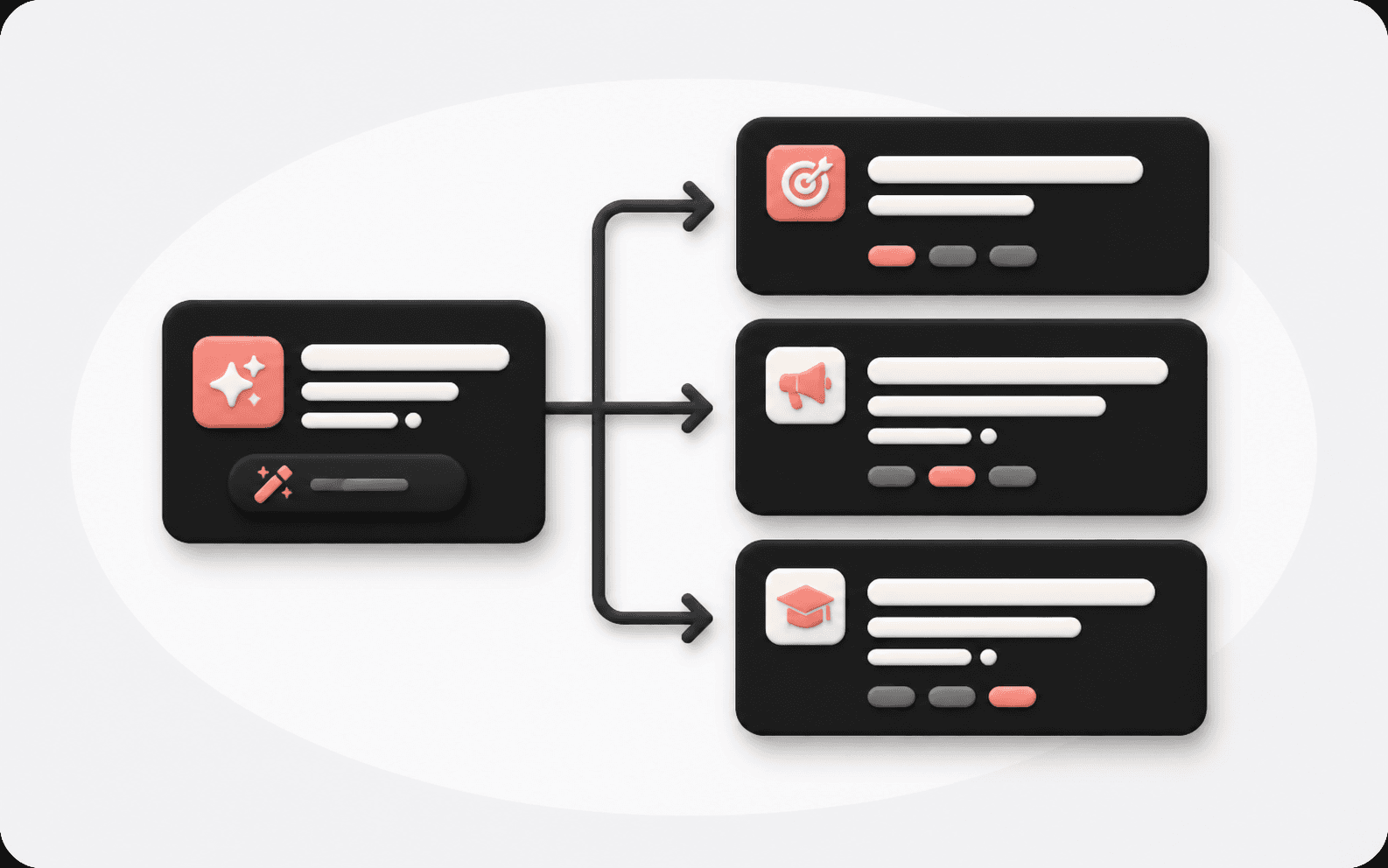
Chọn tông giọng lãnh đạo, bán hàng, lớp học, ra mắt sản phẩm hoặc sẵn sàng cho nhà đầu tư. Mỗi tiêu đề vẫn giữ sự súc tích trong khi phù hợp với bối cảnh thuyết trình.
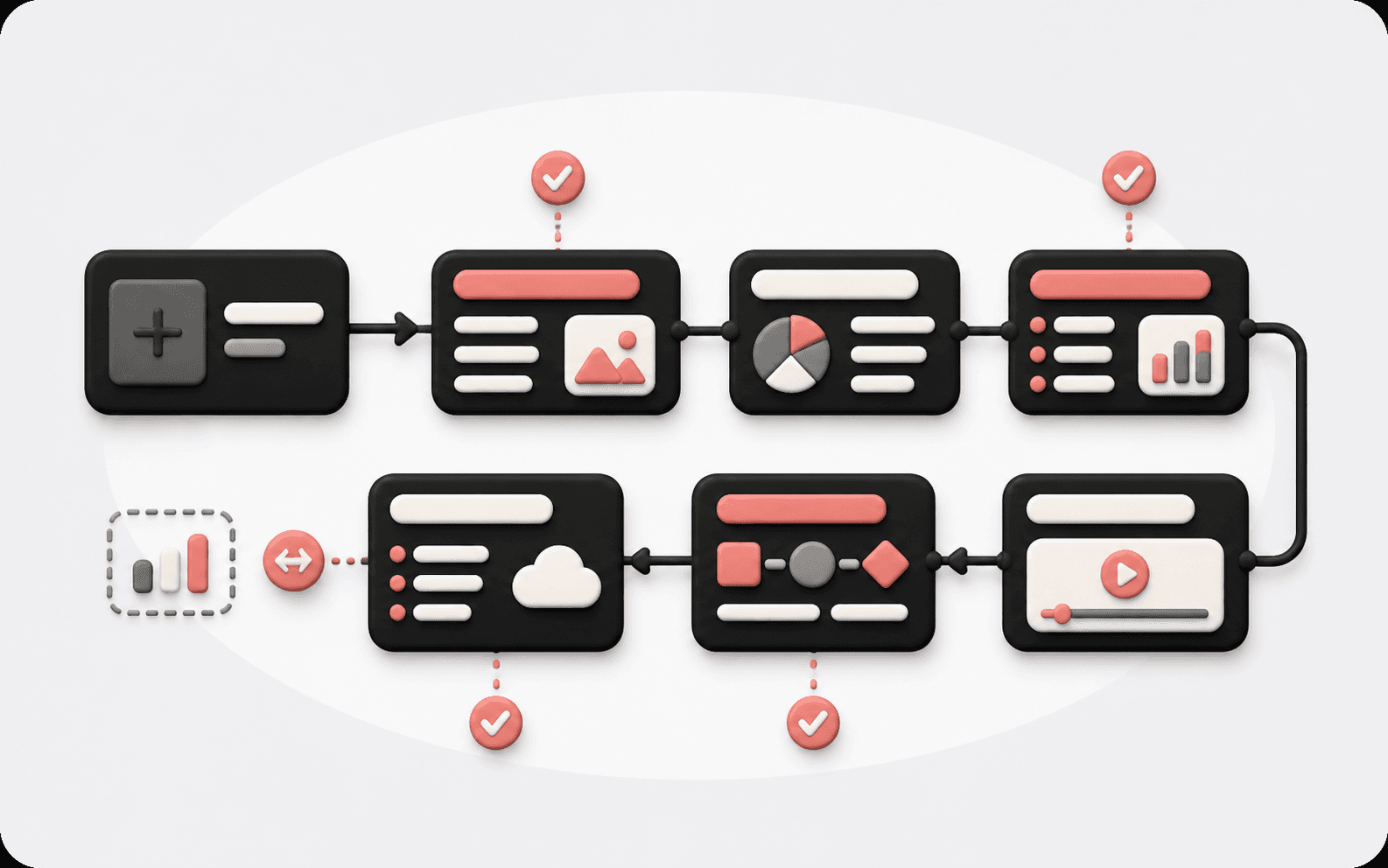
Dán toàn bộ dàn ý và Kollab sẽ kiểm tra độ dài tiêu đề, cấu trúc, tông giọng và trình tự nội dung để bộ slide không có cảm giác chắp vá.
Bắt đầu từ nội dung slide, xác định ý chính thực sự của trang, sau đó tạo tiêu đề có thể đưa thẳng vào bộ slide thuyết trình.
Thêm tiêu đề sơ khai, gạch đầu dòng, kết luận số liệu, dàn ý bộ slide hoặc ý chính mà mỗi trang cần truyền tải.
Chọn phong cách nêu bật ý chính, lãnh đạo, bán hàng, đào tạo, ra mắt sản phẩm, trang trọng hoặc súc tích.
Kollab trả về nhiều phương án tiêu đề ngắn gọn và giải thích bối cảnh hoặc trọng tâm đằng sau mỗi phương án.
Tiếp tục bằng cách kiểm tra tính nhất quán tiêu đề trên toàn bộ slide, hoặc mở rộng tiêu đề thành ghi chú và nội dung trang.
Dùng khi nội dung slide đã sẵn sàng, nhưng tiêu đề còn chung chung, quá dài, thiếu nhất quán hoặc chưa đủ mang tính kết luận.
Biến trạng thái dự án, phân tích thị trường và tiêu đề báo cáo quý thành những tiêu đề giúp lãnh đạo quyết định nhanh hơn.
Chuyển các điểm tính năng thành kết quả cho khách hàng, thay đổi nỗi đau, bằng chứng và hành động tiếp theo.
Viết lại tên các phần thành mục tiêu học tập, phương pháp chính hoặc câu hỏi trên lớp.
Căn chỉnh mỗi tiêu đề slide theo nhịp ra mắt, giá trị sản phẩm, các bước demo và sự chú ý của người nghe.
Công cụ tạo dàn ý bài thuyết trình xây dựng toàn bộ cấu trúc. Công cụ tạo tiêu đề slide tập trung viết lại tiêu đề từng trang để ý chính của slide rõ ràng hơn.
Có. Dán toàn bộ dàn ý hoặc nội dung từng trang và Kollab có thể tạo tiêu đề cho mọi slide trong khi vẫn kiểm tra tính nhất quán về phong cách.
Có. Công cụ giữ thông điệp cốt lõi trước tiên, sau đó làm tiêu đề ngắn gọn và mang tính kết luận hơn. Bạn cũng có thể yêu cầu cách diễn đạt trang trọng, bán hàng hoặc súc tích.
Có. Bạn có thể nhập nội dung slide bằng tiếng Trung và tạo tiêu đề tiếng Trung, hoặc yêu cầu các phương án tiêu đề song ngữ.
Có. Công cụ có thể rút gọn các tiêu đề dài kiểu báo cáo thành tiêu đề slide gọn gàng, phù hợp với bố cục thuyết trình.
Có. Yêu cầu các phiên bản tiêu đề theo phong cách lãnh đạo, thuyết phục, đào tạo, sản phẩm, nhà đầu tư hoặc trung lập.
Có. Dán toàn bộ dàn ý bộ slide và Kollab có thể căn chỉnh độ dài tiêu đề, cấu trúc ngữ pháp, tông giọng và mạch nội dung.
Có. Sau khi chọn được tiêu đề, tiếp tục trong Kollab để viết ghi chú thuyết trình, nội dung slide hoặc toàn bộ kịch bản bài thuyết trình.
Đưa tiêu đề slide sơ khai, ghi chú trang hoặc dàn ý hoàn chỉnh vào Kollab và biến chúng thành tiêu đề slide rõ ràng, nhất quán, sẵn sàng cho bài thuyết trình.