01
Tạo toàn bộ cấu trúc slide từ một chủ đề
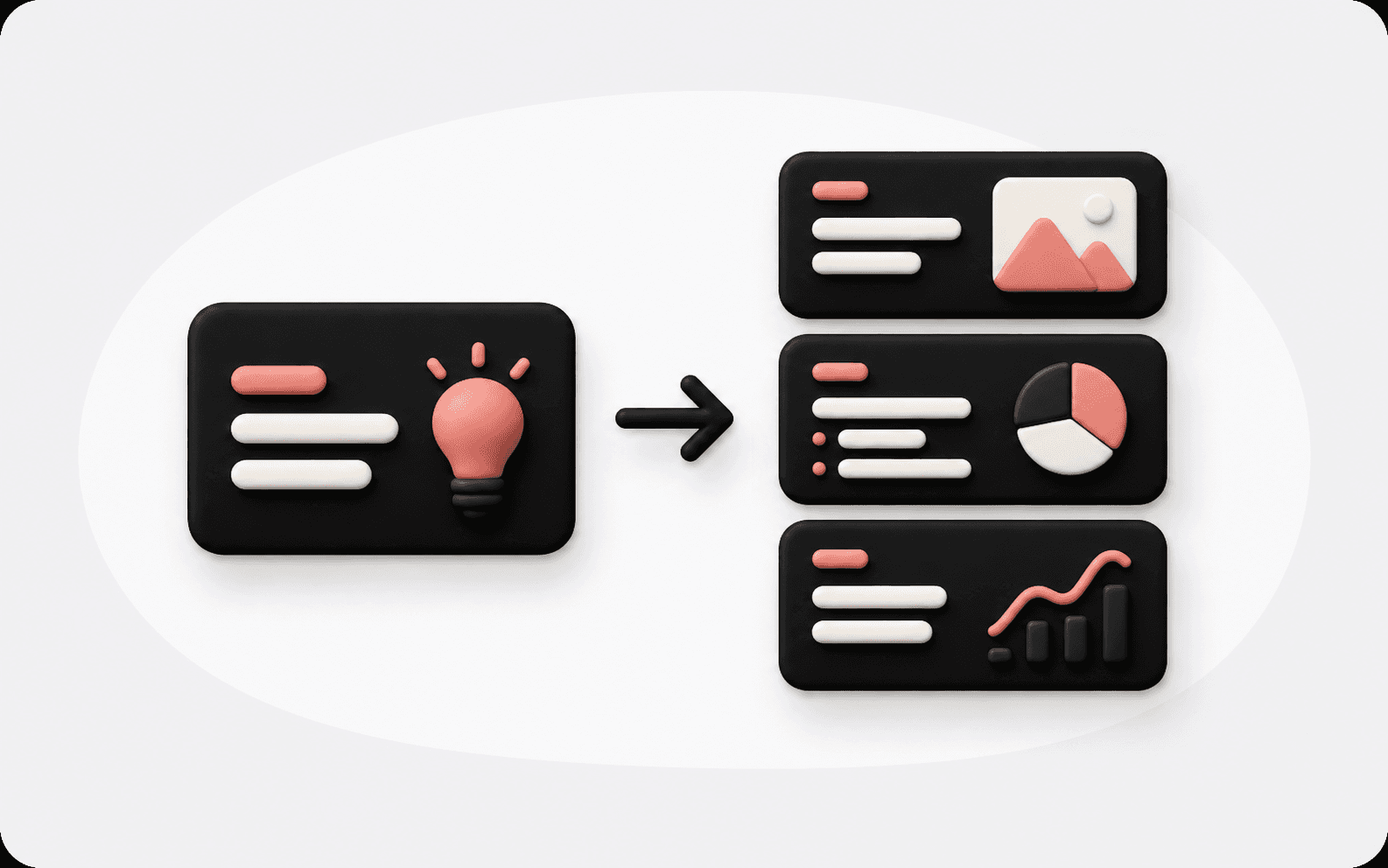
Biến chủ đề, yêu cầu cuộc họp, ý tưởng khóa học, mục tiêu bán hàng hoặc bản tóm tắt nguồn thành luồng nội dung hoàn chỉnh: mở đầu, bối cảnh, luận điểm chính, bằng chứng, đề xuất và kết luận.
Nhập chủ đề, đối tượng, bối cảnh cuộc họp, ghi chú nguồn hoặc mục tiêu bài thuyết trình. Kollab sẽ tạo dàn ý bộ slide rõ ràng gồm tiêu đề slide, các phần, ý chính, trình tự nội dung, ghi chú cho người thuyết trình và bước tiếp theo.
Yêu cầu của bạn sẽ được mở dưới dạng một tác vụ Kollab.
Nhập chủ đề, đối tượng, bối cảnh cuộc họp, ghi chú nguồn hoặc mục tiêu bài thuyết trình. Kollab sẽ tạo dàn ý bộ slide rõ ràng gồm tiêu đề slide, các phần, ý chính, trình tự nội dung, ghi chú cho người thuyết trình và bước tiếp theo.
Nhập chủ đề, đối tượng, bối cảnh cuộc họp, ghi chú nguồn hoặc mục tiêu bài thuyết trình. Kollab sẽ tạo dàn ý bộ slide rõ ràng gồm tiêu đề slide, các phần, ý chính, trình tự nội dung, ghi chú cho người thuyết trình và bước tiếp theo.
Dùng công cụ tạo dàn ý trước khi thiết kế slide. Công cụ giúp làm rõ đối tượng, mục tiêu, thứ tự các phần, vai trò từng slide và những bằng chứng còn thiếu, để bộ slide bắt đầu bằng một câu chuyện chắc chắn hơn.
Biến chủ đề, yêu cầu cuộc họp, ý tưởng khóa học, mục tiêu bán hàng hoặc bản tóm tắt nguồn thành luồng nội dung hoàn chỉnh: mở đầu, bối cảnh, luận điểm chính, bằng chứng, đề xuất và kết luận.
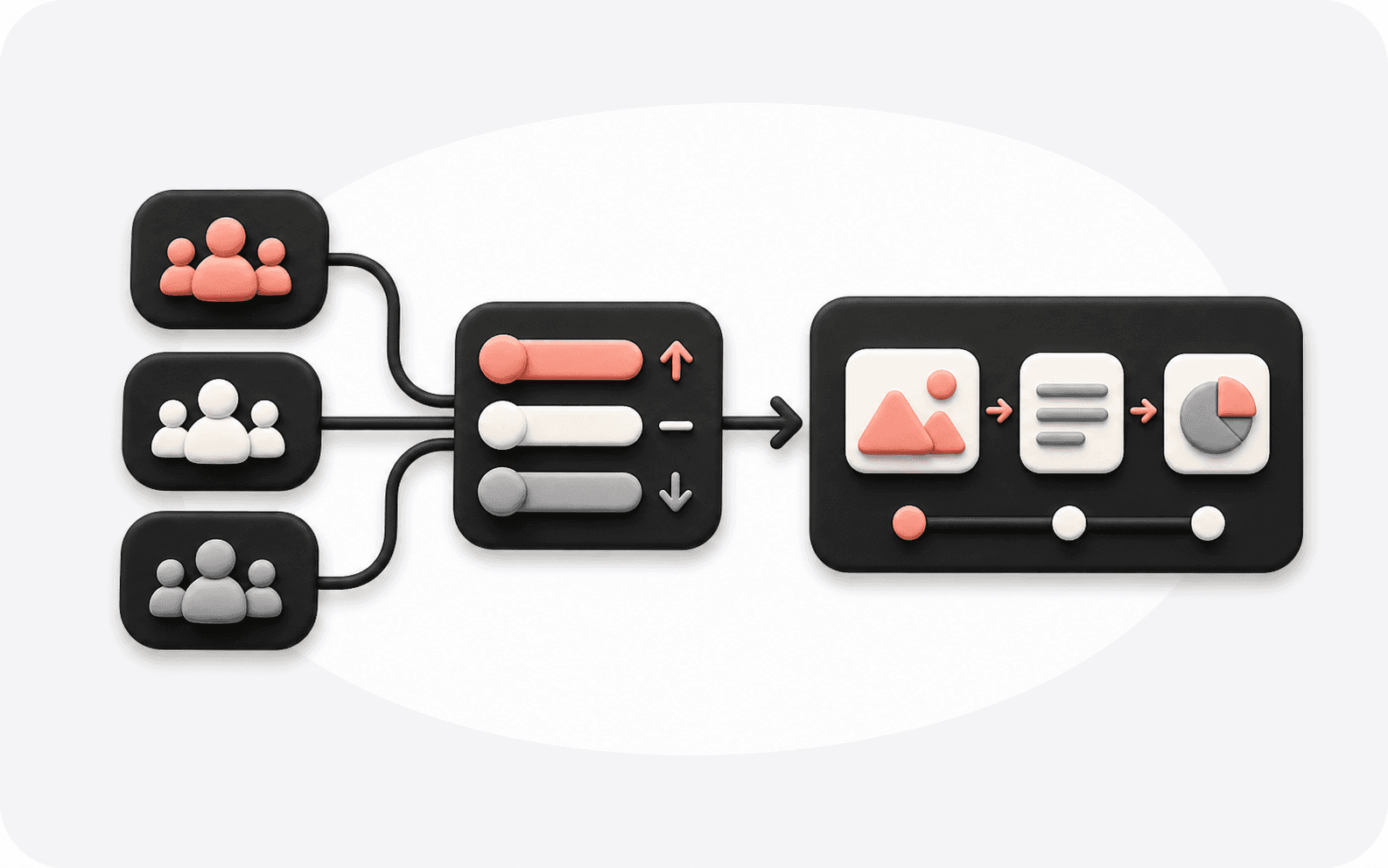
Cùng một ý tưởng nhưng cần trình bày khác nhau cho lãnh đạo, khách hàng, sinh viên, nhà đầu tư hay đội ngũ nội bộ. Chọn đối tượng, thời lượng và mục tiêu để có trình tự phù hợp hơn.

Sau khi có dàn ý, tiếp tục làm việc trong Kollab để viết tiêu đề slide, ghi chú cho người thuyết trình, ý tưởng biểu đồ, hướng dẫn cho trang dữ liệu và danh sách tài liệu còn thiếu.
Bắt đầu từ cấu trúc, sau đó mở rộng dàn ý thành nội dung slide cụ thể, ghi chú thuyết trình, biểu đồ và bản nháp tiếp theo của bộ slide, tất cả trong cùng một tác vụ Kollab.
Nhập chủ đề thuyết trình, đối tượng, loại cuộc họp, thời lượng, ghi chú hiện có và hành động bạn muốn người nghe thực hiện.
Tạo cấu trúc cho báo cáo kinh doanh, bộ slide bán hàng, bài giảng đào tạo, ra mắt sản phẩm, bài thuyết trình trên lớp hoặc bài nói tại hội nghị.
Kollab trả về tiêu đề slide, thông điệp chính, thứ tự, tài nguyên gợi ý và những bằng chứng còn thiếu cho từng trang.
Tiếp tục với ghi chú thuyết trình, nội dung slide, gợi ý biểu đồ, FAQ hoặc kế hoạch chi tiết hơn cho từng trang trong bộ slide.
Dùng khi bạn có chủ đề nhưng chưa có mạch rõ ràng, hoặc khi có quá nhiều tài liệu và cần sắp xếp gọn gàng trước khi mở trình soạn slide.
Biến cập nhật dự án, báo cáo quý, nghiên cứu thị trường hoặc đề xuất chiến lược thành cấu trúc dễ tiếp cận với lãnh đạo.
Xây dựng mạch nội dung xoay quanh vấn đề của khách hàng, giải pháp, bằng chứng, case study và bước hành động tiếp theo.
Chia nhỏ kiến thức thành mục tiêu học tập, chương, ví dụ, bài tập và phần tổng kết.
Lên kế hoạch cho bài nói ra mắt, phiên trực tuyến, demo, các nhịp câu chuyện và tài nguyên cần chuẩn bị.
Pitch Deck Maker tập trung vào bộ slide gọi vốn. Công cụ này bao quát dàn ý thuyết trình rộng hơn, gồm báo cáo, bài giảng, bộ slide bán hàng, ra mắt sản phẩm và hội thảo trực tuyến.
Không cần. Chỉ một dòng chủ đề cũng đủ để bắt đầu dàn ý. Đối tượng, thời lượng, mục tiêu và ghi chú nguồn sẽ giúp kết quả cụ thể hơn.
Có. Công cụ trả về cấu trúc từng slide, tiêu đề, ý chính, tài nguyên gợi ý và các prompt tiếp theo để viết toàn bộ bộ slide.
Có. Bạn có thể nhập chủ đề và ghi chú bằng tiếng Trung, sau đó yêu cầu Kollab điều chỉnh giọng văn trang trọng, súc tích, phù hợp với lãnh đạo hoặc theo đặc thù ngành.
Có. Sau khi có dàn ý, bạn có thể yêu cầu thêm ghi chú thuyết trình, kịch bản người nói, nội dung tài liệu phát tay hoặc lời thoại cho từng trang.
Công cụ tập trung vào cấu trúc trước. Sau đó bạn có thể yêu cầu thêm ý tưởng bố cục, gợi ý biểu đồ, prompt hình ảnh hoặc bản nháp cho từng trang.
Báo cáo kinh doanh, bộ slide bán hàng, đào tạo, bài giảng, báo cáo, hội thảo trực tuyến, ra mắt sản phẩm, đề xuất nội bộ và bài nói tại hội nghị đều phù hợp tốt.
Có. Kollab lưu giữ dàn ý, ghi chú, tài liệu nguồn và các bước tiếp theo trong một tác vụ dùng chung để cả nhóm có thể tiếp tục hoàn thiện.
Đưa chủ đề, ghi chú và đối tượng của bạn vào Kollab, tạo dàn ý thuyết trình có cấu trúc, rồi tiếp tục mở rộng thành tiêu đề, ghi chú, hình ảnh và bản nháp slide hoàn chỉnh.