01
Read every attachment
Kollab starts from PDFs, images, screenshots, scans, reports, proposals, or charts instead of requiring clean text first.

Attach PDFs, screenshots, reports, proposals, or photos, and let Kollab turn them into summaries, evidence, risks, and next actions.
Many research inputs are not clean web links. They arrive as PDFs, screenshots, scanned notes, product images, proposals, reports, or meeting photos.
Kollab helps read those attachments, extract the useful evidence, compare them against your question or criteria, flag uncertainty, and create a structured insight report that can be saved to a project or knowledge base.
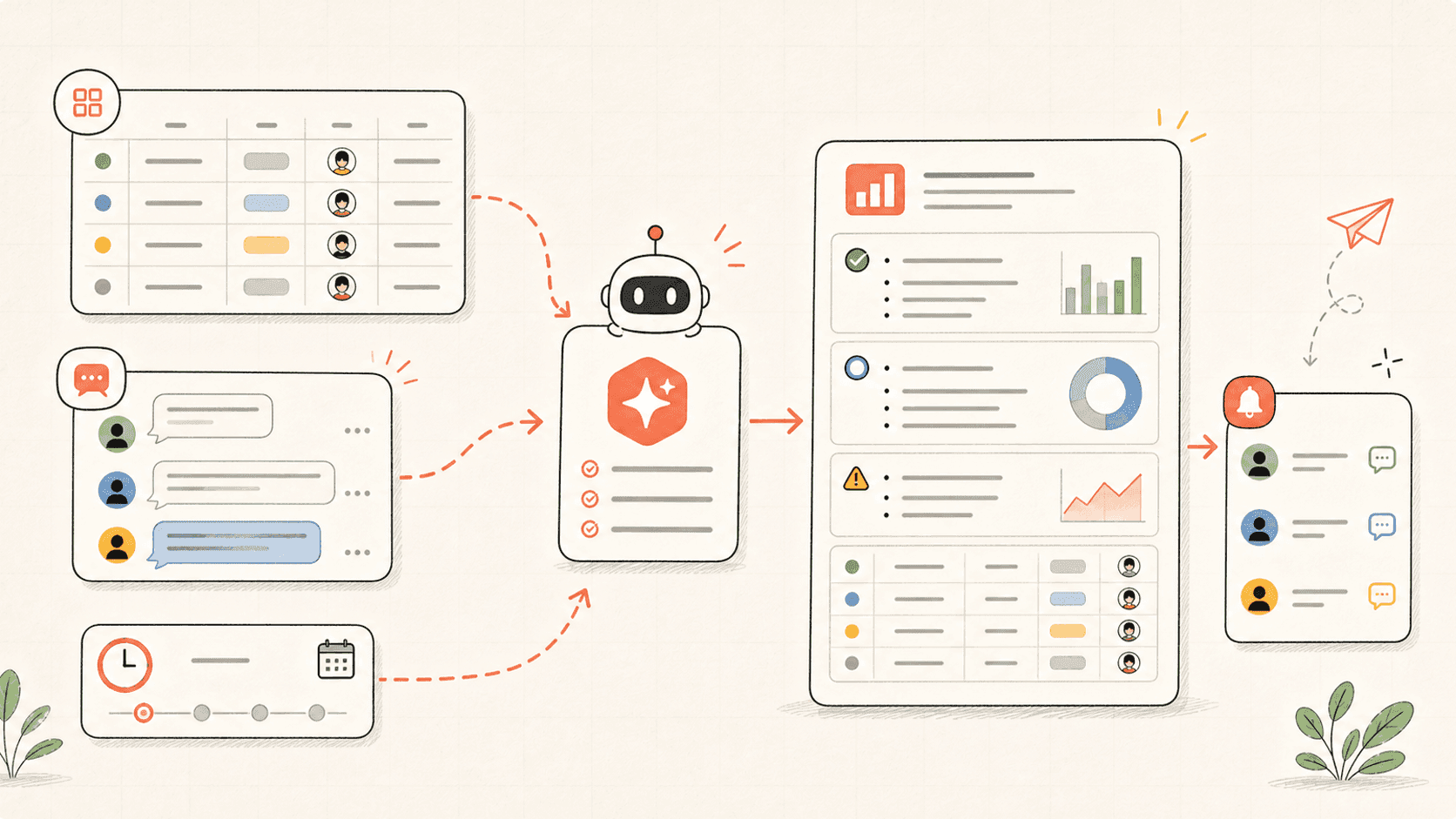
Đọc qua quy trình một lượt, sau đó thay vào vai trò, nguồn dữ liệu và kết quả đầu ra của riêng bạn.
Kollab starts from PDFs, images, screenshots, scans, reports, proposals, or charts instead of requiring clean text first.
The agent pulls out conclusions, data points, visual details, missing information, and uncertainty that need review.
If you provide a research question, requirement, or rubric, each source is mapped to what it supports or fails to support.
The final report keeps summaries, evidence, risks, questions, and next actions together for follow-up work.
The output should support a decision or research path, not just summarize files.
Inventory
Evidence
Action
Xem các trang tính năng liên quan để biết lớp sản phẩm và công cụ nào giúp trường hợp sử dụng này lặp lại được cho cả nhóm.
Attach PDFs, screenshots, reports, proposals, or photos, and let Kollab turn them into summaries, evidence, risks, and next actions.
Sao chép prompt thiết lập vào Kollab, thay thế các placeholder bằng thông tin thực tế của đội nhóm bạn, sau đó chạy nó như một tác vụ có thể kiểm duyệt trong không gian làm việc của bạn.
A structured insight report with attachment inventory, key takeaways, evidence, visual details, risks, criteria comparison, open questions, and next actions.
Không. Quy trình được thiết kế để tạo ra các bản nháp, bản tóm tắt, artifact hoặc bản cập nhật cơ sở dữ liệu có thể xem lại trước, để nhóm của bạn có thể phê duyệt kết quả trước khi bất cứ điều gì được xuất bản hay thay đổi.
Use Kollab to analyze PDFs, images, screenshots, and reports with evidence and next steps.
Chạy