01
Search approved apps
Kollab reads only the connectors you choose, such as Slack, docs, tasks, GitHub, CRM notes, and workspace databases.

Ask one work question and get a sourced AI answer from connected apps like Slack, Notion, docs, tasks, CRM notes, tickets, and workspace databases.
Most teams do not have one source of truth. The answer to “what is happening?” may be split across Slack threads, Google Docs, Notion pages, Linear issues, GitHub PRs, customer notes, and meeting transcripts.
Kollab turns that connector layer into a working answer flow: it searches the approved apps, cites where each claim came from, shows what is uncertain, and can turn the result into an update, action list, decision brief, or follow-up task.
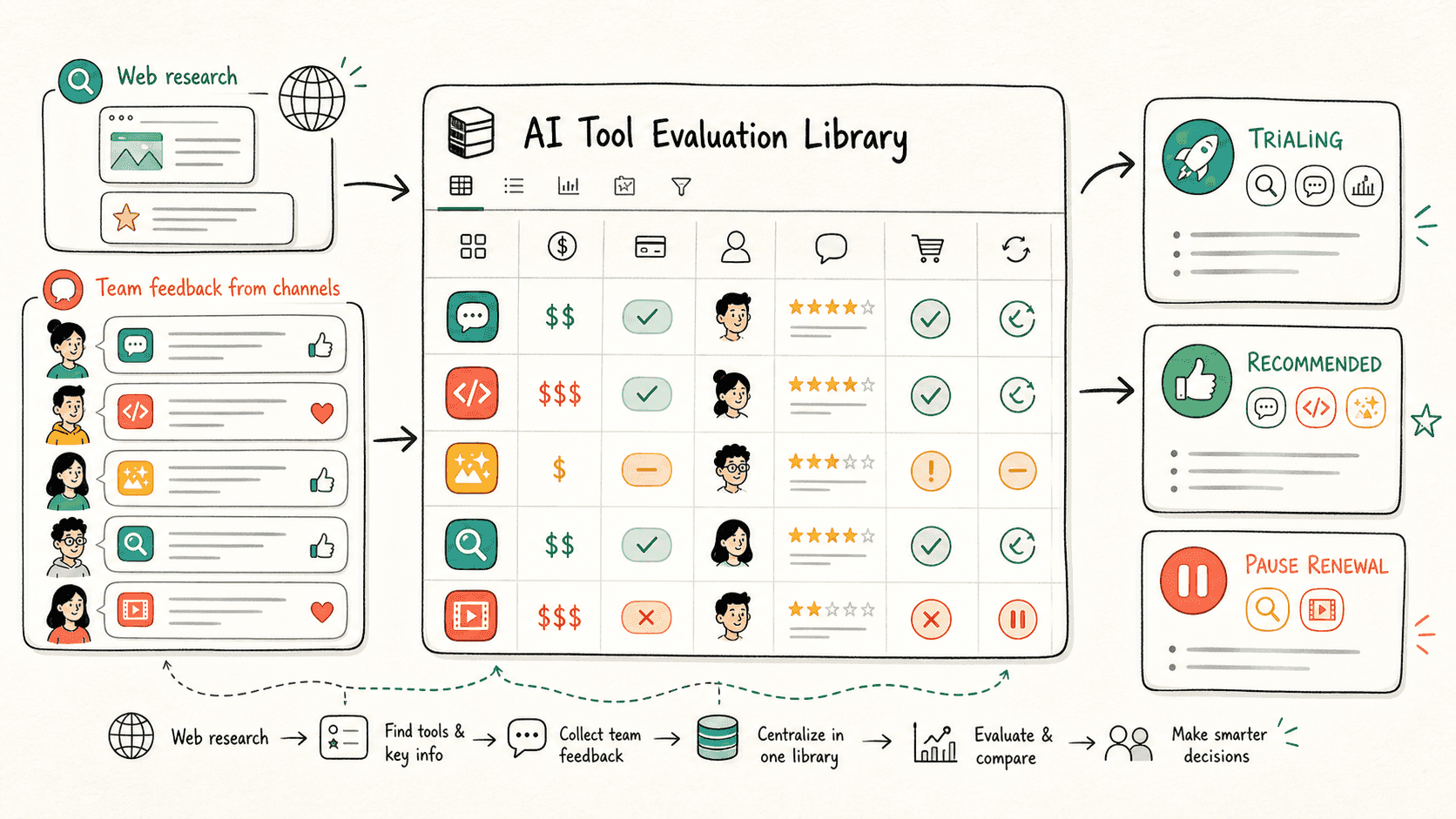
Đọc qua quy trình một lượt, sau đó thay vào vai trò, nguồn dữ liệu và kết quả đầu ra của riêng bạn.
Kollab reads only the connectors you choose, such as Slack, docs, tasks, GitHub, CRM notes, and workspace databases.
The agent gives a direct answer, groups supporting evidence, and marks uncertainty or conflicting signals instead of hiding them.
The result becomes a shareable project update, decision brief, action list, or follow-up plan without changing external systems automatically.
Kollab helps teams ask one operational question without losing the evidence trail.
| Manual search | With Kollab | |
|---|---|---|
| Coverage | Open Slack, docs, tasks, CRM, and GitHub one by one. | Search the approved connectors from one prompt while keeping source boundaries explicit. |
| Trust | Answers depend on memory or the loudest recent thread. | Each important claim includes source app, record, owner or date when available. |
| Conflicts | Conflicting updates are easy to miss across tools. | Unclear, stale, or contradictory signals are called out for human review. |
| Follow-up | The answer still needs to be rewritten into an update or task list. | The same run leaves a shareable summary, blockers, owners, and proposed next actions. |
| Total time | Search across tabs | Answer with citations and next actions |
The output is useful because it keeps answer, evidence, and follow-up together.
Answer
Evidence
Action
Ask one work question and get a sourced AI answer from connected apps like Slack, Notion, docs, tasks, CRM notes, tickets, and workspace databases.
Sao chép prompt thiết lập vào Kollab, thay thế các placeholder bằng thông tin thực tế của đội nhóm bạn, sau đó chạy nó như một tác vụ có thể kiểm duyệt trong không gian làm việc của bạn.
A sourced answer brief with project goals, recent progress, blockers, decisions, owner hints, open questions, citations, and proposed next actions.
Không. Quy trình được thiết kế để tạo ra các bản nháp, bản tóm tắt, artifact hoặc bản cập nhật cơ sở dữ liệu có thể xem lại trước, để nhóm của bạn có thể phê duyệt kết quả trước khi bất cứ điều gì được xuất bản hay thay đổi.
Let Kollab gather the answer, preserve the sources, and turn it into a follow-up your team can use.
Chạy