01
Read every attachment
Kollab starts from PDFs, images, screenshots, scans, reports, proposals, or charts instead of requiring clean text first.
Attach PDFs, screenshots, reports, proposals, or photos, and let Kollab turn them into summaries, evidence, risks, and next actions.
Many research inputs are not clean web links. They arrive as PDFs, screenshots, scanned notes, product images, proposals, reports, or meeting photos.
Kollab helps read those attachments, extract the useful evidence, compare them against your question or criteria, flag uncertainty, and create a structured insight report that can be saved to a project or knowledge base.
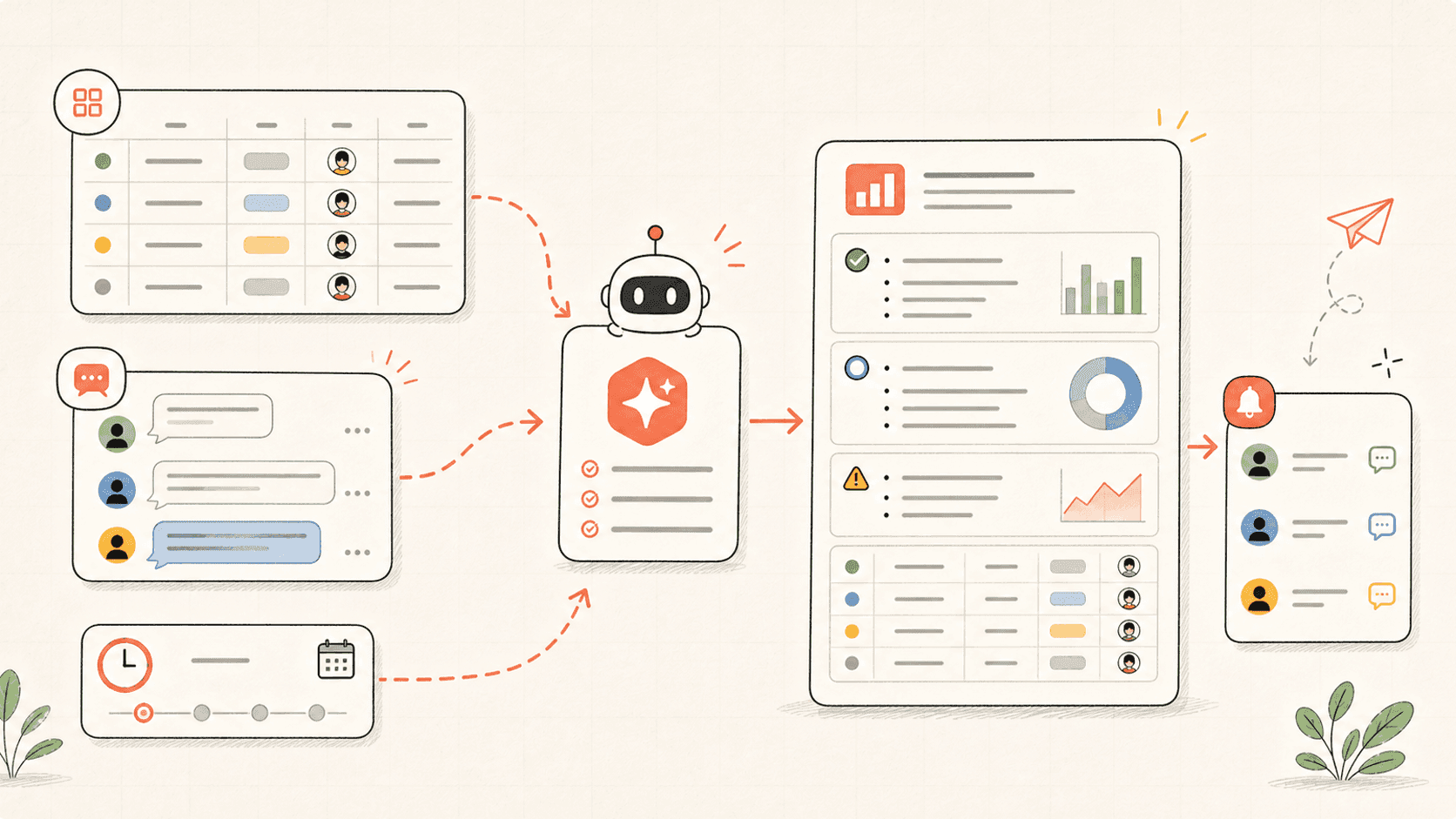
Le workflow garde contexte, sortie et revue connectés.
Kollab starts from PDFs, images, screenshots, scans, reports, proposals, or charts instead of requiring clean text first.
The agent pulls out conclusions, data points, visual details, missing information, and uncertainty that need review.
If you provide a research question, requirement, or rubric, each source is mapped to what it supports or fails to support.
The final report keeps summaries, evidence, risks, questions, and next actions together for follow-up work.
The output should support a decision or research path, not just summarize files.
Inventory
Evidence
Action
Suivez les pages de capacités liées pour voir quelles couches produit et quels outils rendent ce cas d’usage répétable pour une équipe.
Attach PDFs, screenshots, reports, proposals, or photos, and let Kollab turn them into summaries, evidence, risks, and next actions.
Ouvrez le prompt dans Kollab, ajoutez vos fichiers ou sources, puis laissez l’Agent préparer le résultat pour revue.
A structured insight report with attachment inventory, key takeaways, evidence, visual details, risks, criteria comparison, open questions, and next actions.
Oui. Kollab prépare des sorties révisables ; les décisions, validations et publications restent humaines.
Use Kollab to analyze PDFs, images, screenshots, and reports with evidence and next steps.
Lancer