10 Best AI Podcast Summary & Transcript Tools in 2026

Compare the 10 best AI podcast summary and transcript tools of 2026 — Kollab, Snipd, Descript, Otter.ai and more, by features and price.
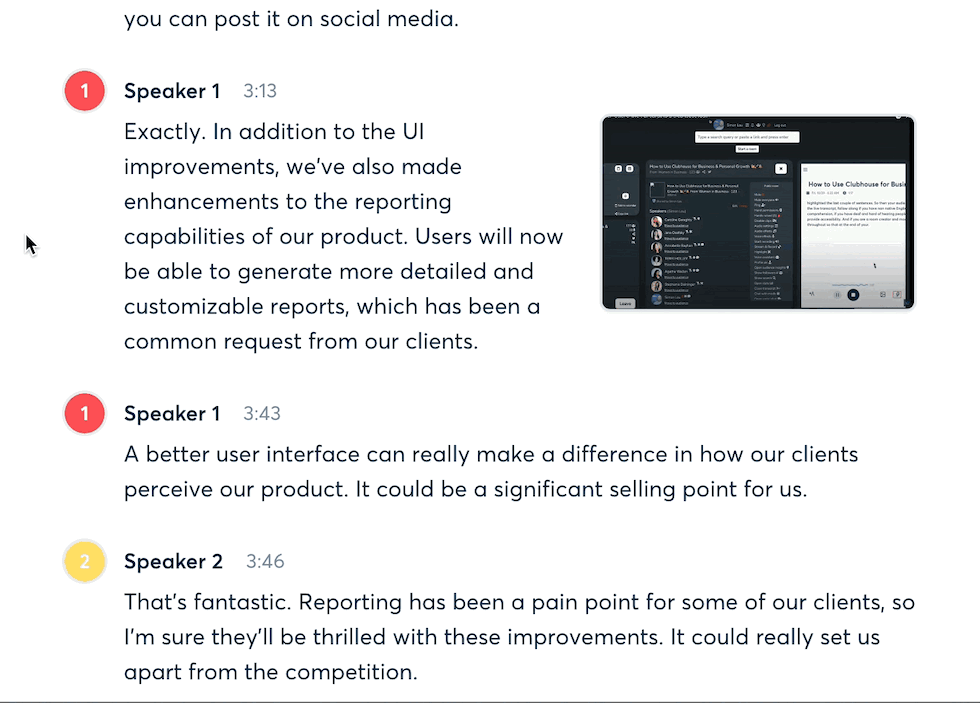
Open your podcast subscriptions and count how many episodes are sitting there "saved but never finished." That's not a willpower problem — it's the format itself. A 60-minute interview is a linear medium, so the only way to know which parts are worth remembering used to be listening from start to finish.
By 2026, that problem has a mature answer. AI transcription and summarization models now hold steady above 90% accuracy, and turning a one-hour episode into text usually takes a few minutes — a jump that independent testing of transcription services has tracked closely over the past two years. The real dividing line is no longer "can it transcribe" — it's whether what comes out is actually usable: does it include timestamps, can it generate a structured summary, and does it plug into the notes or content workflow you already use.
This roundup spans everything from personal podcast-summary apps for individual listeners to transcription and repurposing platforms built for content teams and podcast producers. If you'd rather see the mechanics of the process itself first, our guide on how to convert any YouTube video or podcast to text with AI walks through the workflow step by step.
Quick Comparison Table
| Tool | Best for | Core strength | Pricing |
|---|---|---|---|
| Kollab | One-stop transcription, summarization, and content repurposing | Turns podcast links straight into transcripts, shares a workspace with writing and research, built for team collaboration | Free plan; Pro $20/mo; Max $200/mo |
| Snipd | Listeners who want to save highlights while they listen | AI chapters, Chat with episodes, headphone-gesture saving | Free plan (limited); Premium ~$6.99/mo |
| Castmagic | Content repurposing for podcast teams | One upload generates blog posts, emails, and social copy | ~$21–790/mo (annual) |
| Podwise | Reading instead of listening | Summary + transcript + mind map in one | Free tier; paid plans from ~$5.90/mo |
| NotebookLM | Research-grade summaries with traceable citations | Audio Overview, click-through source citations | Free for individuals; Google One ~$19.99/mo |
| Descript | Editing workflows for podcast producers | Edit audio by editing the transcript, automatic filler-word removal | Free plan; paid plans from ~$16–24/mo |
| Otter.ai | The established name in meeting and long-form transcription | Multilingual support, speaker identification, enterprise integrations | Free 300 min/mo; Pro ~$16.99/mo (annual ~$8.33) |
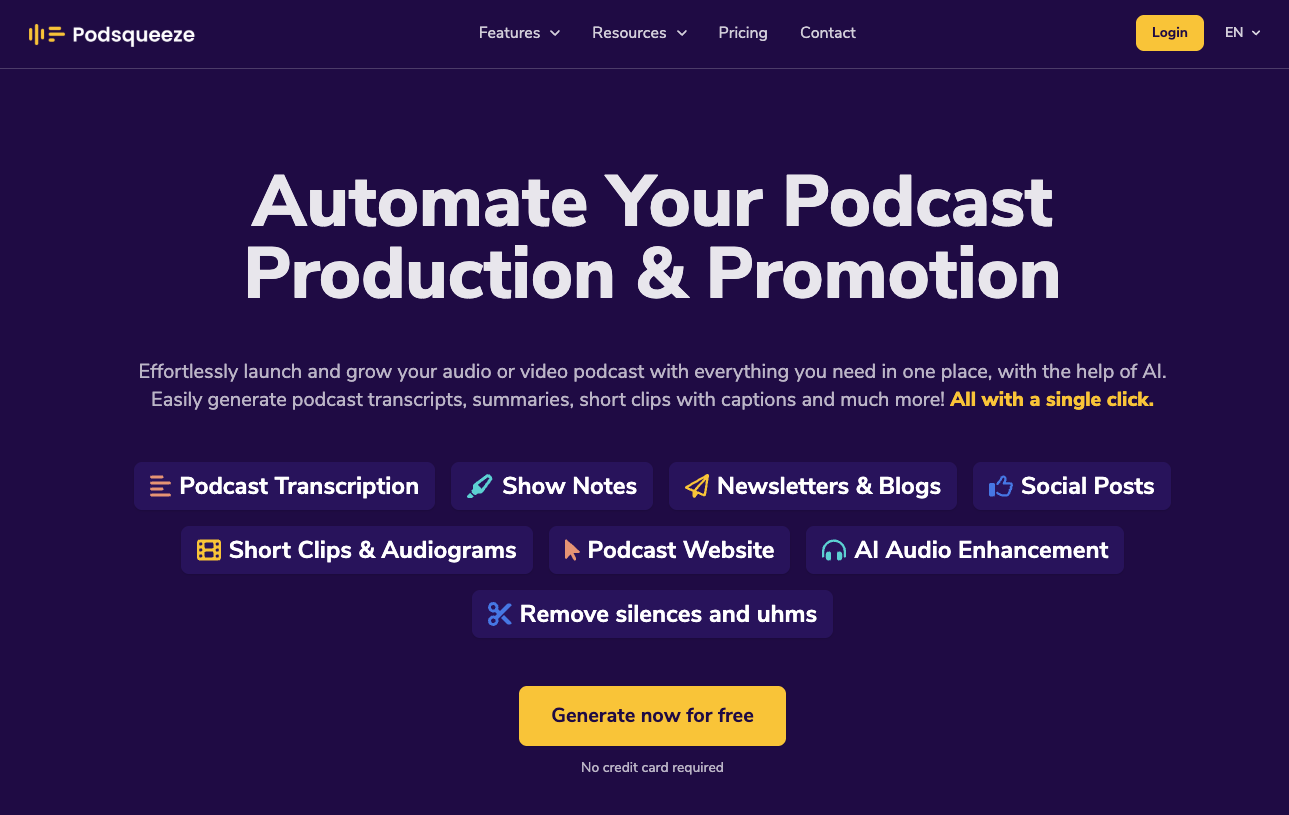
| Podsqueeze | Automating podcast show-notes and publishing copy | Show notes, timestamped chapters, extracted resource links | Free tier; paid plans from ~$8.99/mo |
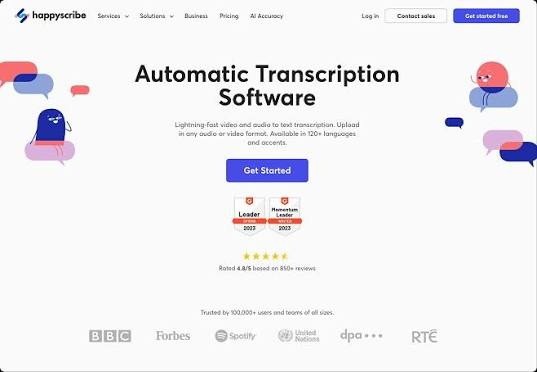
| HappyScribe | Multilingual subtitles and transcription | 150+ languages, optional human review | Free plan available; Basic from ~$17/mo (annual ~$8.50/mo); overage $0.20/min |
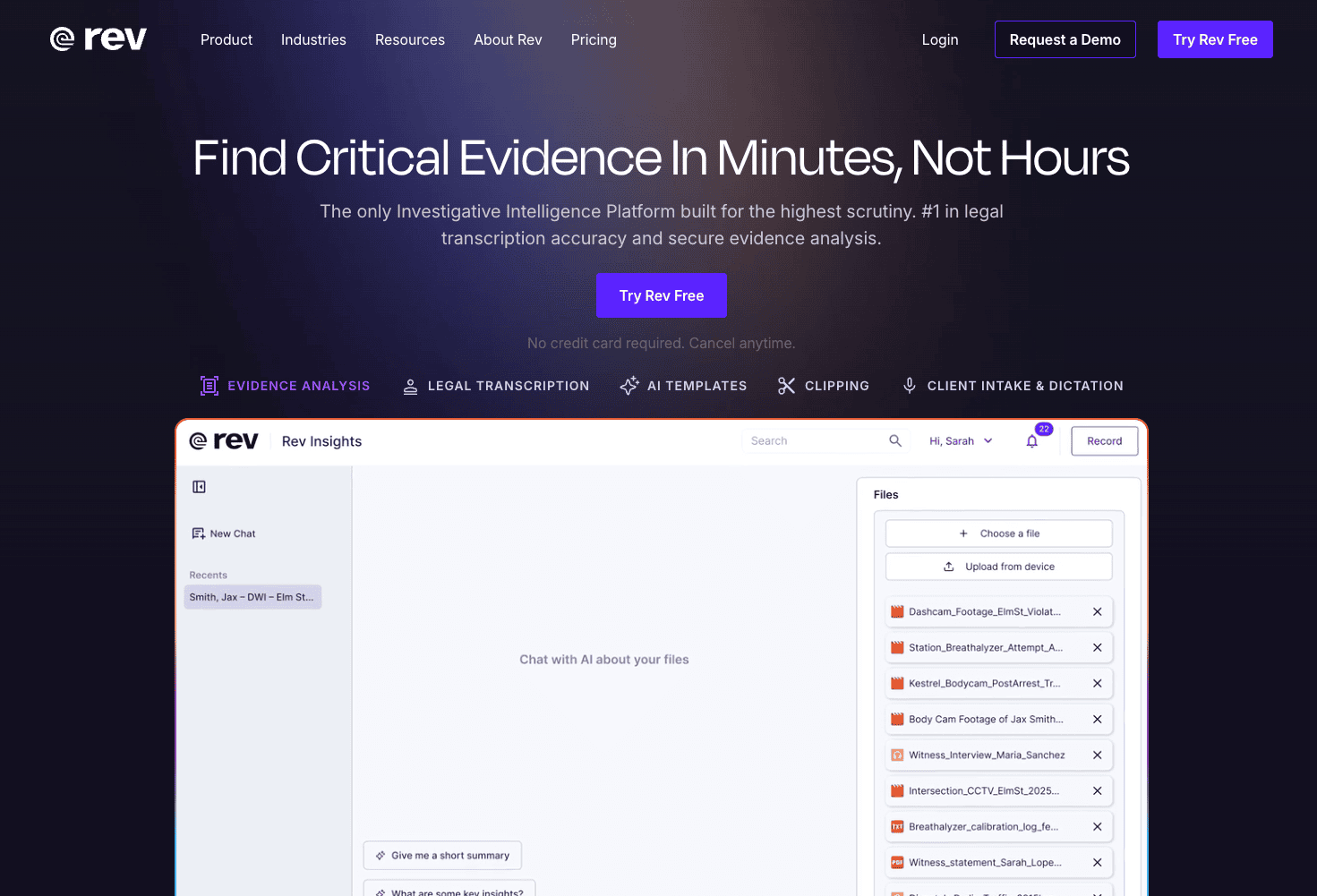
| Rev | High-accuracy professional transcription | AI + human hybrid, pay-per-minute with no subscription lock-in | Free plan available; Essentials plan $25.49 per seat/month |
1. Kollab
Kollab is an AI collaboration platform that folds writing, research, and content production into a single workspace. Most podcast tools stop at "turn this into text" — once you have a transcript, you still have to switch to another tool to take notes, draft an article, or organize your research, and that switch creates a gap between raw material and finished output. Kollab's approach is to remove that gap: transcription is just the starting point, and the summarizing, rewriting, and repurposing that follow all happen inside the same project space.
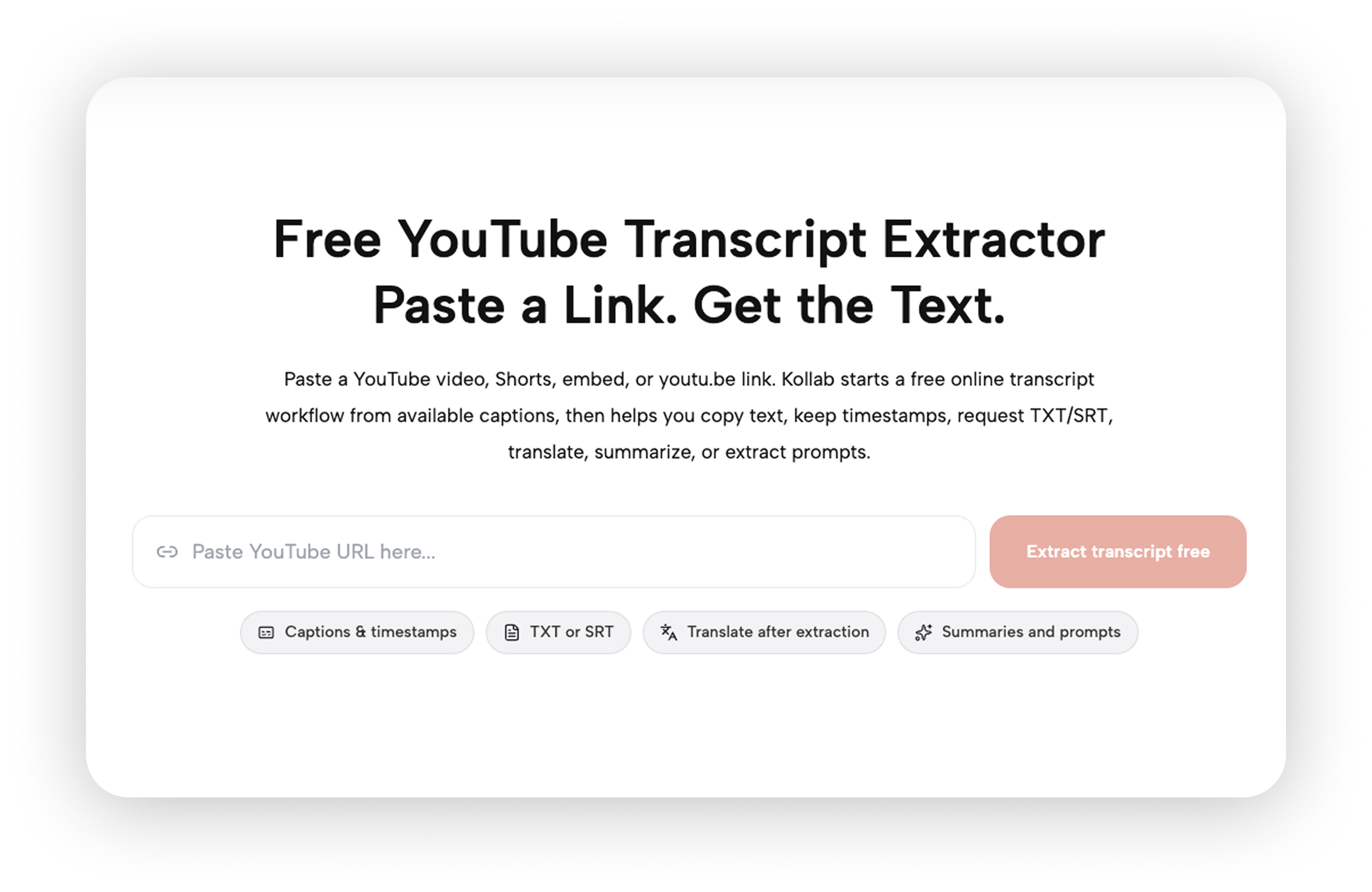
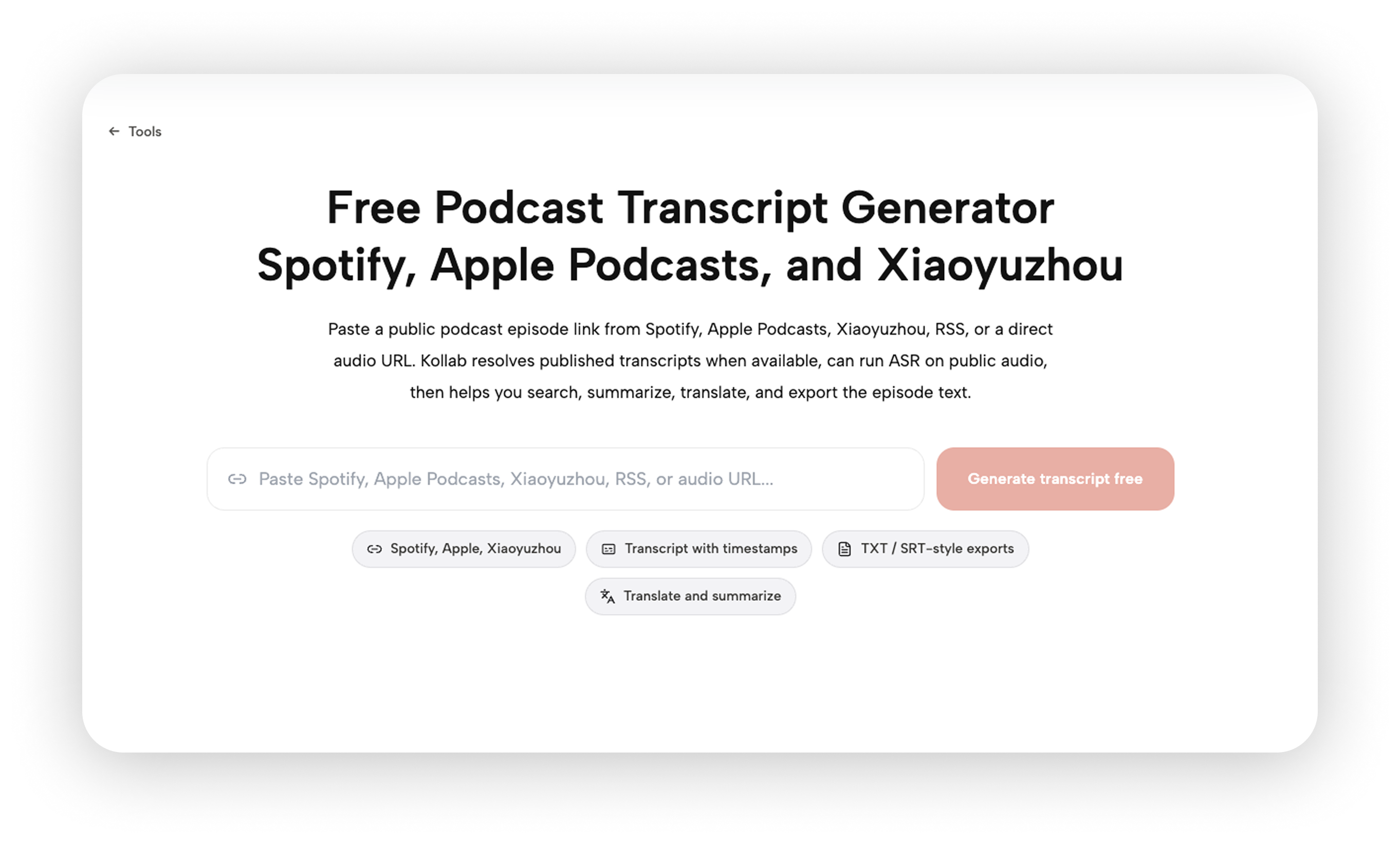
Kollab's built-in Skills can recognize links from YouTube, Spotify, Apple Podcasts, and other platforms directly, handling audio extraction and transcription automatically and returning a full, timestamped transcript — no manual downloads, no plugins. Paste the link, wait a few minutes, get the text. There's nothing in between.

For anyone who regularly chases trending podcasts or turns interview material into articles, the real payoff comes right after that step: inside the same project space, you can have the AI summarize the transcript, pull out key points, or generate social copy or a long-form draft — no exporting the transcript and starting over in a different tool.
Core features:
- Paste a link from YouTube, Spotify, Apple Podcasts, or other major platforms and get an automatic transcription with a full, timestamped transcript — no need to identify the audio source manually

Transcripts share the same project space as writing, research, and content generation, so summarizing, rewriting, and repurposing happen in one place
Teams share the same knowledge base and generation history, so colleagues don't have to re-transcribe the same episode
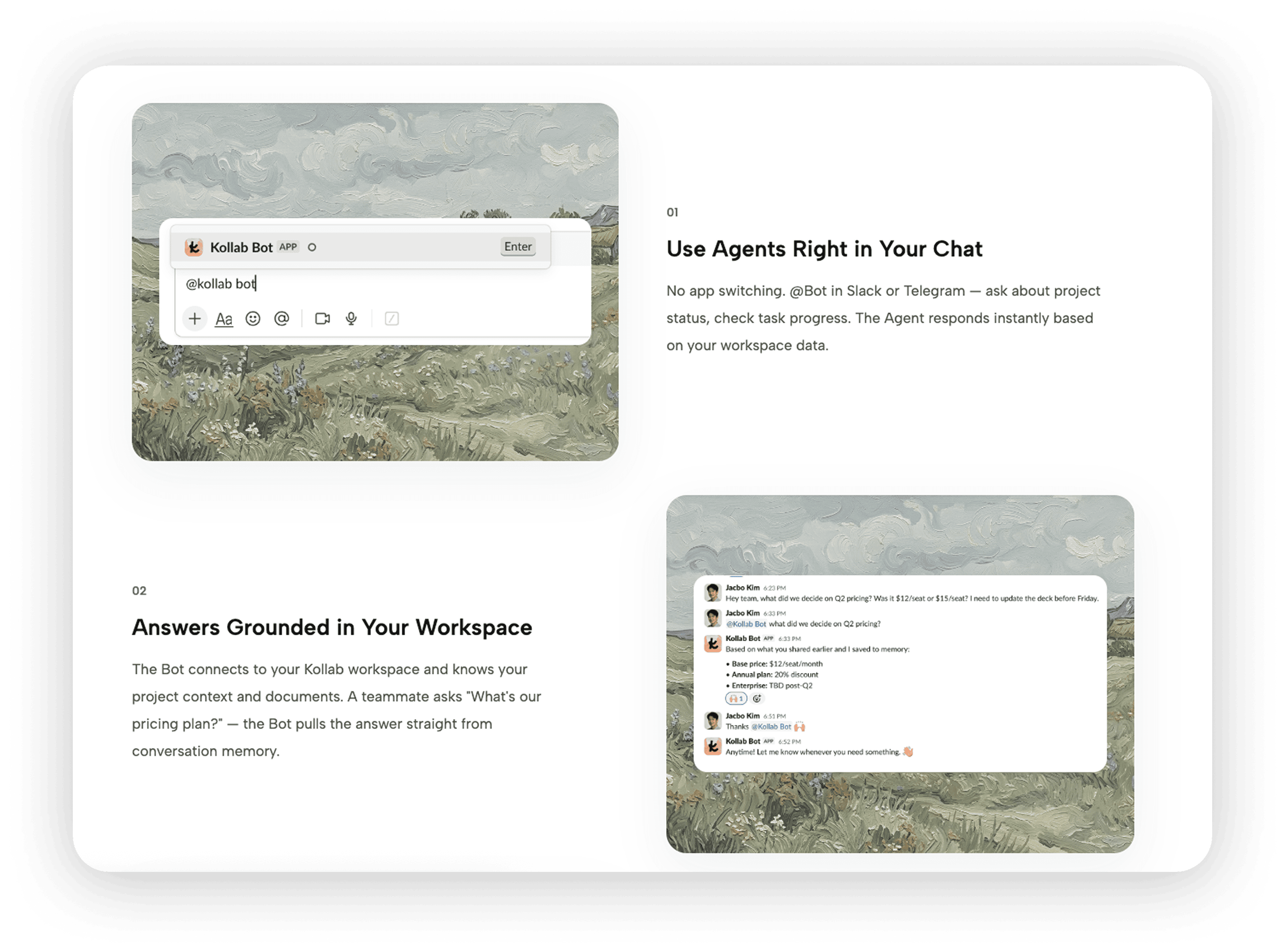
Supports Slack and Telegram Bot integrations, so a team channel can trigger a transcription job directly

- Combined with browser and social content extraction capability, it can also handle transcription for long-form video interviews, not just podcast links
Pricing: Free plan available; Pro plan $20/month; Max plan $200/month. All plans run on a credit system that refreshes 200 credits daily.
2. Snipd
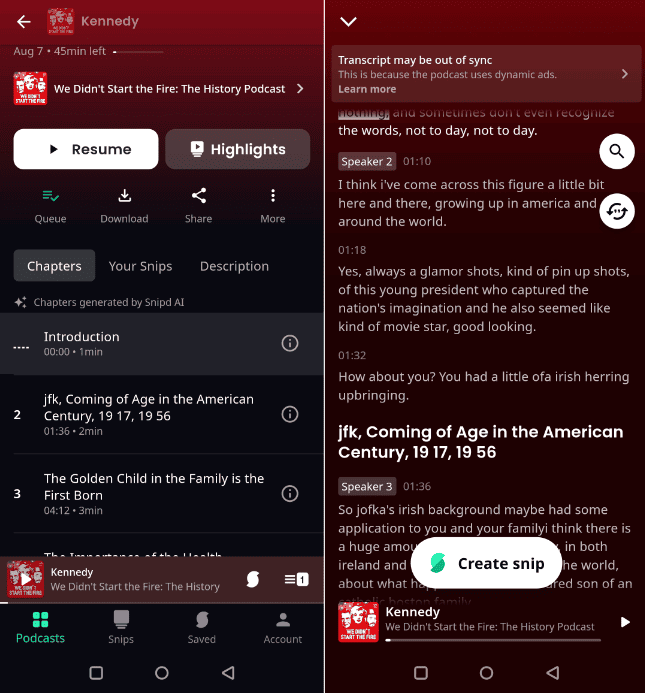
Snipd is currently the best-known AI-native podcast app internationally, built around the idea of saving highlights while you listen. It's not trying to replace listening — it lets you save an important moment with a headphone gesture in the moment, and AI automatically generates a summary and transcript for that clip.
Snipd's other signature feature is AI Chapters, which automatically detects topic shifts within an episode and can skip intros and outros for certain show types. The paid tier adds "Chat with episodes," letting you ask AI directly about the content of a specific episode instead of scrolling through the transcript yourself.
Core features:
Save podcast highlights with a headphone gesture; AI generates a summary and transcript automatically
AI-generated chapters that detect topic shifts and can skip intros/outros

Chat with episodes — ask AI questions about a specific episode's content
Export saved notes to Notion, Obsidian, and other note-taking tools
A mobile experience polished specifically for individual listeners
Pricing: Free plan limited to AI features on 2 episodes per week; Premium ~$6.99–7/month (with a 1-week free trial), unlocking unlimited AI features across a catalog of millions of episodes.
3. Castmagic
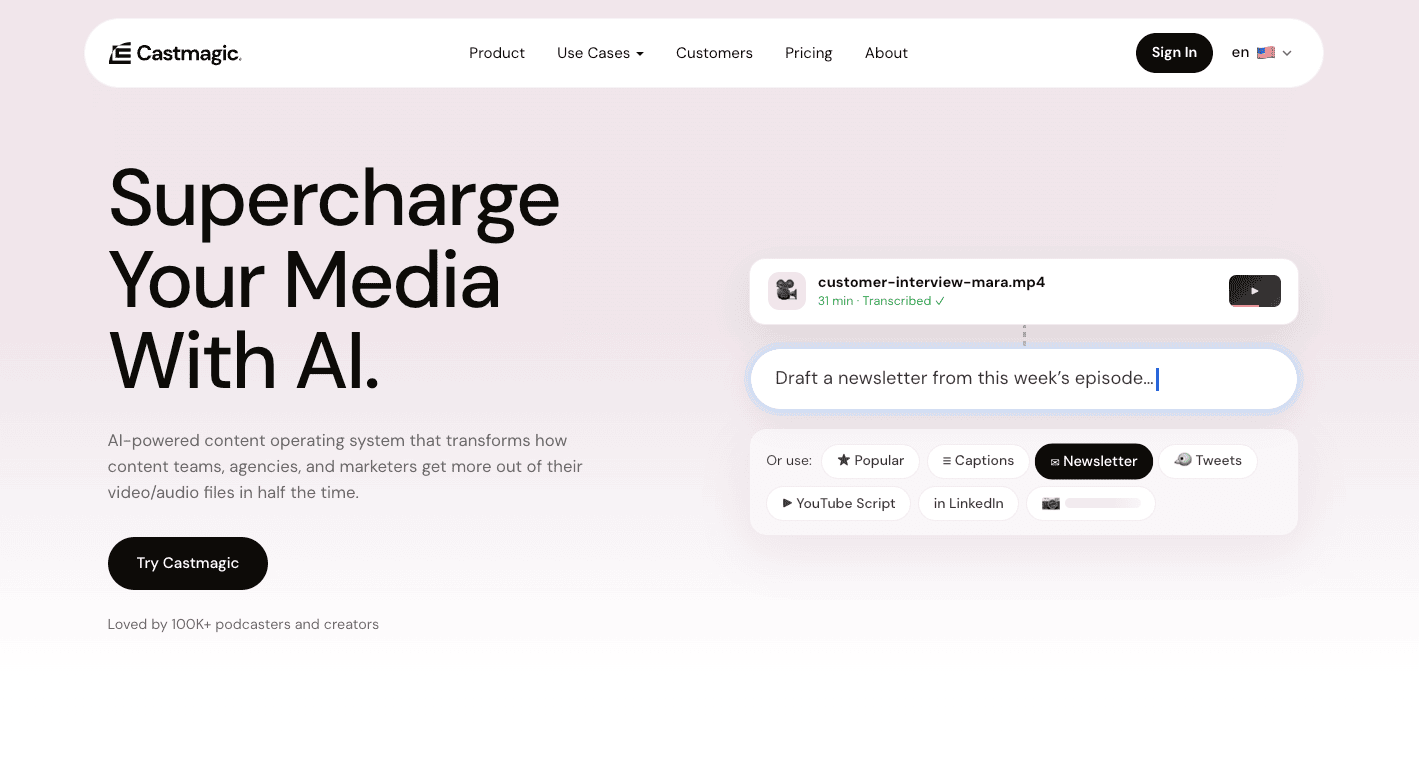
Castmagic is built around content repurposing — upload a podcast episode, webinar, or sales call, and it doesn't just output a transcript. It automatically generates full show notes, newsletter drafts, blog posts, social copy, and email sequences, one of the content repurposing strategies marketers increasingly build entire pipelines around. For podcast production teams, this essentially automates every piece of surrounding content that has to get made after an episode wraps.

Its pricing spans a wide range — from an entry-level plan to a tier built for content agencies that costs nearly ten times more — so it's worth being precise about how much processing time and how many output formats you actually need before choosing a plan.
Core features:
Upload a recording and automatically generate show notes, blog posts, social copy, email sequences, and more
Batch-process an entire season of episodes
AI can rewrite generated content snippets based on custom instructions
Multi-brand management features for podcast agencies
Pricing: Hobby plan ~$21/month billed annually ($29/month billed monthly, 5 hours of processing); Starter plan ~$79/month billed annually ($99/month billed monthly, 20 hours of processing); Business plan ~$790/month billed annually ($999/month billed monthly, 80 hours of processing).
4. Podwise
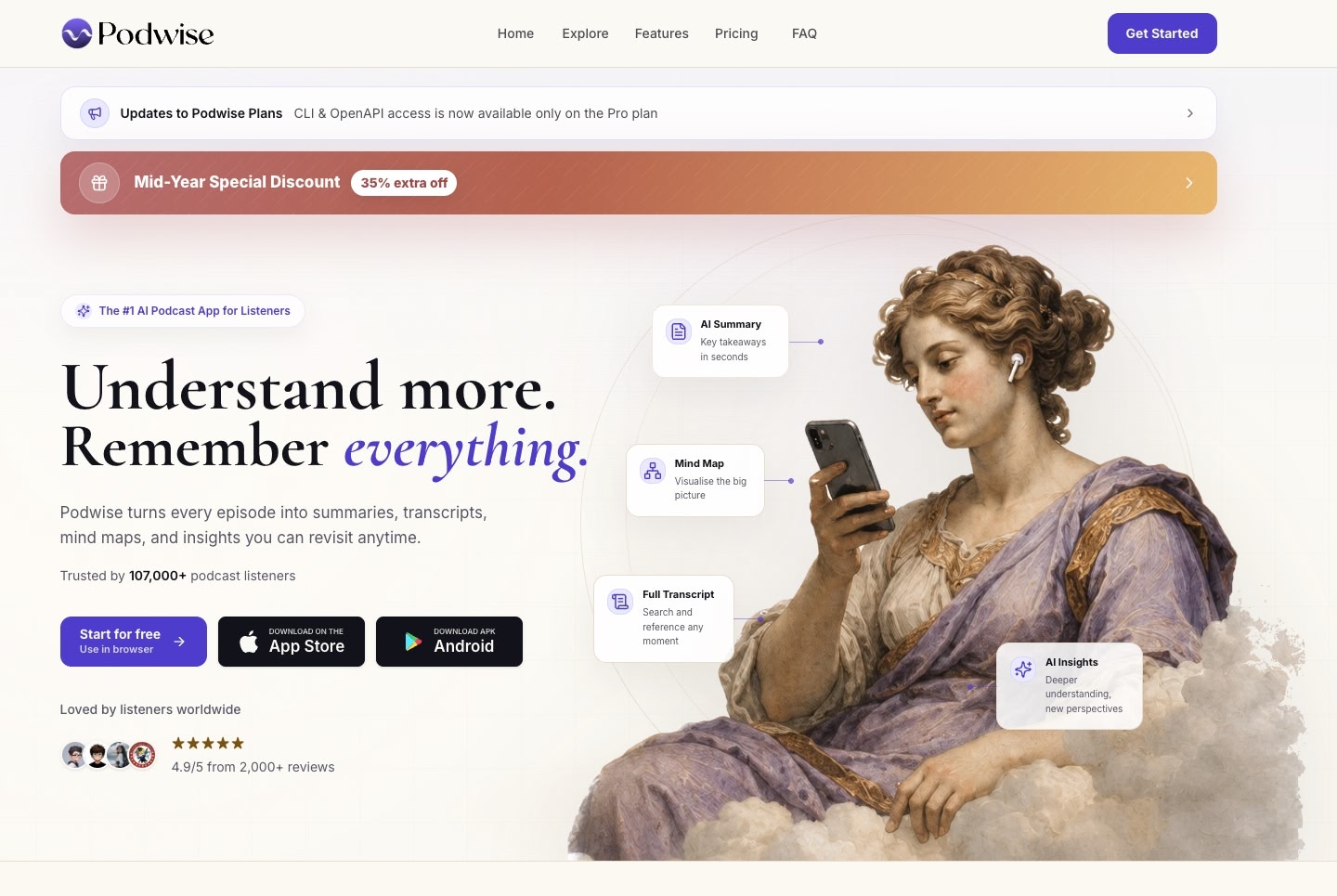
Podwise's positioning is direct: "reading instead of listening." It turns a full episode into a structured summary, a complete transcript, a mind map, and a searchable index of key points, aimed at listeners who want the information density of a podcast without the time cost of listening to it.

Compared with a plain transcription tool, Podwise reads more like a "podcast reader" — the interface is built around scanning key points quickly, jumping to specific timestamps, and asking questions about a given episode, rather than treating the raw transcript as the final deliverable.
Core features:
One click generates a show summary, full transcript, and mind map
AI Q&A for the content of a specific episode
A searchable index of key points to quickly locate when a topic was mentioned
Batch processing across multiple subscribed feeds
Pricing: As of July 2026, Podwise has discontinued its permanent free plan; free accounts keep only basic access (viewing historical AI results for already-authorized episodes, with no free quota for new episodes). Paid plans come in two annual tiers — Standard at ~$5.90/month ($70.80/year) and Pro at ~$11.90/month ($142.80/year, including CLI and OpenAPI access).
5. NotebookLM
NotebookLM is a research notebook tool from Google. Strictly speaking it isn't a "podcast to text" product, but its Audio Overview feature —covered in depth by WIRED — has already reshaped the industry from the other direction: upload any document or link, and the AI generates a two-host, podcast-style audio conversation while preserving the citable source text and summary.

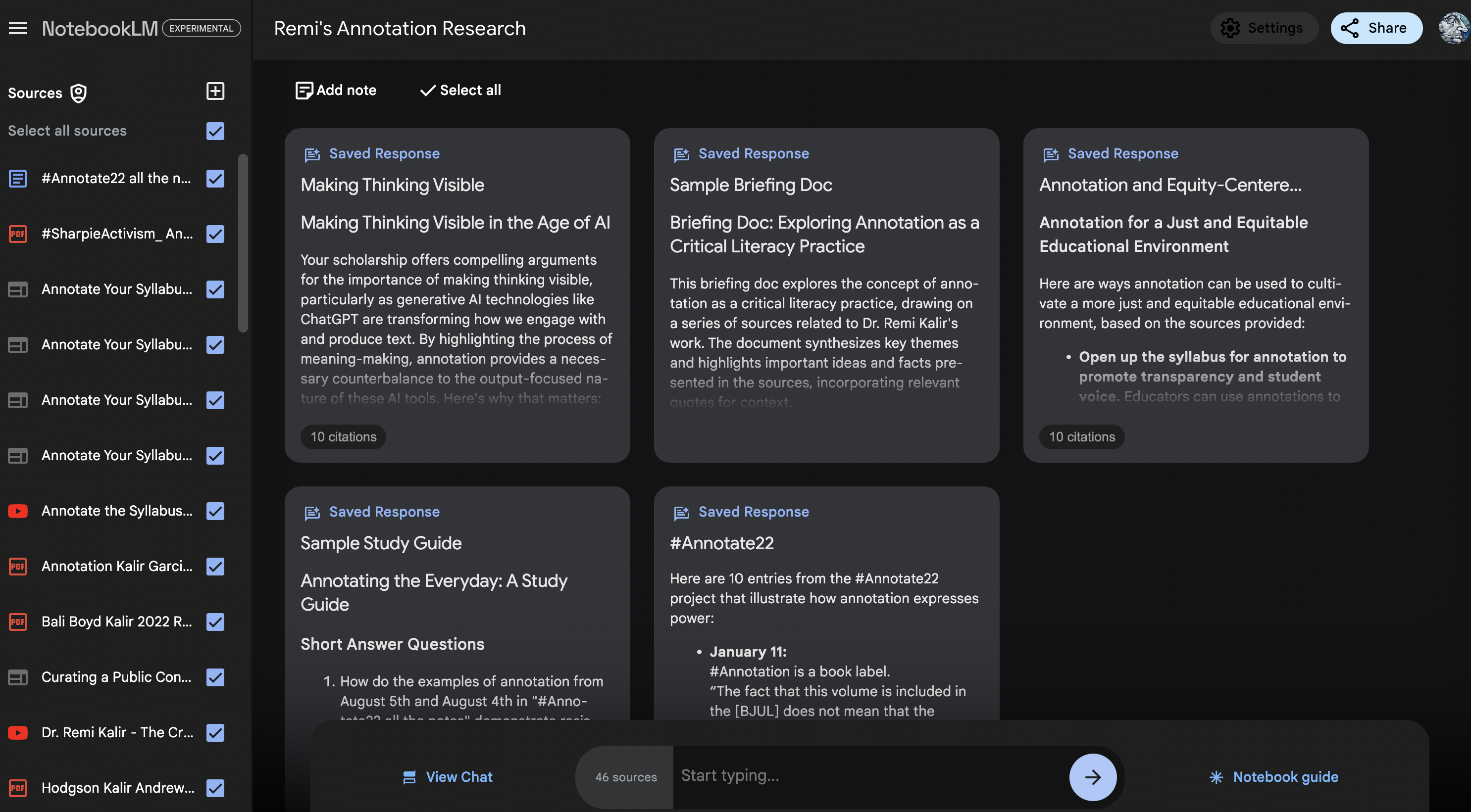
For the reverse use case — importing a podcast transcript into NotebookLM and letting AI generate a structured Q&A summary, a mind map, or a derivative audio briefing — it also performs impressively. Its biggest differentiator is traceability: every summary conclusion can be clicked through to the exact spot in the original source, which is genuinely useful when working through long, technical interviews.
Core features:
Audio Overview — automatically turns a document or transcript into a two-host, podcast-style audio briefing
Every summary conclusion links back to its position in the source text, reducing the risk of hallucination
Import multiple documents simultaneously for cross-summarization and comparison
Generous free quota, good fit for individual research and light use
Pricing: Free for individuals with a daily usage cap; Google One AI Plus (~$4.99/month) and Pro (~$19.99/month) unlock higher quotas and more features.
6. Descript
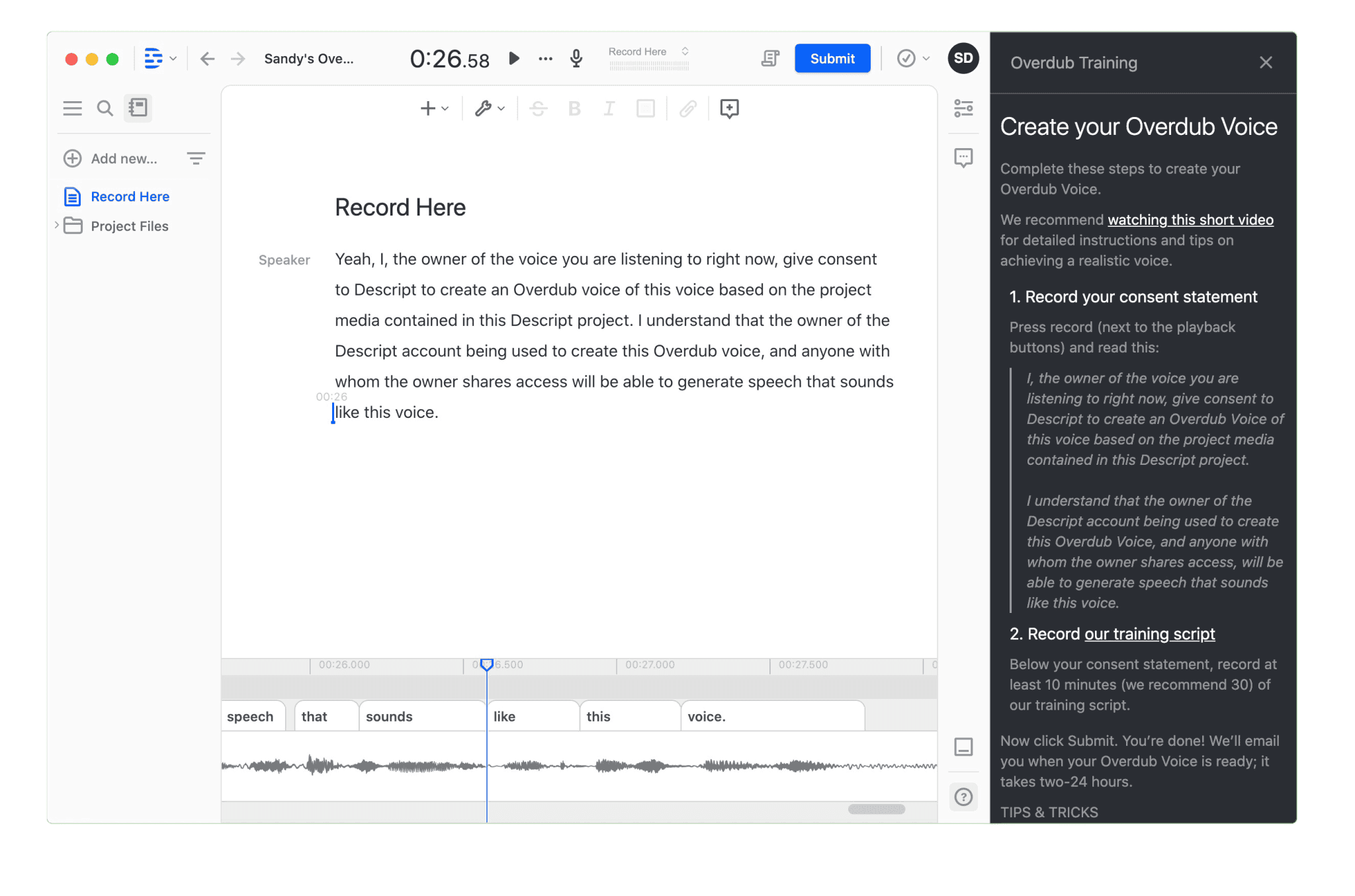
Descript is the flagship example of "edit audio and video by editing the transcript," and the value is especially clear for podcast producers — a category WIRED has covered at length as AI voice tools reshape podcast production. Upload a recording, and Descript first generates a transcript — every editing action after that, from deleting filler words to cutting a section to reordering the conversation, happens directly on the transcript, with the corresponding audio edit generated automatically.
Its transcription and summarization capability functions more like part of the production pipeline than a standalone final output: the transcript exists to cut the episode, and the chapters and summary that come along with it are a bonus for listeners. That's the biggest difference between Descript and a pure "speech to text" tool — it's built for podcast producers, not just people who want to read the text.
Core features:
Transcript-as-editor: edit audio and video the way you'd edit a Word document
One-click removal of filler words, dead air, and flubbed retakes
AI-generated chapters, summaries, and captions
Overdub voice-cloning, which can fix a misspoken word without a re-recording

- Rooms remote recording, so a host and a remote guest can still produce clean, multi-track audio
Pricing: Free plan at $0, including basic transcription and editing; Hobbyist plan ~$16/month billed annually (~$24/month billed monthly); Creator plan ~$24/month billed annually (~$35/month billed monthly); Business plan ~$50/month per seat billed annually (~$65/month per seat billed monthly); custom Enterprise pricing.
7. Otter.ai
Otter.ai was one of the first companies to turn "meeting notes" and "podcast transcription" into mainstream products — a milestone TechCrunch tracked back when Otter raised its Series B — and it's still the best-known name in transcription tools today. Its core use case actually leans toward meetings — live captioning and auto-join for Zoom, Google Meet, and Teams — but the same underlying tech also powers long-form audio file transcription, and plenty of podcast producers use it to generate transcripts directly.
Otter's strength is maturity: years of refinement on multilingual support (English, Spanish, French, German, Japanese, Simplified Chinese), speaker identification, a searchable archive, and deep integration with enterprise workflows. The downside is a subscription-heavy pricing structure — go over your monthly minutes and you have to upgrade, rather than paying flexibly for actual usage, one of the trade-offs G2 reviewers frequently weigh when comparing transcription software.
Core features:
Live meeting captioning with auto-join for Zoom / Google Meet / Teams
Multilingual transcription support, including Simplified Chinese
Automatic speaker identification and segmentation

A searchable transcript archive with team sharing
Integrations with CRMs, Slack, and other enterprise tools
Pricing: Free plan at 300 minutes/month; Pro plan ~$16.99/month (~$8.33/month billed annually, 1,200 minutes/month); Business plan ~$24–30/month (~$19.99/month billed annually, 6,000 minutes); custom Enterprise pricing.
8. Podsqueeze
Podsqueeze is a tool built specifically for podcast publishing — its core use case is generating everything a show-notes page needs: a titled episode summary, timestamped chapters, key takeaways, clip captions, social media posts, and a list of resources mentioned in the episode.

Compared with Castmagic's broader content-type coverage, Podsqueeze is more tightly focused on the publishing step specifically, which makes it a good fit for podcasters who already have a stable recording rhythm and just want to save the time spent writing show notes.
Core features:
Automatically generates episode page copy: title, description, timestamped chapters
Extracts resource links mentioned in the episode and organizes them into a list
Generates social media copy suited for clip distribution
A free tier for light testing, with a per-minute-processed paid tier for shows publishing on a regular schedule
Pricing: Free tier available for trial use; Starter plan ~$8.99/month (120 minutes of processing); Pro plan ~$49/month (320 minutes of processing); Agency Lite plan ~$89/month (600 minutes of processing).
9. HappyScribe
HappyScribe is a longstanding transcription and subtitling service — one of the transcription apps Zapier tracks for integration into broader automation workflows — covering 150-plus languages, and it's a common choice for multilingual content teams and film/TV subtitle production. Its AI transcription accuracy sits in the 85–95% range, with human proofreading available as a higher-precision add-on.

For teams that need multilingual subtitles for podcasts or video content — or whose source material is recorded in multiple languages to begin with — HappyScribe's language coverage is its clearest advantage relative to other tools on this list.
Core features:
AI transcription across 150-plus languages
Human transcription and proofreading as a higher-precision add-on
Subtitle generation and multi-format export (SRT, VTT, and more)
Batch processing for large volumes of audio and video files
Pricing: Free plan available; Basic plan from ~$17/month (~$8.50/month billed annually, 120 AI minutes); Business plan ~$89/month (~$59/month billed annually, 6,000 AI minutes); overage AI transcription minutes ~$0.20/minute; human transcription billed separately, starting around $2/minute.
10. Rev
Rev is a representative of the "AI + human" hybrid model in the transcription industry, established early and with a strong reputation. Its core selling point is that when accuracy requirements are extremely high—such as legal records, medical interviews, and media reports requiring word-for-word verification—AI transcription is unreliable, allowing users to directly purchase human transcription services for transcription and proofreading by real transcribers.

For podcasts, Rev is more suitable for professional content with strict requirements for transcript accuracy (such as in-depth investigative podcasts) rather than daily updates prioritizing speed and cost efficiency.
Core features:
AI automatic transcription (Reverb engine), billed per minute
Human transcription and proofreading for higher accuracy in professional contexts
Subtitle and subtitle translation services
API access for embedding into your own product workflow
Pricing: Free plan available; Essentials plan $25.49 per seat/month; Pro plan $47.99 per seat/month.
Final thoughts
By 2026, the podcast tools market has split into two clear lanes: one serves listeners, aiming to deliver the same information density in less time; the other serves producers, aiming to automate all the surrounding work that comes after an episode wraps. Platforms like Kollab, which embed transcription into a larger workflow, try to connect those two lanes — transcription isn't the destination, it's the starting point for research and content production.
Which one to pick depends on where you sit in that chain: if all you want is to clear out your "to listen" list and capture the key points, a summary-focused app is enough. If you also need to write an article, produce a research report, or generate multiple derivative content formats after transcribing, a workspace that connects transcription to what comes next — like the workflow behind our own market research report built in 20 minutes — will save you more time spent switching between tools. Most of these tools offer a free tier — running one of your own real episodes through it tells you more than reading any single review.